Animals in Housing.Cloud
Last updated: October 13, 2026
Animals is Housing.Cloud's feature for managing the animals that live in your communities, whether they are support animals, service animals, or pets in pet-friendly housing. It replaces the workaround of collecting animal details through extra forms and spreadsheets: each animal gets its own profile, its own application, and its own record of stays, all tied back to the student who owns it.
Every animal relates back to a student. An animal application carries the terms a student signs, approval marks the animal as approved for a housing cycle, and check-in records when the animal is actually present in its owner's space. Data you collect through animal fields lands on the animal profile, where staff can filter, export, and report on it.
How the pieces fit together
Setting up Animals touches four areas of the admin side of Housing.Cloud, in this order:
Animal custom fields define the attributes you track for each animal, such as species, color, vaccination date, or weight. They work like the custom profile fields you use for students, but describe the animal instead of the person. See Create Animal Custom Fields.
The animal application form is built in the Form Builder as a form of type "Animals". It carries the agreements the student signs, such as behavior standards and liability terms, while the animal's details are collected through the custom fields. See Build and publish an animal application form.
The housing cycle is where the form is enabled. Animal applications are tied to a cycle, so students encounter the form during their application process for that cycle. You control whether it is required and which students can see it, for example only students already approved for an accommodation. See Enable Animal Applications for a Housing Cycle.
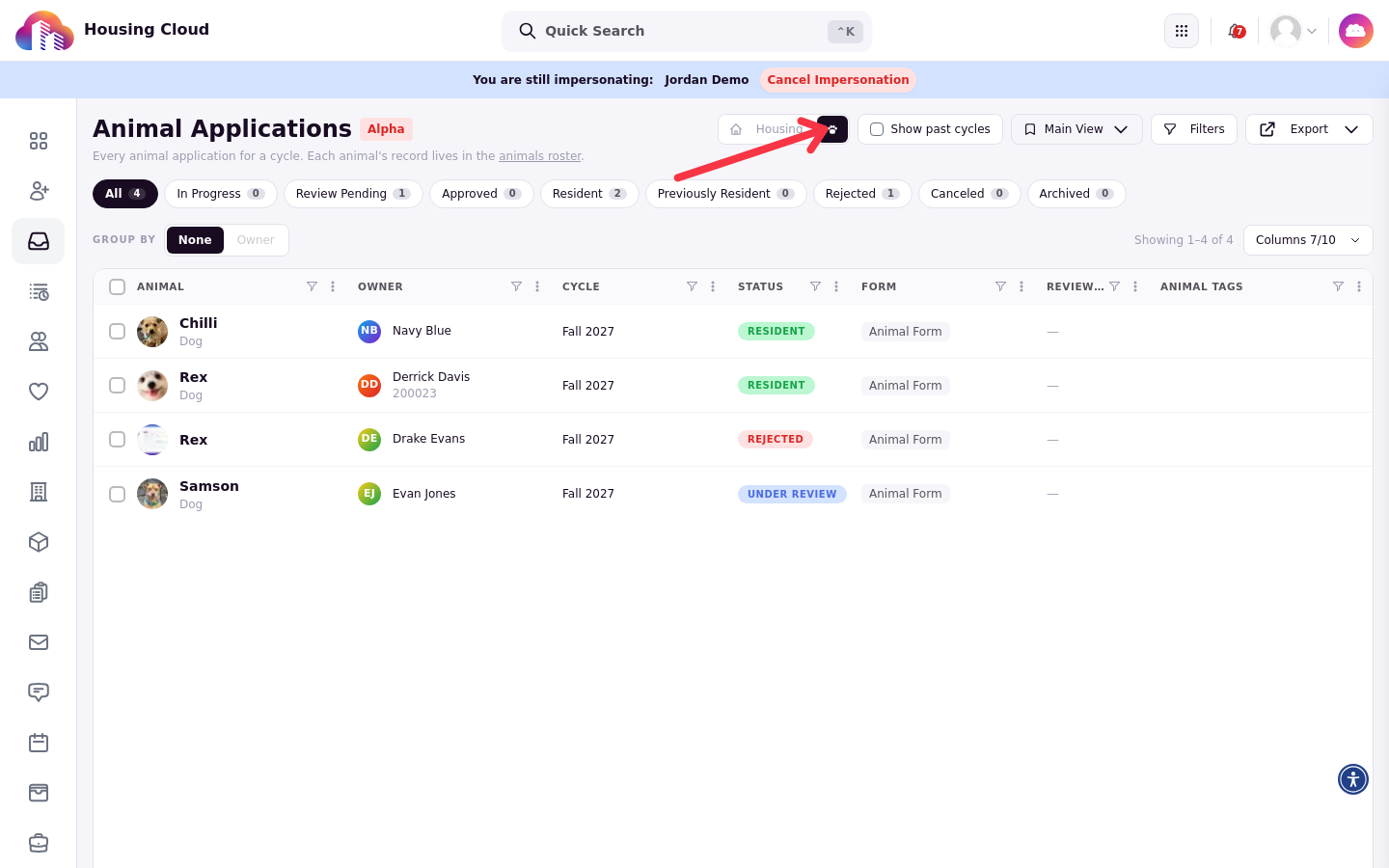
Review and check-in complete the flow. Staff review submitted applications in the Animal Applications area of Applications, approve them, and then check the animal in alongside its owner when the owner is checked in. See Review and Approve Animal Applications and Check Animals In and Out.
The review table lists one row per submitted application with its status, so you can see at a glance what still needs a decision.
Where animals live in the product
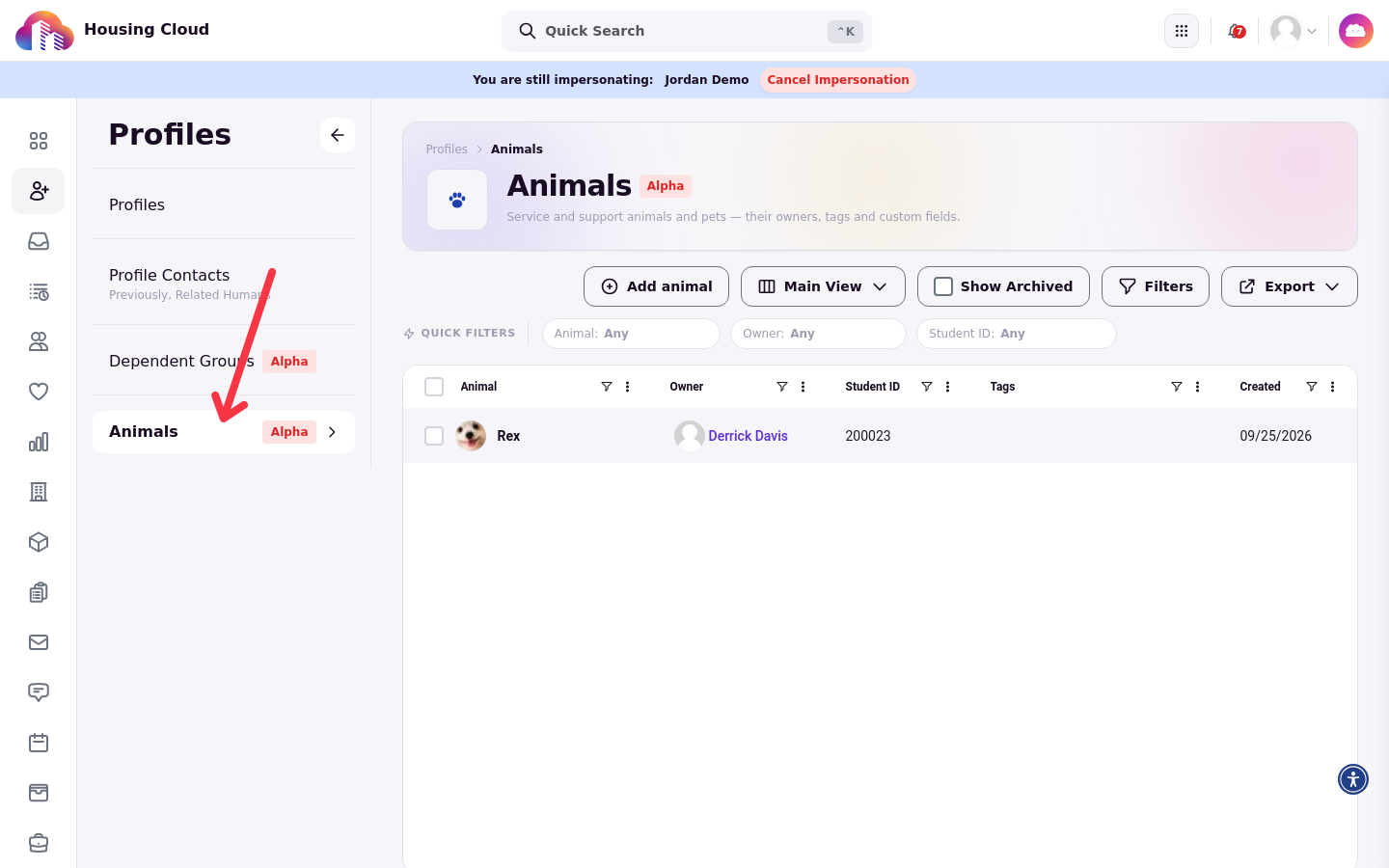
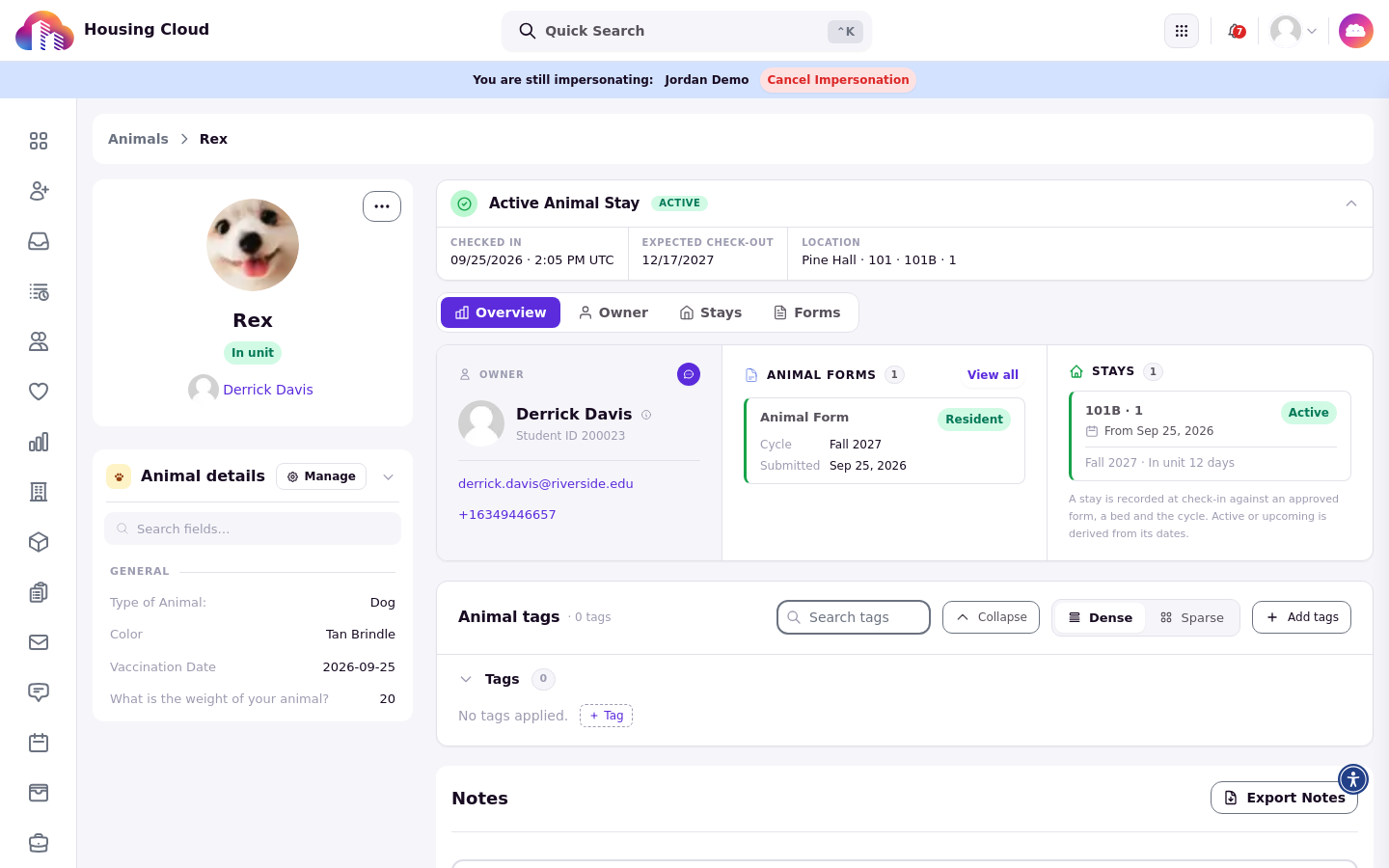
The Animals roster sits under Profiles, next to your student lists. Each animal has a profile with its tags, notes, owner, form history, and stays. See Manage Animal Profiles.
The profile page organizes everything about one animal into tabs: Overview for its details, tags, and notes, plus Owner, Stays, and Forms.
Students complete animal applications themselves in the Resident Portal, from the Animal forms card in the Additional docs section of their housing application. See Submit an Animal Application, for Students.
Who can use Animals
The Animals feature is enabled for your organization. If you do not see the Animals page under Profiles, contact Housing.Cloud to have it enabled. Admin access to animals, animal forms, and animal applications is controlled by dedicated permissions such as "View animals" and "Review animal forms", so you can grant check-in staff access to only what they need.