Create Resource Categories and Desk Locations
Last updated: October 8, 2026
Categories organize the catalog into groups residents recognize when they browse, and a location is the desk where residents pick items up and bring them back. Create categories before you build resource types, because every type points at a category. Locations are optional: create one if you want to assign a default pickup location.
Both live in the admin menu under Resources: categories under Resource Categories, locations under Resource Locations.
Before you start
Creating or editing either one requires the Manage resource catalog permission.
Have your category list and sort order decided before you start; sort order controls the order categories appear to residents.
Create a category
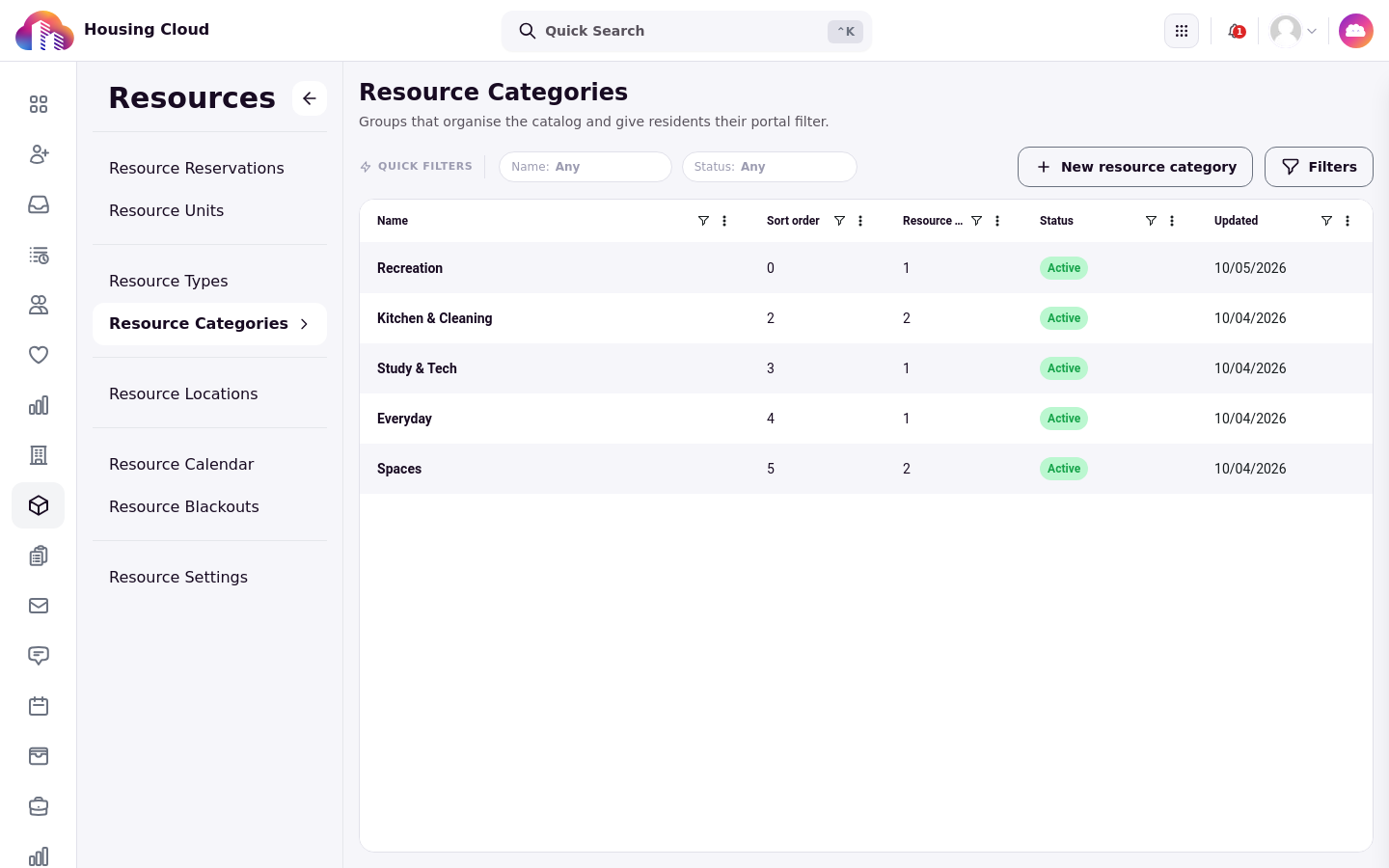
From Resource Categories, click New resource category. Give the category a Name residents will recognize, a Sort order number for where it appears in the browsing list, and leave it Active. Save, and the category appears in the grid.
Categories are folders, not rules: they never control who may borrow or how an item is lent. A category's detail page lists the resource types filed under it.
Create a desk location
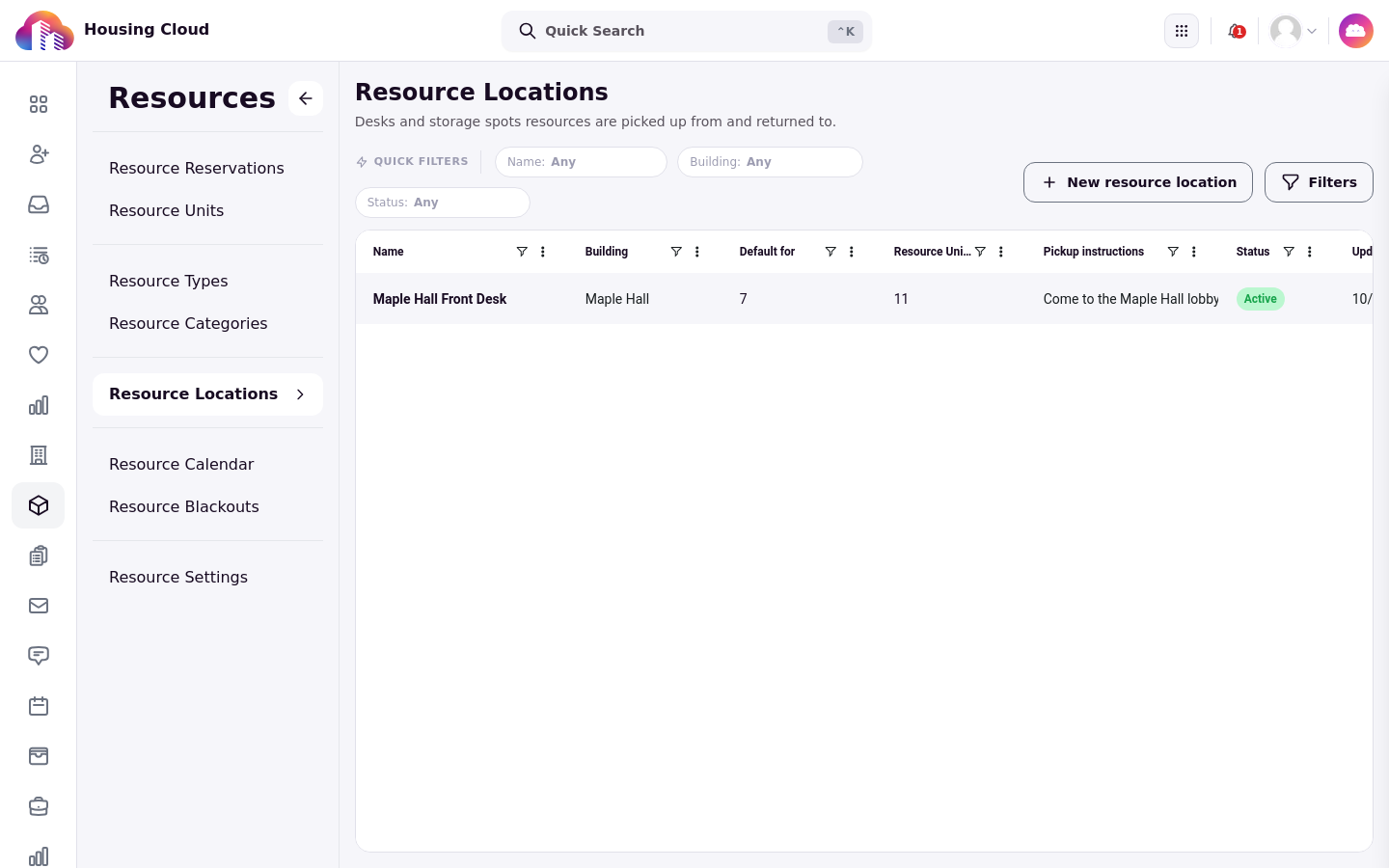
From Resource Locations, click New resource location. Give the location the desk's name, such as a hall's front desk. The Building field is optional: tying a desk to a building also lets it show that building's residents' reservations, which is why the building matters for desks that serve a whole hall.
Pickup instructions is shown to residents on their reservations, so write what a student actually needs: where the desk is, what to bring, and when it is open. Leave the location Active and save.
What each detail page shows
A category's detail page lists the resource types filed under it. A location's detail page goes further: the types tied to it, the units shelved there, and an activity trail of what has happened at that desk.
Verify the setup by opening each new item from its grid: the category lists its types, and the location lists its units. Once locations exist, every resource type you create can name a Default pickup location, which is where its reservations are collected unless the type says otherwise.