What Residents See: AI Answers in the Help Center
Last updated: October 13, 2026
Residents don't chat with Cloudy. The one Cloudy-family feature they use directly is the AI answer in the help center: when a student asks a question, an answer is written from your school's own help articles, with the articles it used listed.

The "AI Answers In The Help Center" card in Feature Management.
Turn it on
This is the one Cloudy-family switch your school controls itself. Turn on "AI Answers In The Help Center" in Feature Management. It also needs the help center and Cloudy to be on for your school.
How answers are written
Answers are written only from articles that student is allowed to see. If no article covers the question, no answer is shown. Each answer lists the articles it used, so the student can read the source.
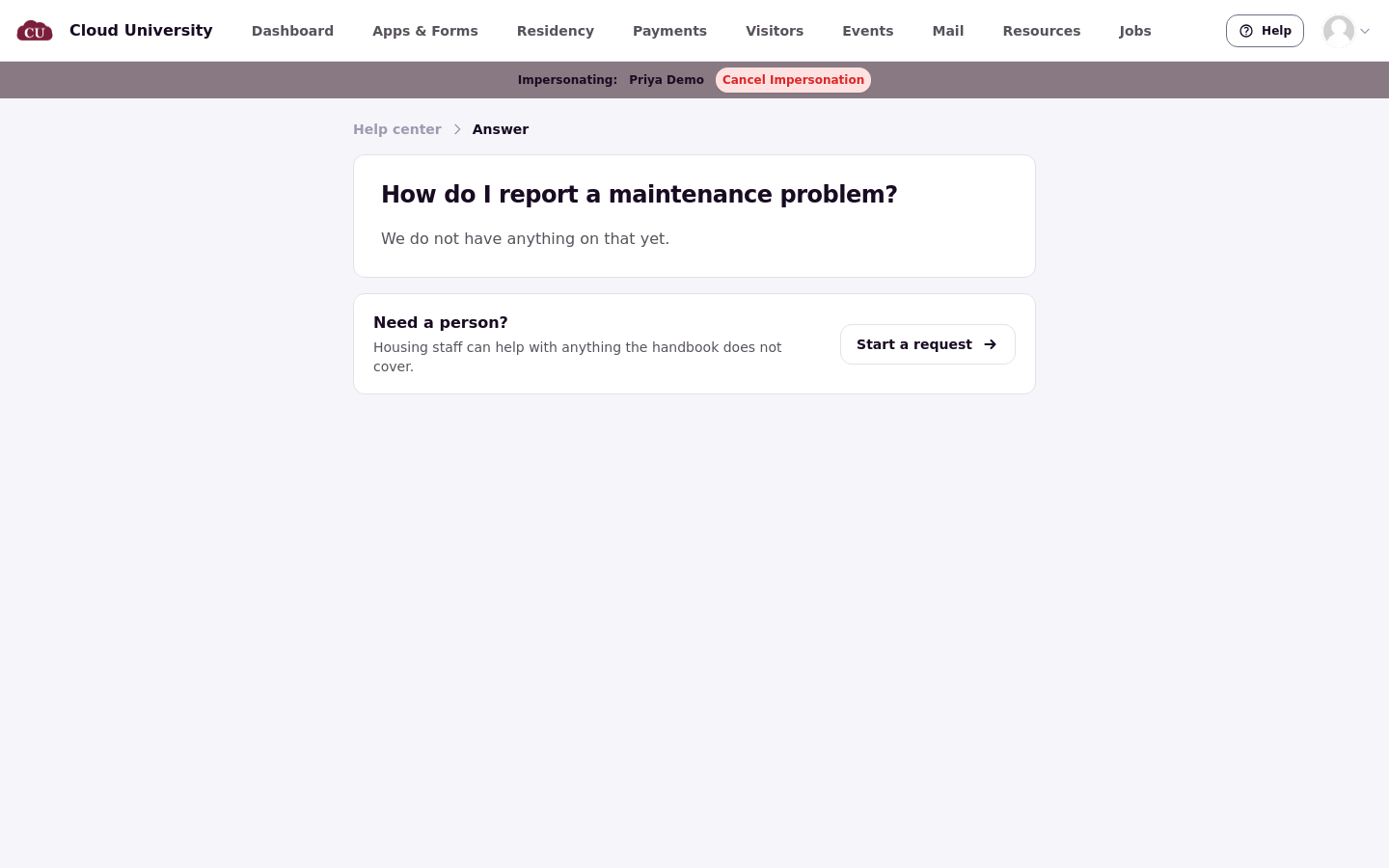
When no article covers the question, the student sees "We do not have anything on that yet" and a "Start a request" pointer instead of an AI answer.
Limits
Each student can get up to 20 AI answers per day.
Other AI residents may notice
Roommate recommendations are the other AI feature residents see directly. They are covered in the roommate matching articles.
Setting up the help center itself
The full help center setup is covered in the Help and Support article set. This article only covers the AI answers.