Draft an Event with Cloudy
Last updated: October 8, 2026
Describe an event in a paragraph and Cloudy fills in the event form: the basics, when and where, tickets and audience. Redraft any section with feedback, generate a poster, then review and save. Saving creates a draft; nothing is published automatically.
At Maple Hall… Sam wants a Welcome Back Game Night in the lounge next Friday and describes it in two sentences.
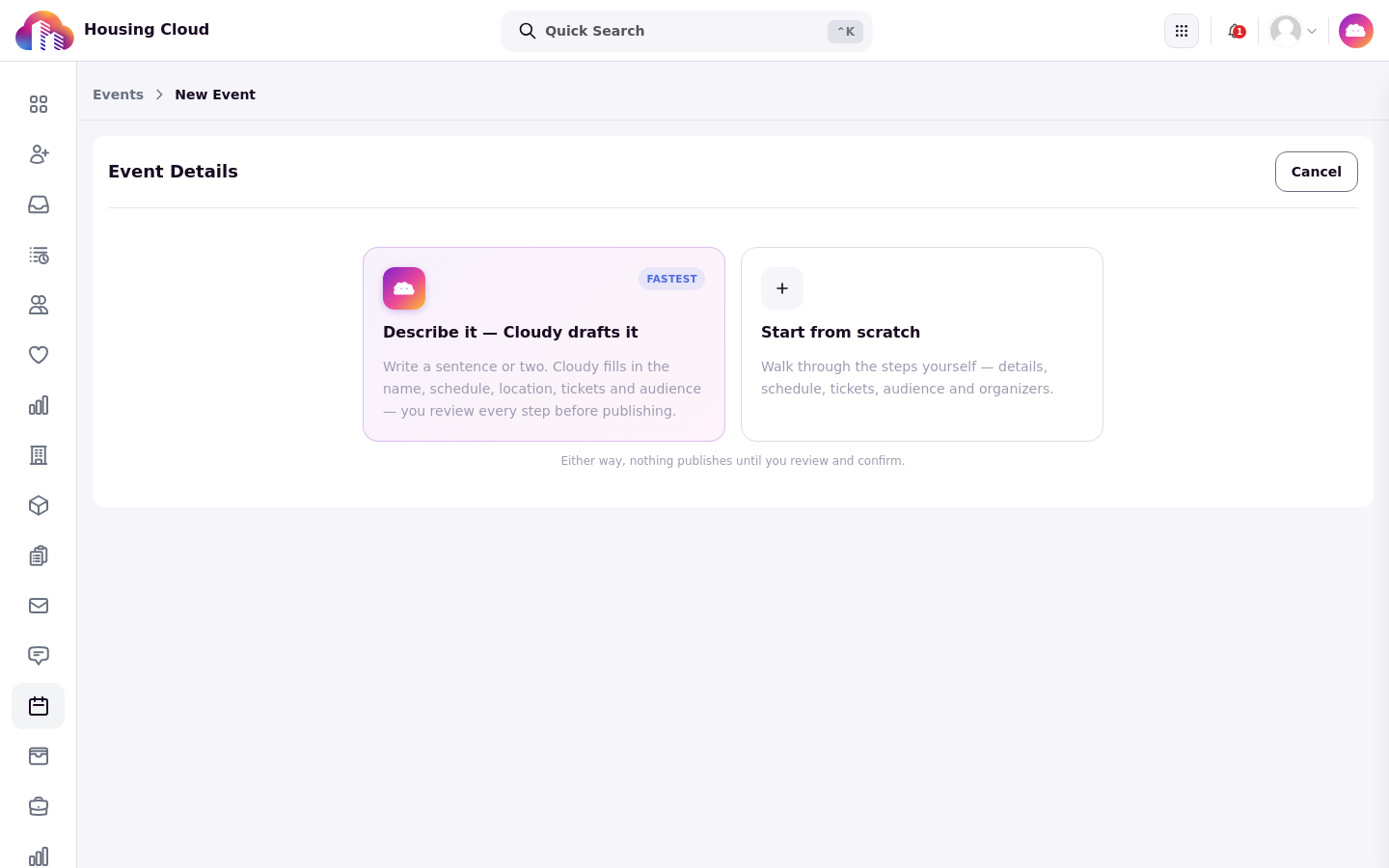
The choice screen: "Describe it — Cloudy drafts it" or "Start from scratch".
Where to start
Go to Events and start a new event when your school has Cloudy event drafting on. The choice screen offers "Describe it — Cloudy drafts it" or "Start from scratch".
Describe it
Type the event as a paragraph: what it is, when and where, who can come and any limit. Cloudy drafts it using only your school's categories, buildings and tags.
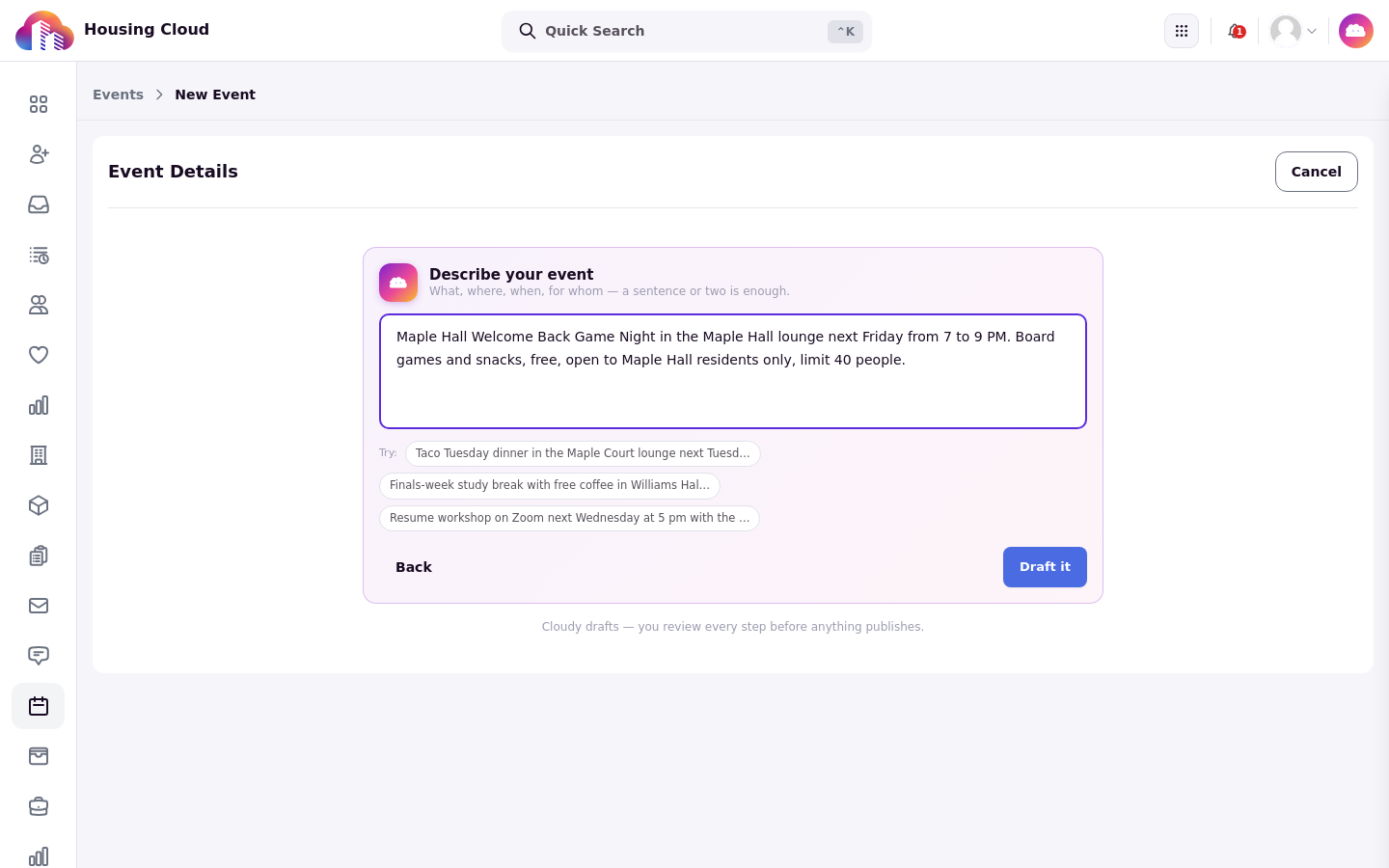
The description typed in the "Describe your event" box, ready for "Draft it".
Review what Cloudy drafted
The review screen carries a "Cloudy drafted this" banner. Read each section, and press "Redraft" on a section with optional feedback, for example "Mention that residents can bring their own games." Press "Re-describe" to change the original description instead.
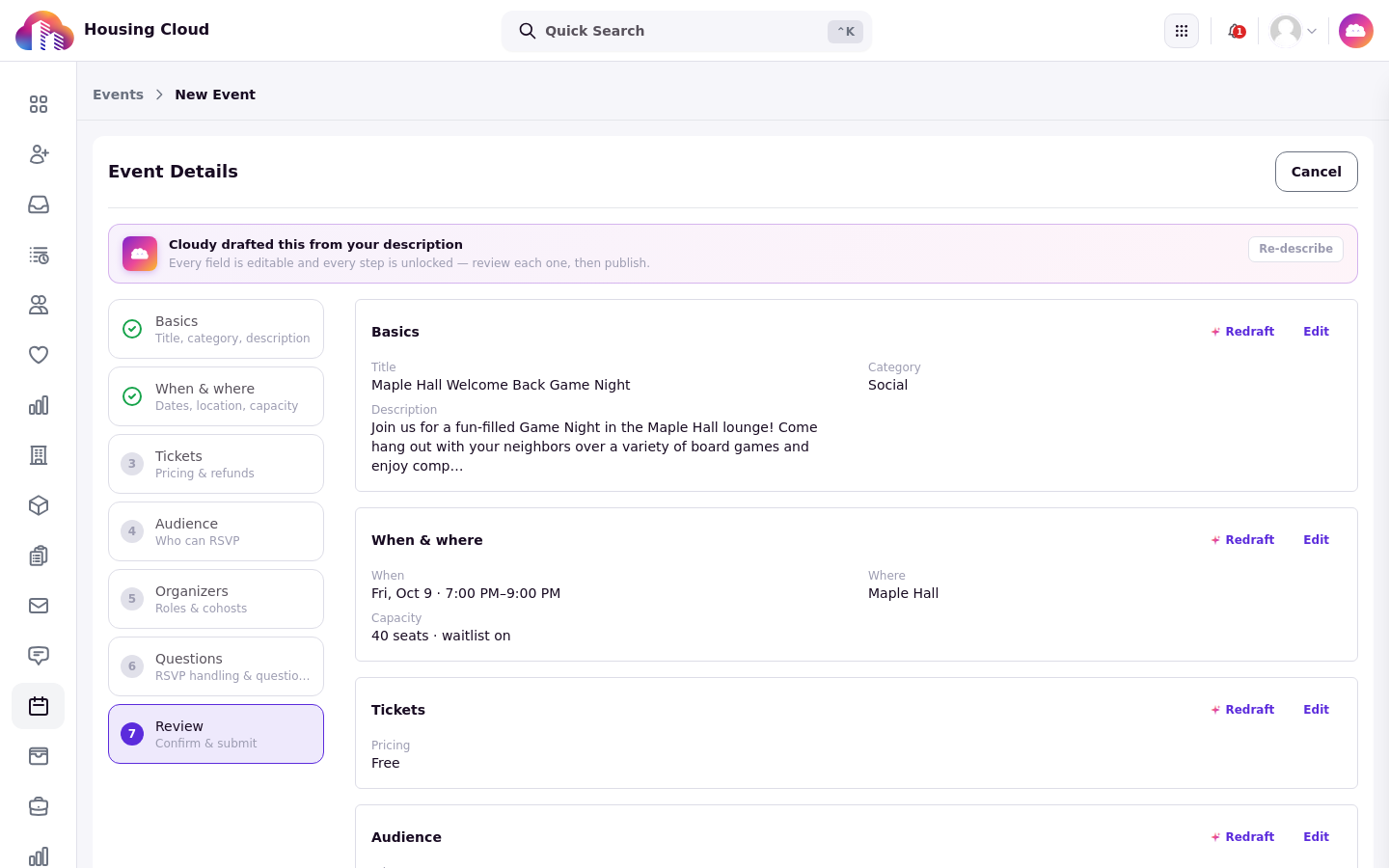
The review screen under the "Cloudy drafted this from your description" banner: category, date, seats and pricing already filled.
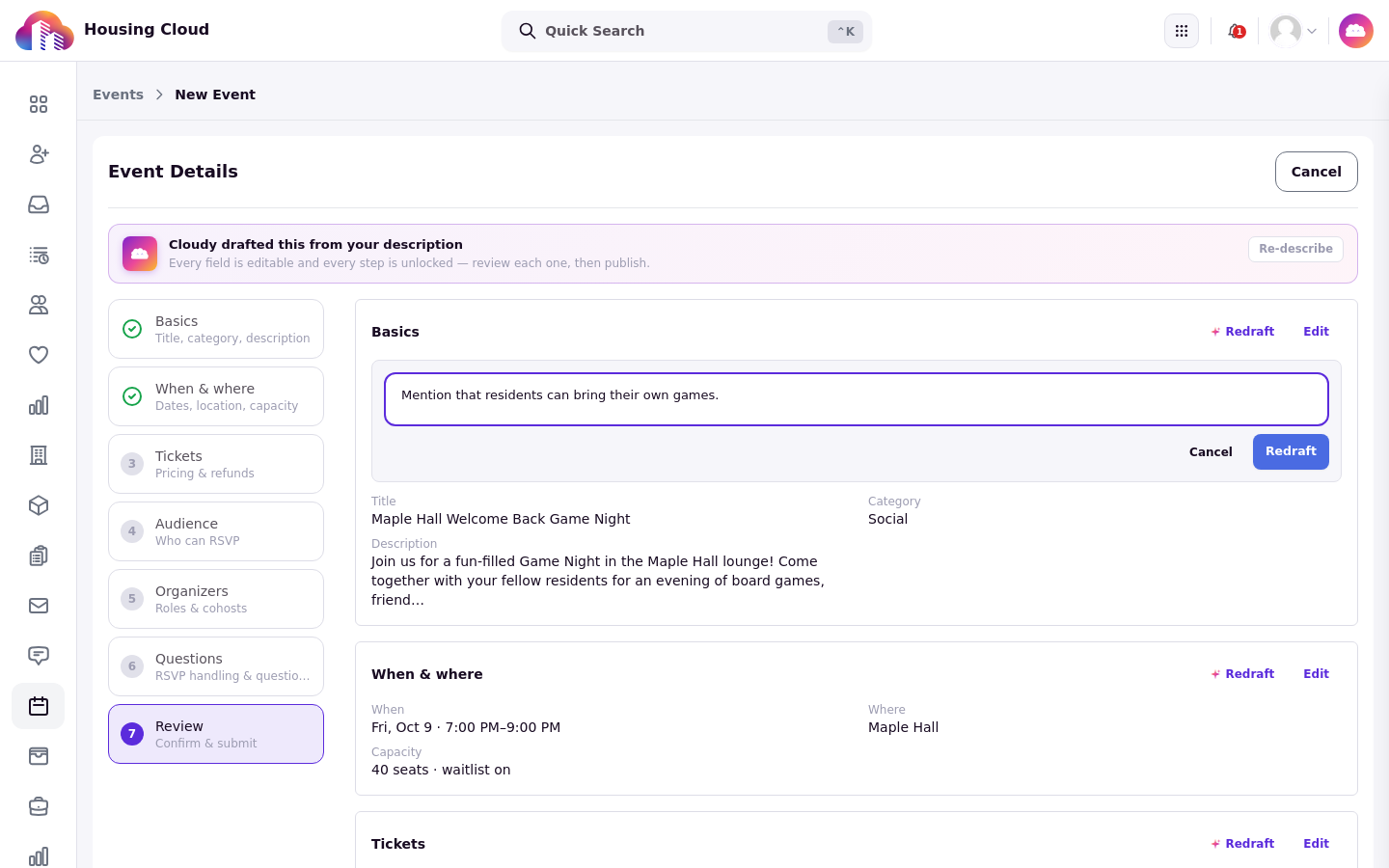
Each section has its own "Redraft" with a feedback box; here the description is being told to mention that residents can bring their own games.
Check the audience
The audience section shows who can see the event, with a live count of eligible residents. Check it before you save.
Generate a poster
In the poster slot, "Generate with Cloudy" makes a poster image. You can generate up to 20 posters a day. The poster slot sits in the Basics step; the event cover image is separate from the Cloudy poster.
No poster screenshot: poster generation did not finish in the training site during capture. The flow is unchanged: "Generate with Cloudy" makes a poster image in the poster slot.
Save as a draft
Saving with the "Create event" button creates a draft event. Announcing it to residents is a separate step you take yourself.
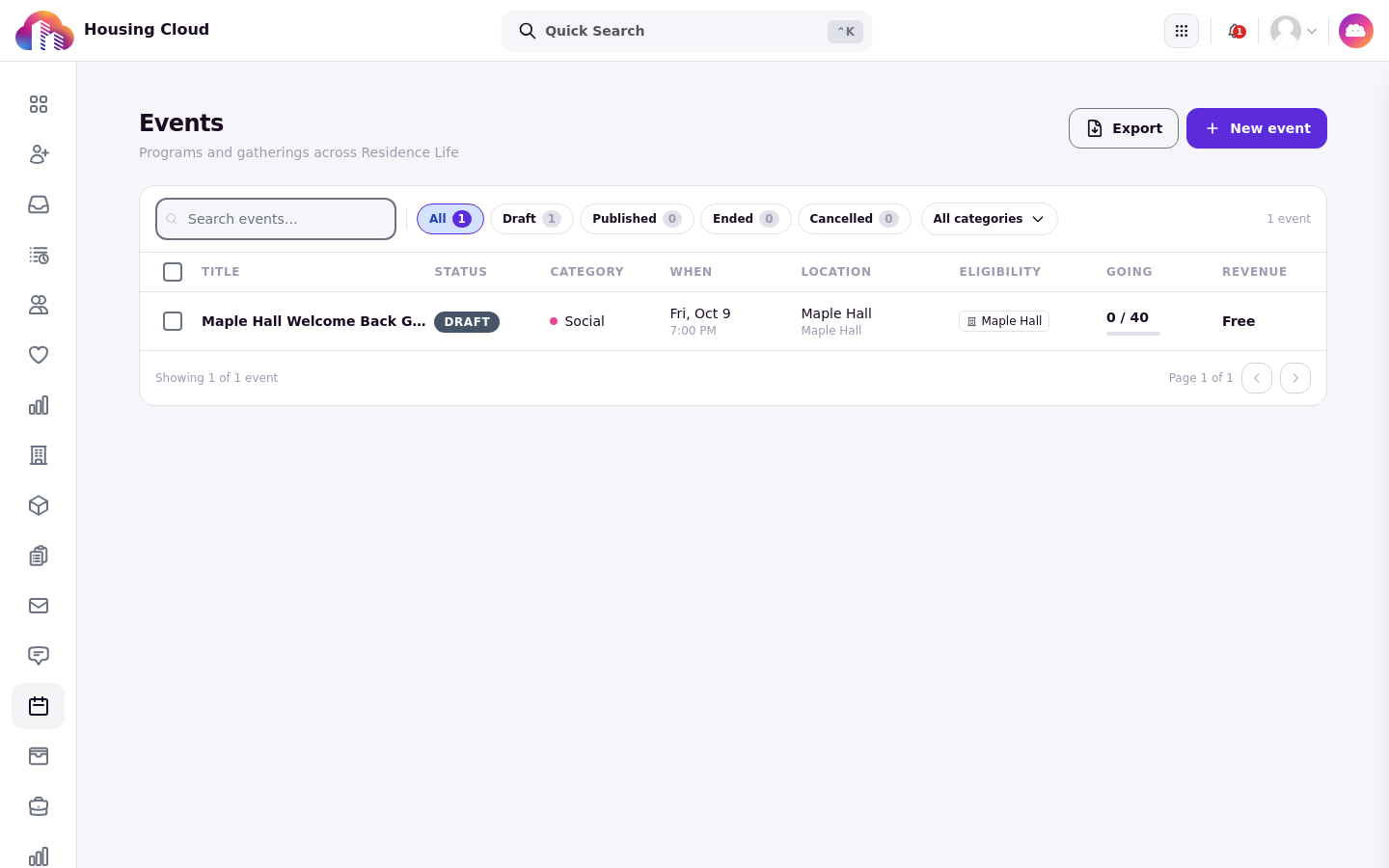
The saved event in the Events list, with its Draft status chip.