Summarize a Resident's Interactions
Last updated: October 8, 2026
"Summarize with Cloudy" on a resident's Interactions section writes a short paragraph about the resident's recorded interactions and labels the overall tone Positive, Neutral or Negative.
At Maple Hall… Jordan is meeting {STUDENT1} in ten minutes and wants the story of the last three check-ins in one paragraph.
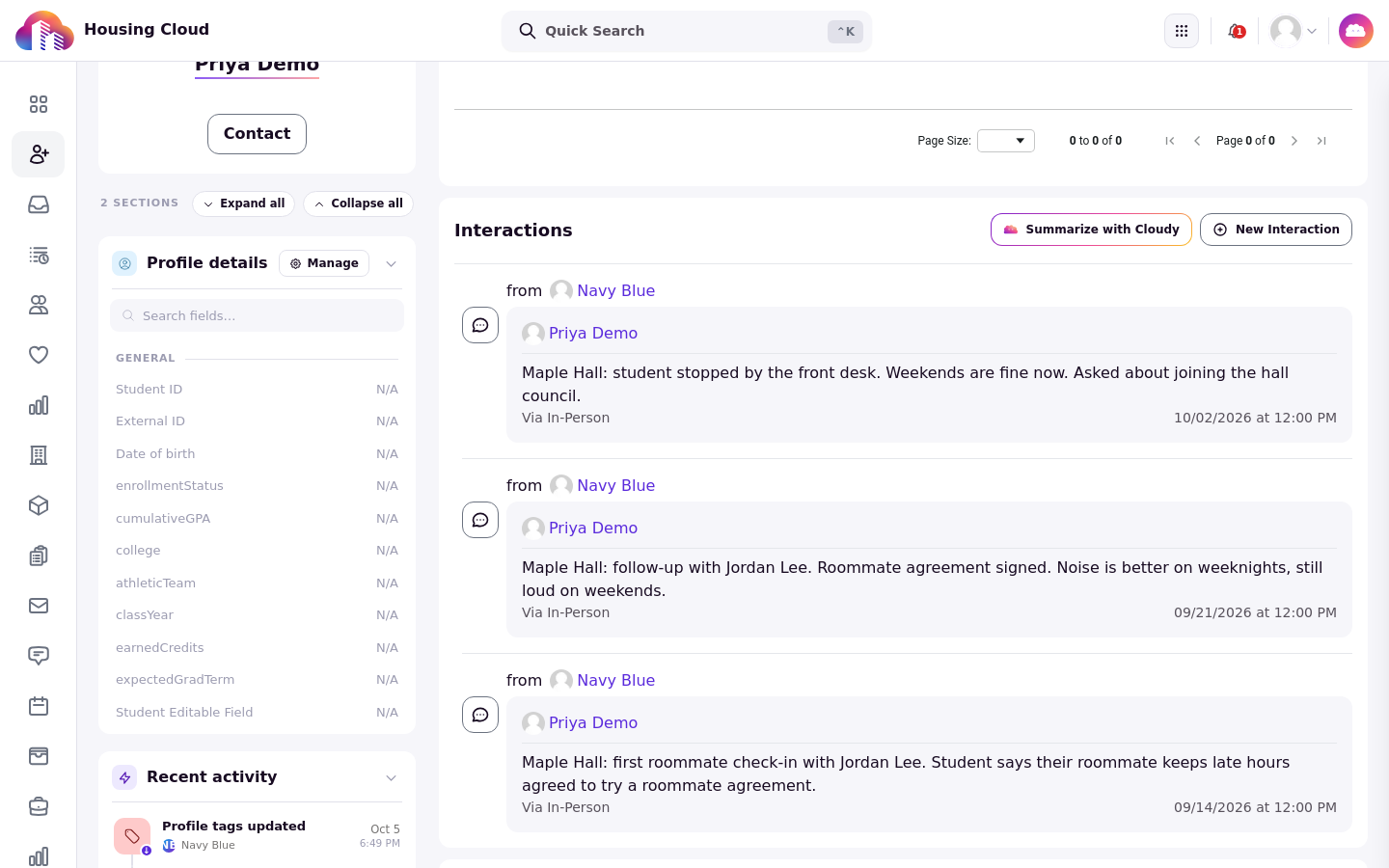
The Interactions section of a profile, with "Summarize with Cloudy" at the top right.
Where the button is
Open the resident's profile and go to the Interactions section. The button appears only for staff who have access to interactions.
Run the summary
Click "Summarize with Cloudy". The "Cloudy Summary" opens with a paragraph and a line such as "Based on N recorded interactions".
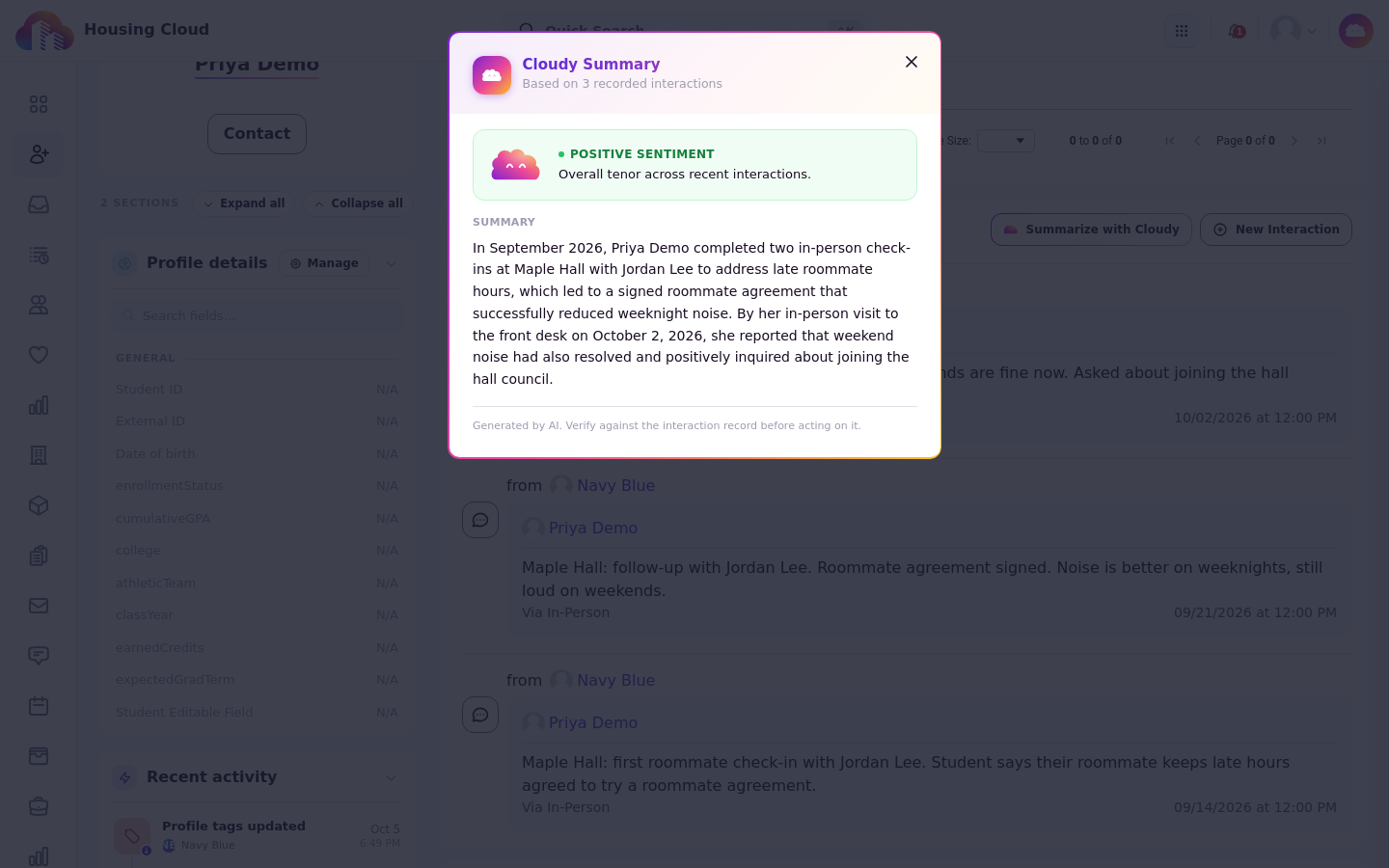
"Cloudy Summary": a paragraph, a "Based on 3 recorded interactions" line and the sentiment label. The window notes the summary was generated by AI.
Read the label
The label, "Positive", "Neutral" or "Negative sentiment", describes the overall tone of the staff notes. It is not a judgment about the student.
When the summary says rule-based fallback
"Rule-based fallback" means Cloudy couldn't write the summary and a simpler one is shown instead.
Long histories
For a resident with a long history, Cloudy reads the most recent 100 interactions.
Errors
"Cloudy couldn't summarize this history" means the summary failed; try again later. "Nothing to summarize yet." means there are no recorded interactions.