Build a Report by Describing It
Last updated: October 8, 2026
In the report builder, Cloudy can draft the whole report from a description, or draft one filter, metric or column at a time. You preview everything before it lands on the canvas, and you check it before you save.
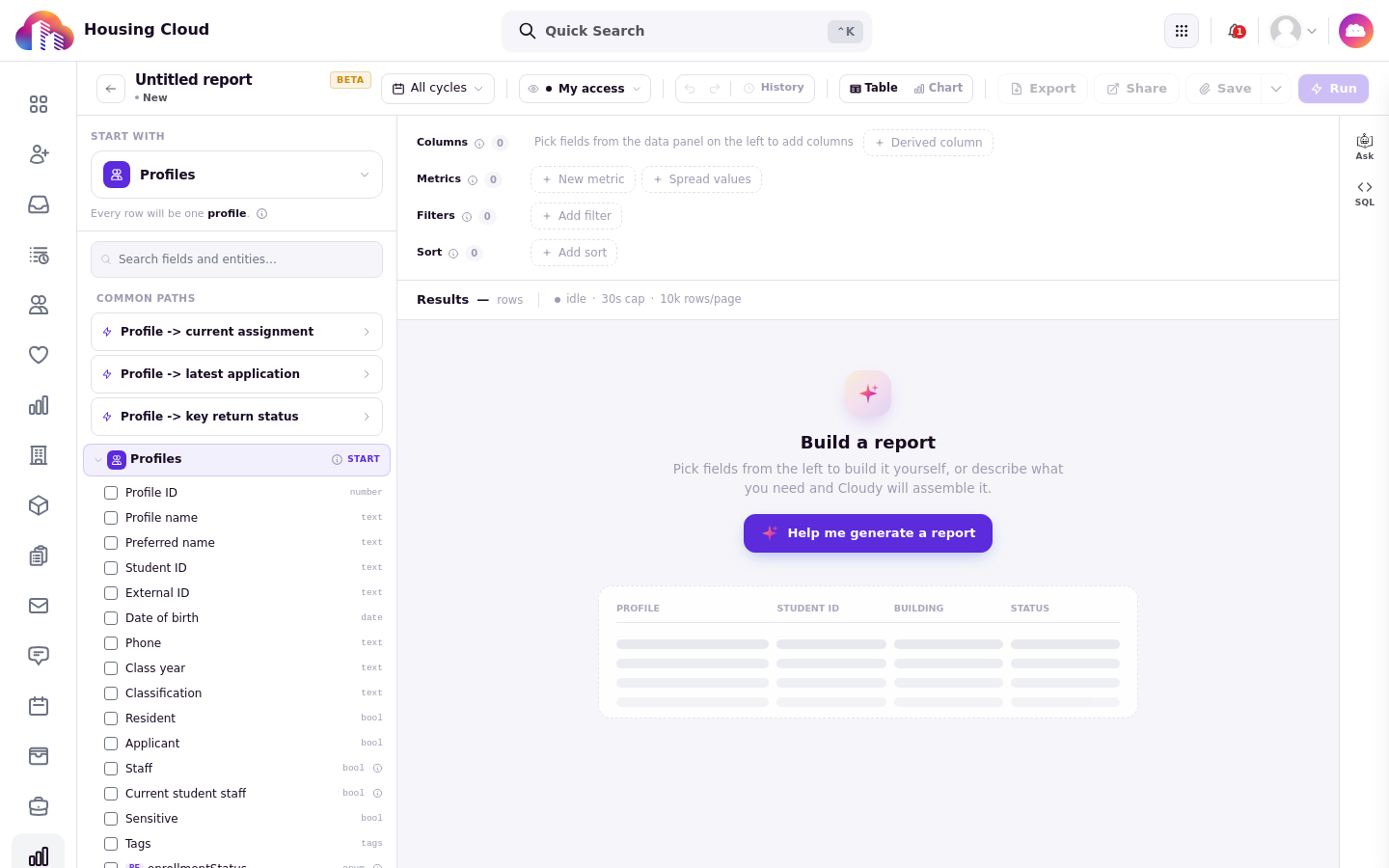
The empty canvas: build it yourself with the field panel on the left, or click "Help me generate a report".
Start with Help me build this report
Start a new report. On the empty canvas, click "Help me build this report". The Cloudy panel opens with "What report do you need?"; describe the report in the "Describe the report you need..." box and send it.
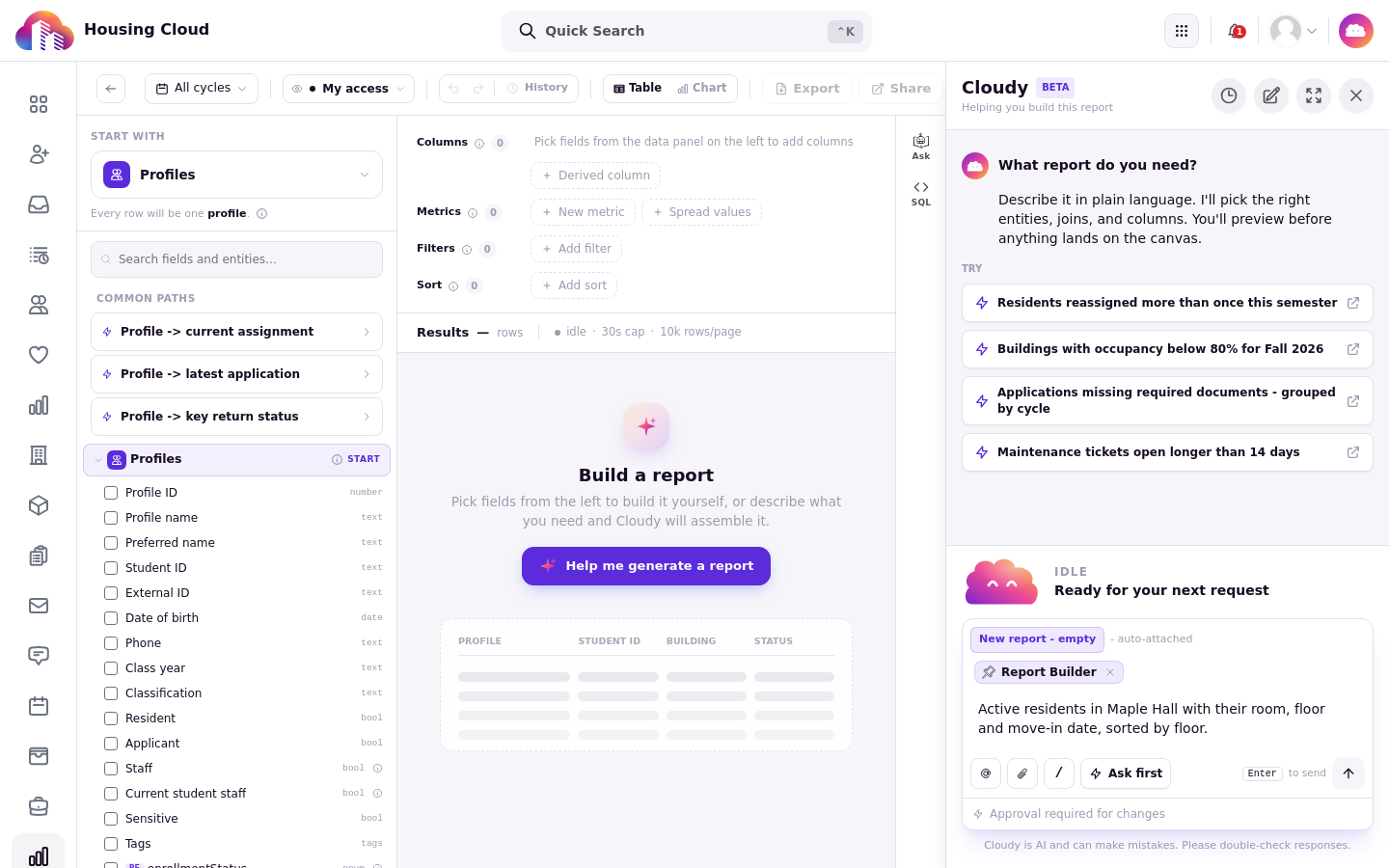
The Cloudy panel opens with "What report do you need?" and example report chips to try.
Review the proposal
Cloudy proposes the report and you preview it before anything lands on the canvas. When it looks right, use the builder action offered below the panel to put it on the canvas.
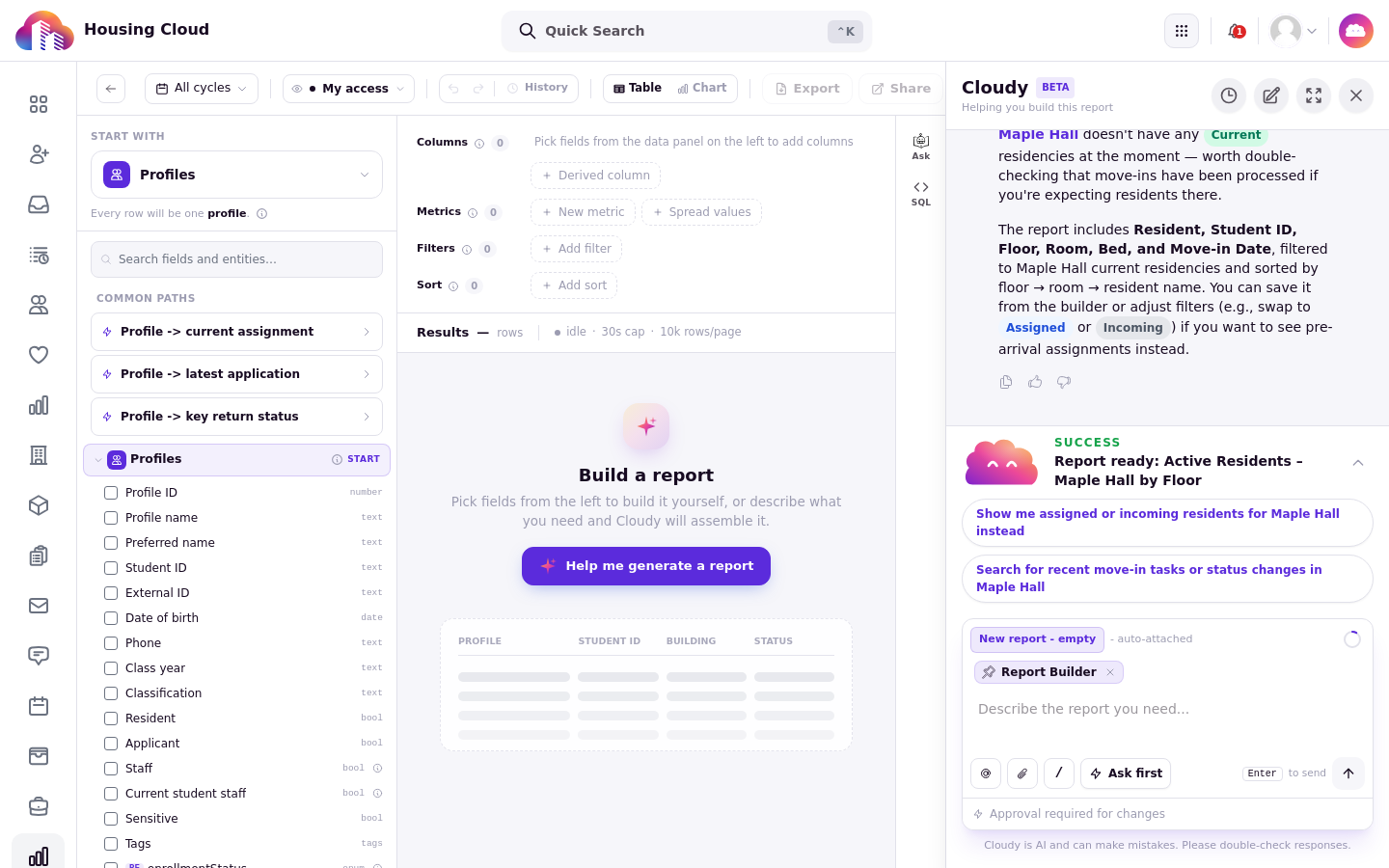
Cloudy describes what it will include (columns, the Maple Hall current-residency filter and the sort order) and flags anything that looks off.
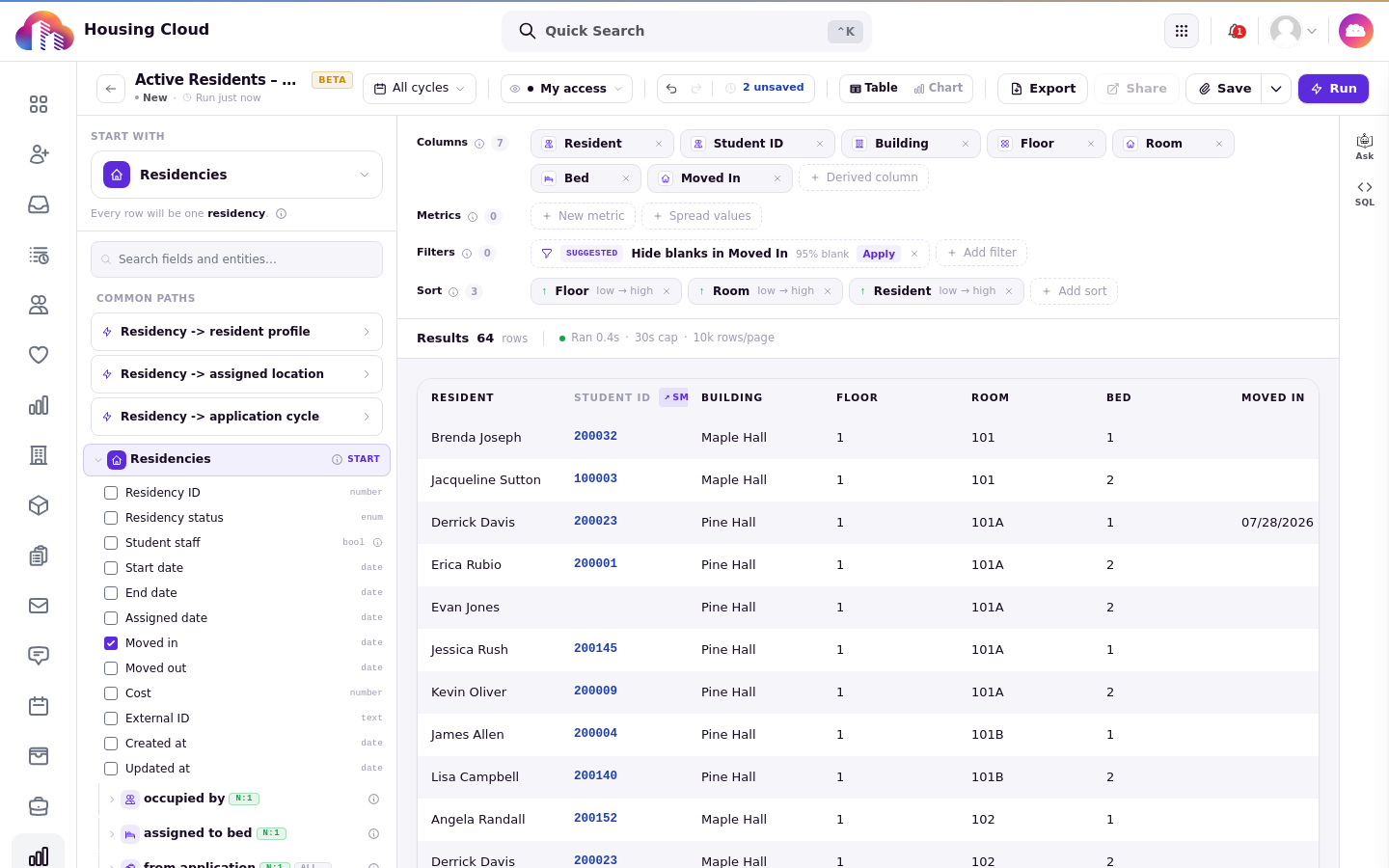
The report on the canvas: seven columns and sorts applied, ready to run, save or adjust.
Draft one piece at a time
Inside the builder, when you add a filter, a metric or a derived column, the window offers a "Describe in plain English" tab. Type what you want and press "Draft it". You can switch to "Build it myself" at any time.
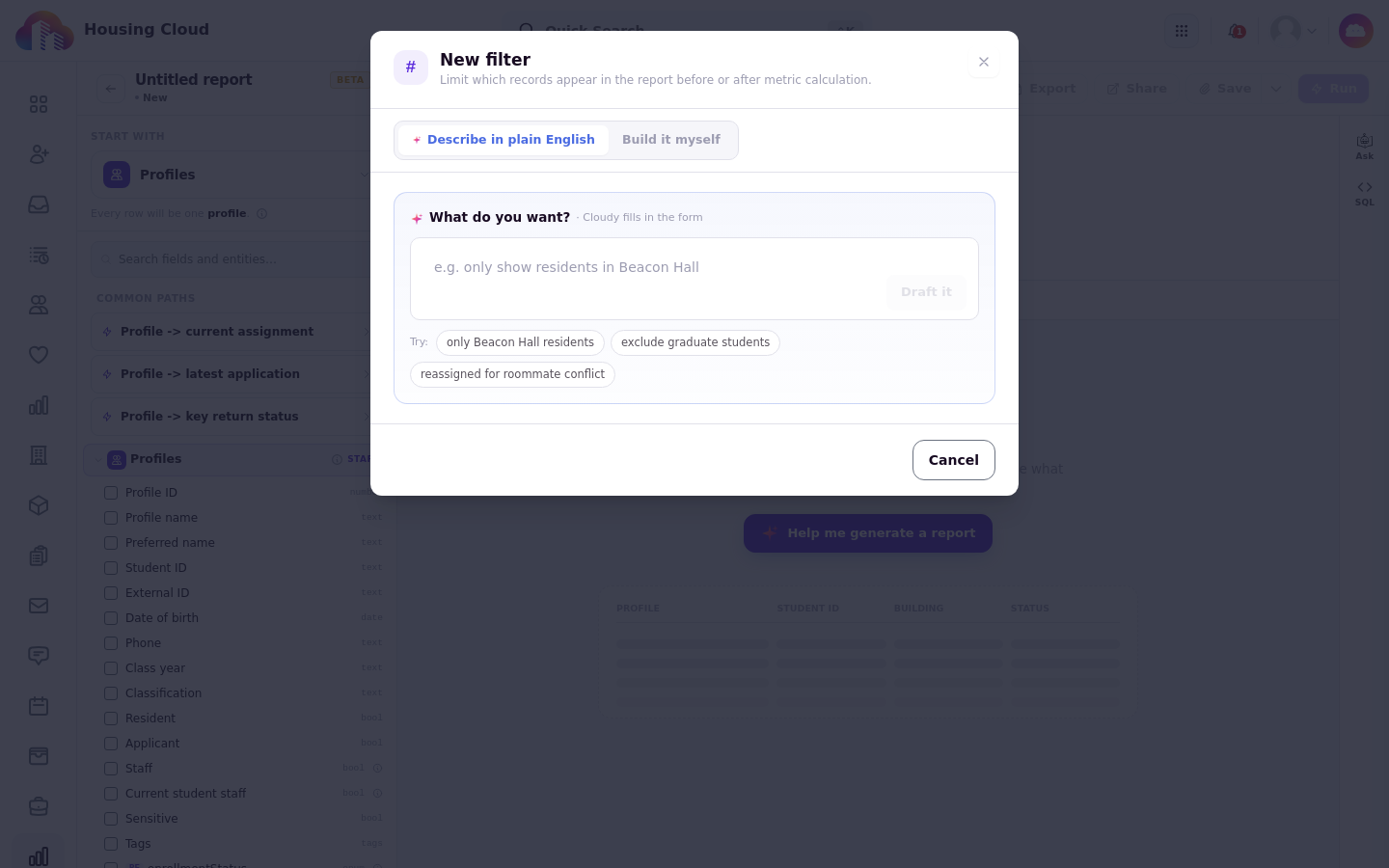
The New filter window opens with "Describe in plain English" selected. The form offers example requests and a Draft it button.
The drafted banner
A piece Cloudy drafted carries a banner that reads "Cloudy drafted this from …". Press "Re-describe" to ask again with different words.
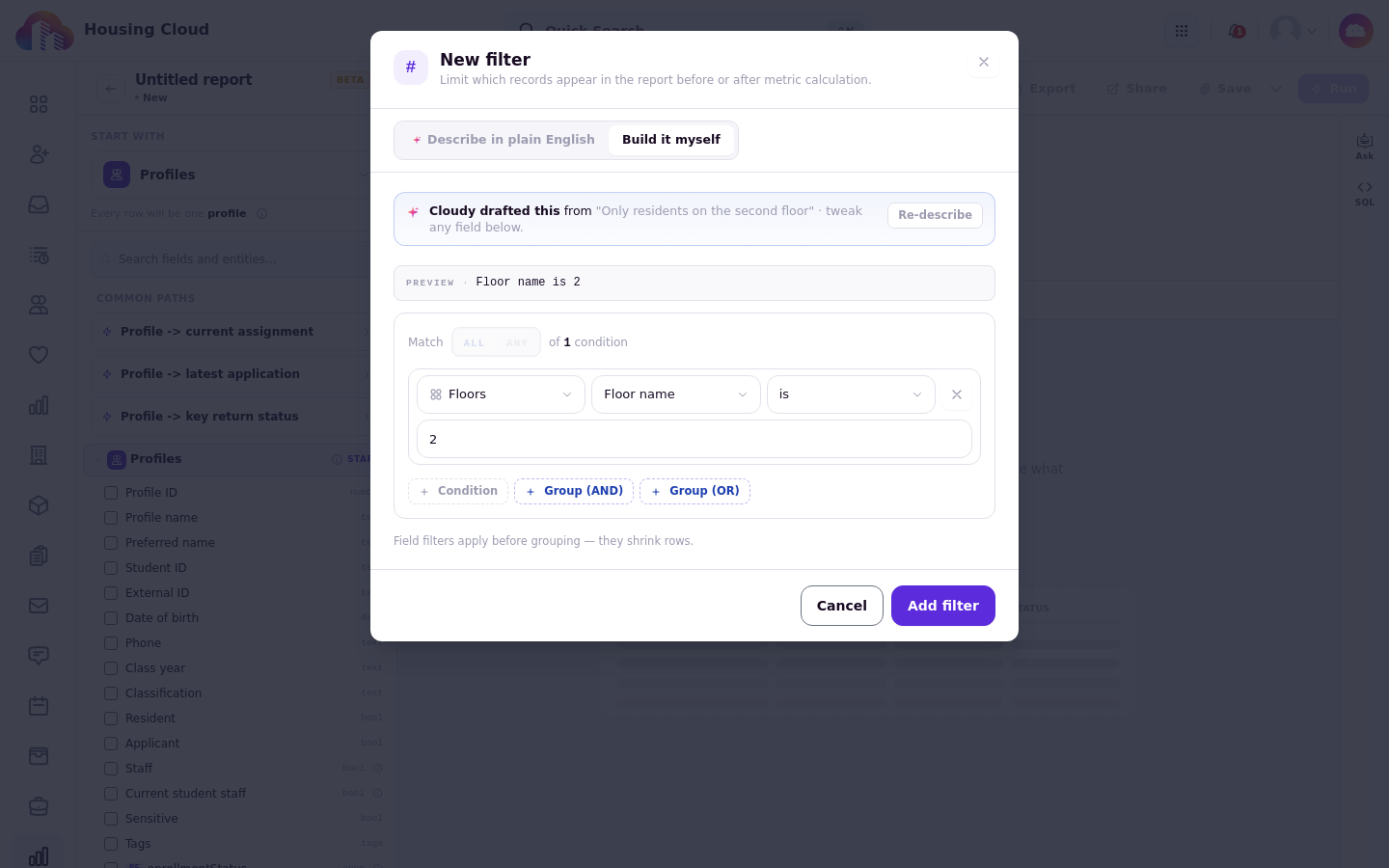
Cloudy drafted the condition "Floor name is 2" and shows the "Cloudy drafted this from" banner. Review it before clicking Add filter.
Check before you save
Check the columns and filters before you save or share the report. Planner estimates Cloudy writes in chat are marked with ~ and are approximate; the executed report results give the actual row count, and Cloudy can display that count in chat.