Cloudy Troubleshooting
Last updated: October 8, 2026
Quick answers for what staff hit first with Cloudy. Each section names the symptom and the fix, with the exact message on screen where there is one.
At Maple Hall… the questions Sam and the desk assistants ask Jordan in their first month with Cloudy.
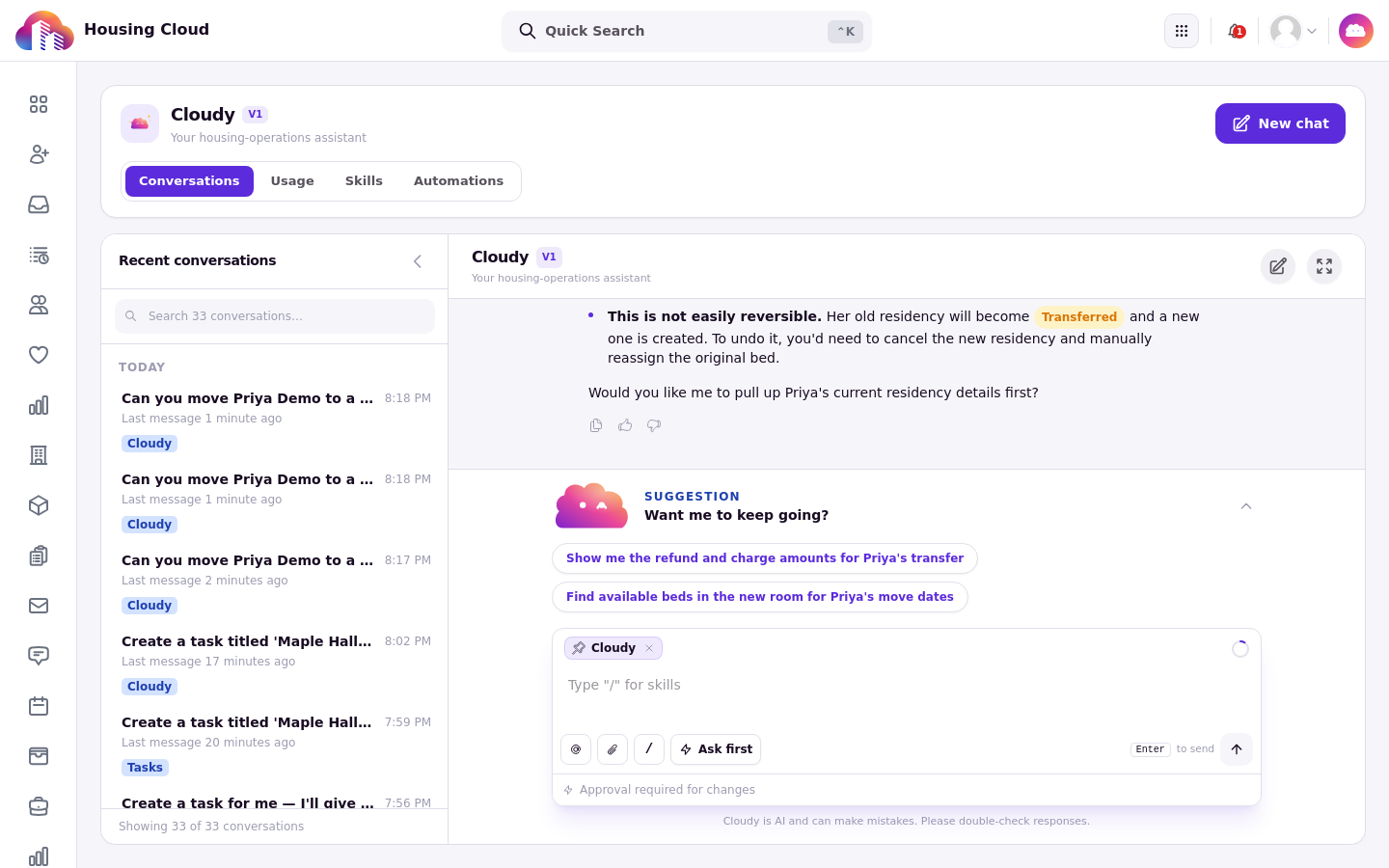
Cloudy declines actions outside its reach and explains how to do them yourself.
I don't see Cloudy
Cloudy may not be switched on for your school yet, or you may be signed in as a student. Students never see Cloudy; it is a staff tool. If you're staff and it's missing, contact Housing Cloud. See "Who Can Use Cloudy: Features and Permissions".
I don't see Skills, Automations or Usage
Those tabs depend on permissions. Skills needs "Manage Cloudy skills" to write skills, Automations needs "Manage automations", and Usage needs "View billing usage and costs". Ask an admin to add the permission to your role in Setup → Roles.
Cloudy answered a number that looks wrong
Count answers can be unreliable. Cloudy has reported 67 urgent tasks when there was one. Ask for the list instead of the count, or check the page or a report yourself.
Cloudy said it can't do that
Cloudy can't change roles or permissions, your school's settings, feature switches or integrations, send broadcasts to residents, move residents between rooms, or delete records. It also can't do things your role can't do. See "Using AI Safely: What Cloudy Can and Can't Do".
I approved a change but nothing happened
Check the record. The approved change is recorded on the record's timeline as "Cloudy, approved by …". If the timeline shows the entry, the change happened; open the record to see the result.
The message box disappeared
A "Needs your OK" card is waiting for you. Cloudy hides the message box until you press Approve or Reject on the card.
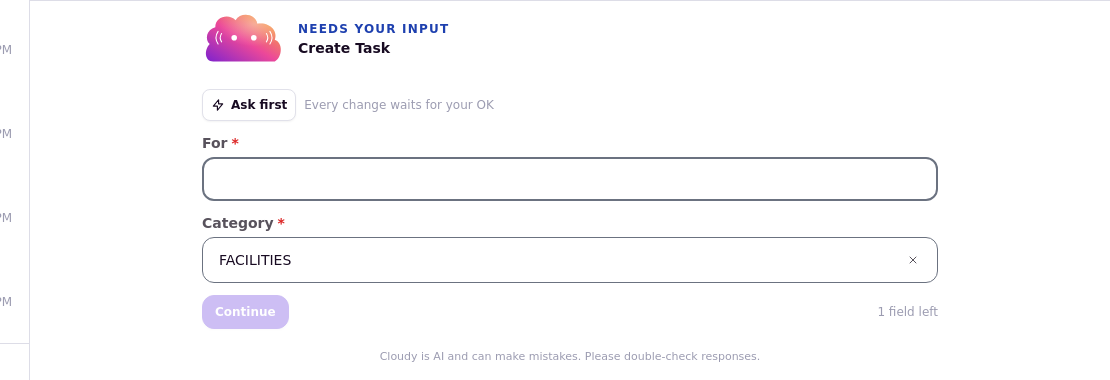
A card waiting on you: Cloudy hides the message box until the card is handled.
"We could not reach the assistant. Try sending the message again."
A network hiccup stopped the message. Send it again; the request wasn't lost mid-change because Cloudy asks before it acts.
"You're sending messages too fast"
Wait a moment and send again. The chat enforces a short pause between messages.
"Your organization is close to its AI allowance for this period."
Your school is nearing its AI allowance, or it has paused: "AI features are paused until your administrator adds more to the plan.". Check the Usage tab; see "Cloudy Usage and Credits".
"Failed to generate filter. Try rephrasing your query."
Cloudy couldn't turn the description into filter conditions. Rephrase the request in simpler words and try again. See "Ask Cloudy to Build a Filter".
"Couldn't draft a rule" on a ruleset rule
Cloudy drafts rules only from tags your school already has. If the rule needs a tag that doesn't exist, it answers: "I couldn't turn that into a rule with the tags available. Try rephrasing the prompt, or add the tag first and try again." Rephrase the prompt, or add the tag first, then try again. See "Draft Ruleset Rules and Run a Ruleset Health Check".
My chat changed in another tab
Cloudy open in two browser tabs shares one conversation, and the tabs can overwrite each other's work. Keep Cloudy in one tab at a time.
No screenshot: the filter-failure message did not appear during capture.
Cloudy is taking a long time
Stop the answer and ask a narrower question. A question that spans too much data can take a while; a narrower one, for example about one building or one week, comes back faster.