Read a Cloudy Briefing on a Profile Timeline
Last updated: October 8, 2026
The "Cloudy briefing" card at the top of a resident's activity timeline writes up the last 90 days in a few lines. "Open in Cloudy" opens the longer version in the chat, with sources.
At Maple Hall… after the interaction summary, Jordan opens {STUDENT1}'s timeline to see everything else that happened this term.
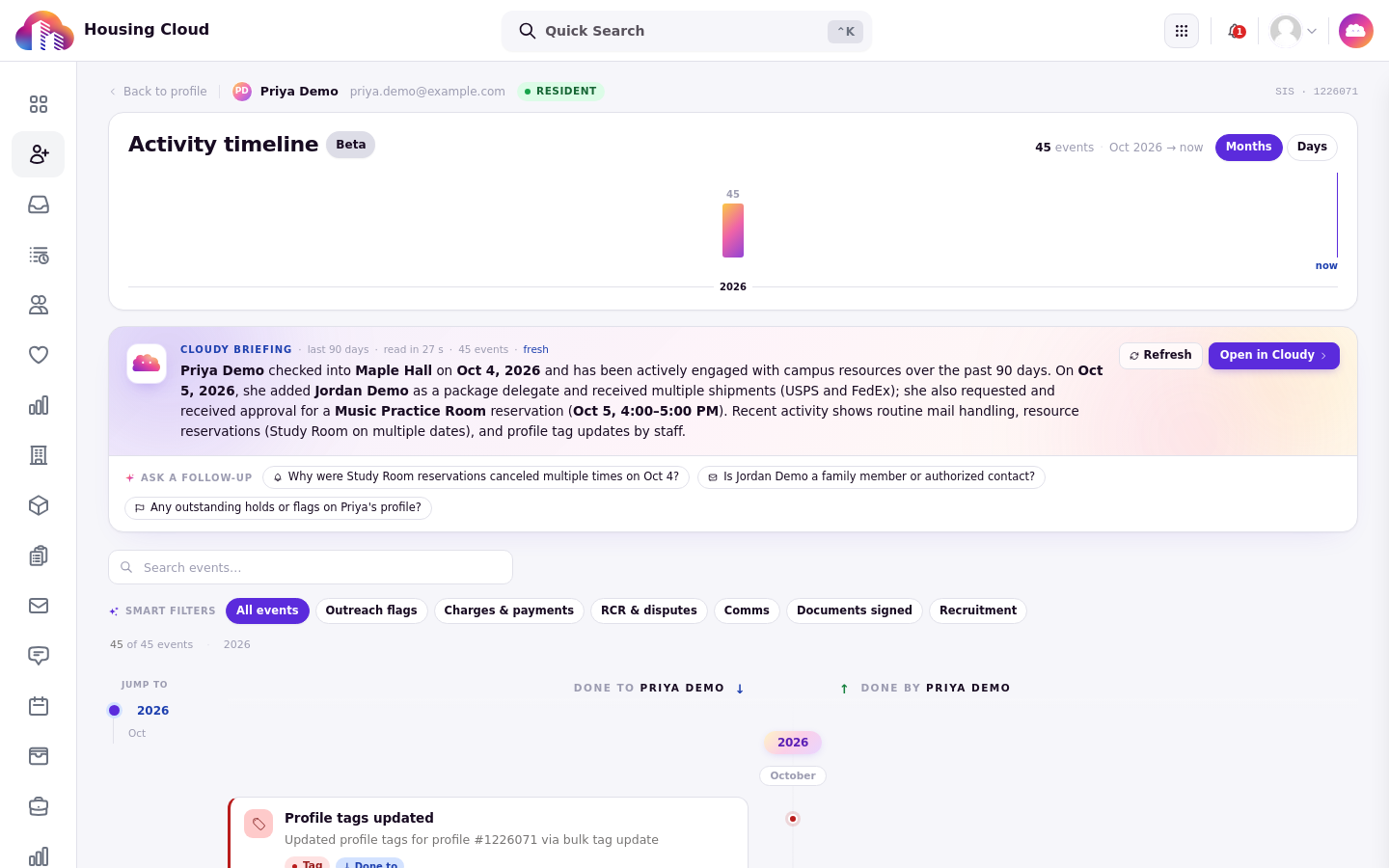
The "Cloudy briefing" card: the last 90 days in a few lines, with "Refresh", "Open in Cloudy" and follow-up questions.
Where the card is
Open the resident's profile and open the full timeline from the Recent activity card. The card needs the "View audit logs" permission and the "Cloudy assistant" and "Cloudy profile timeline briefings" feature gates turned on for your school. Contact your administrator if you cannot manage those gates.
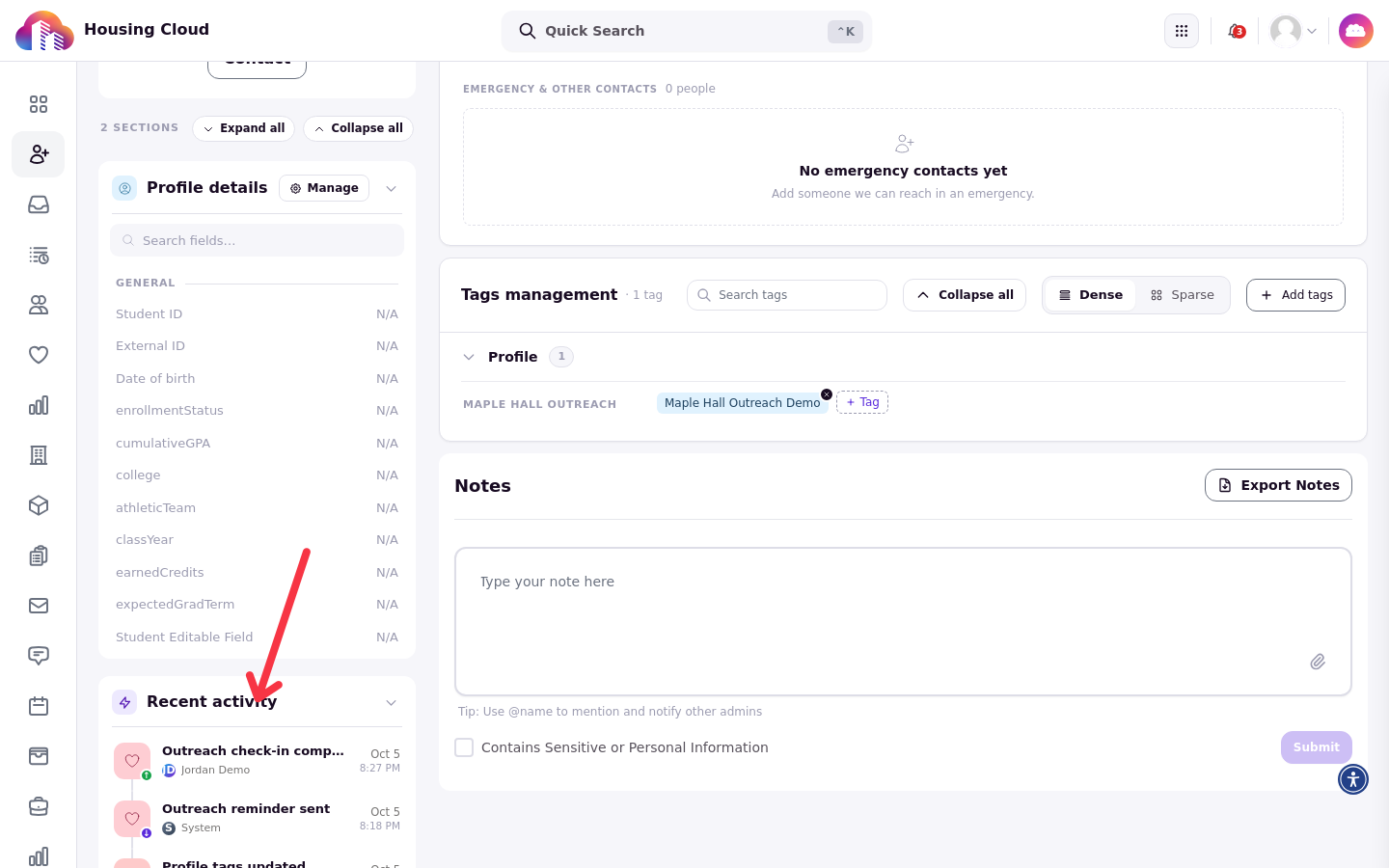
The resident's profile: the full timeline opens from the Recent activity card.
What the briefing covers
The card is titled "Cloudy briefing" and covers the last 90 days in a few lines. It only covers the kinds of activity your school uses, so two schools can see different things in it.
Refresh after new activity
Press "Refresh" on the card after new activity so the write-up includes it.
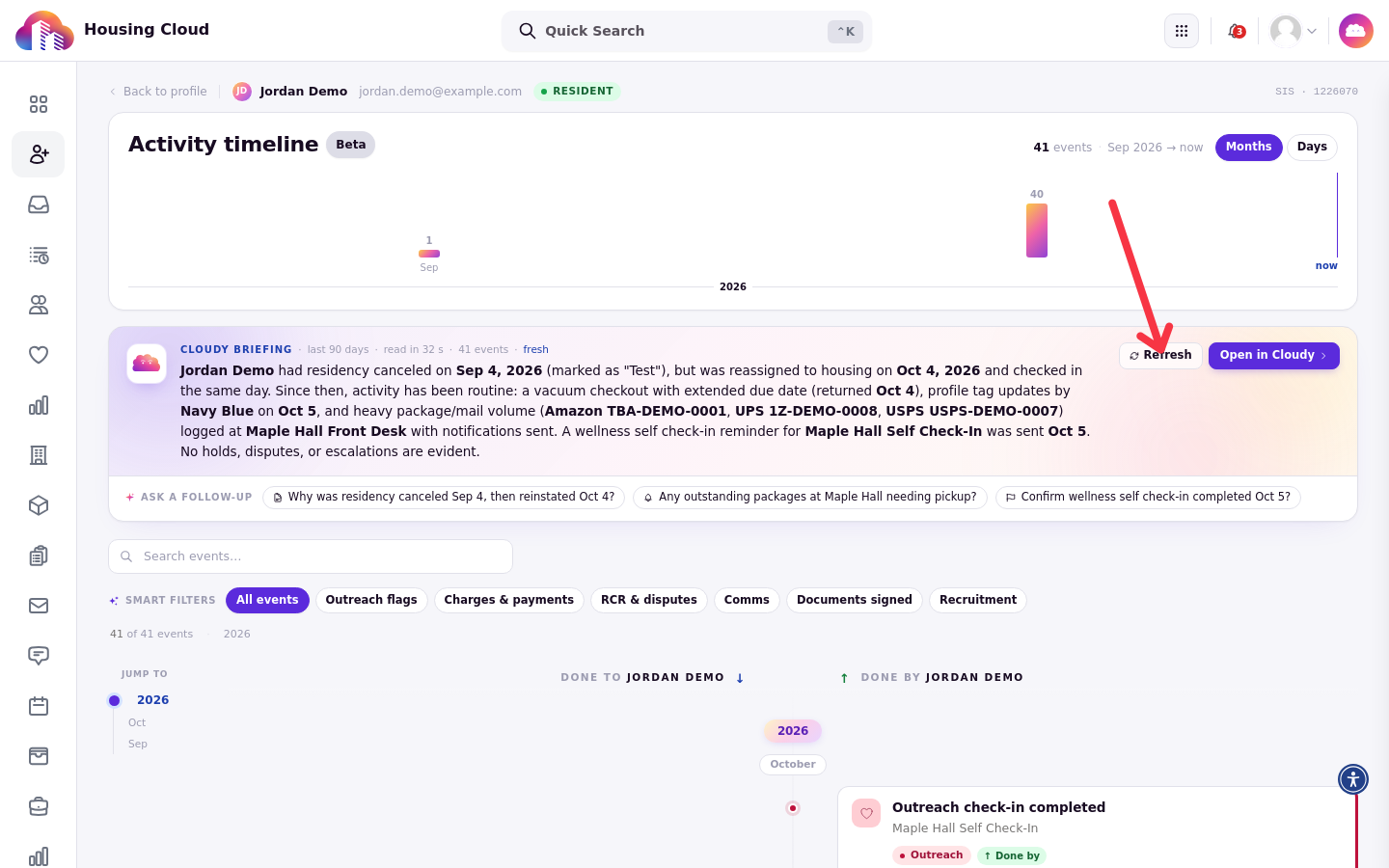
The full timeline with the "Cloudy briefing" card at the top.
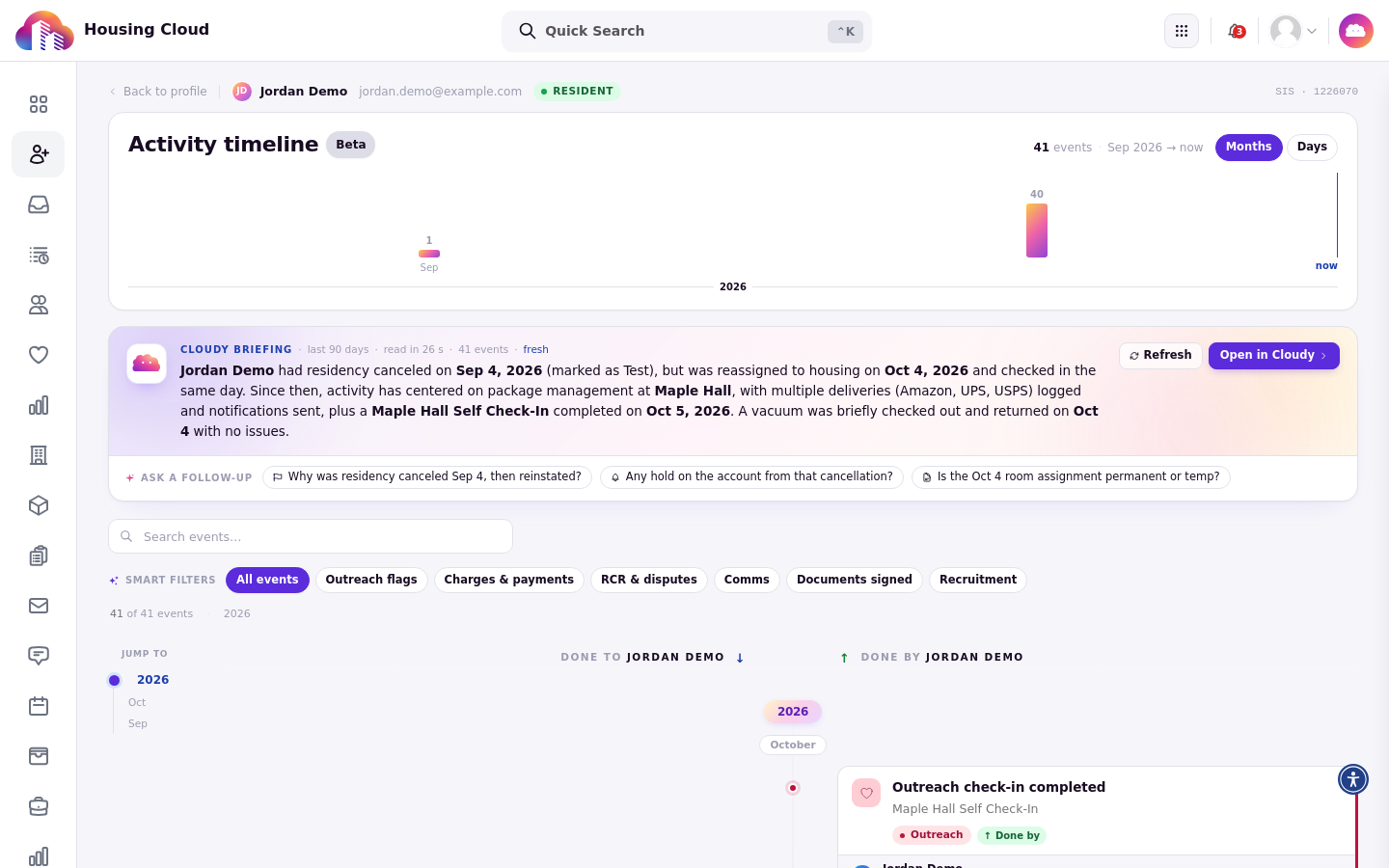
The refreshed card includes the new activity in its summary.
Open in Cloudy
Press "Open in Cloudy" to open the longer version in the chat panel, with the sources the briefing drew on and follow-up questions to ask about the timeline.
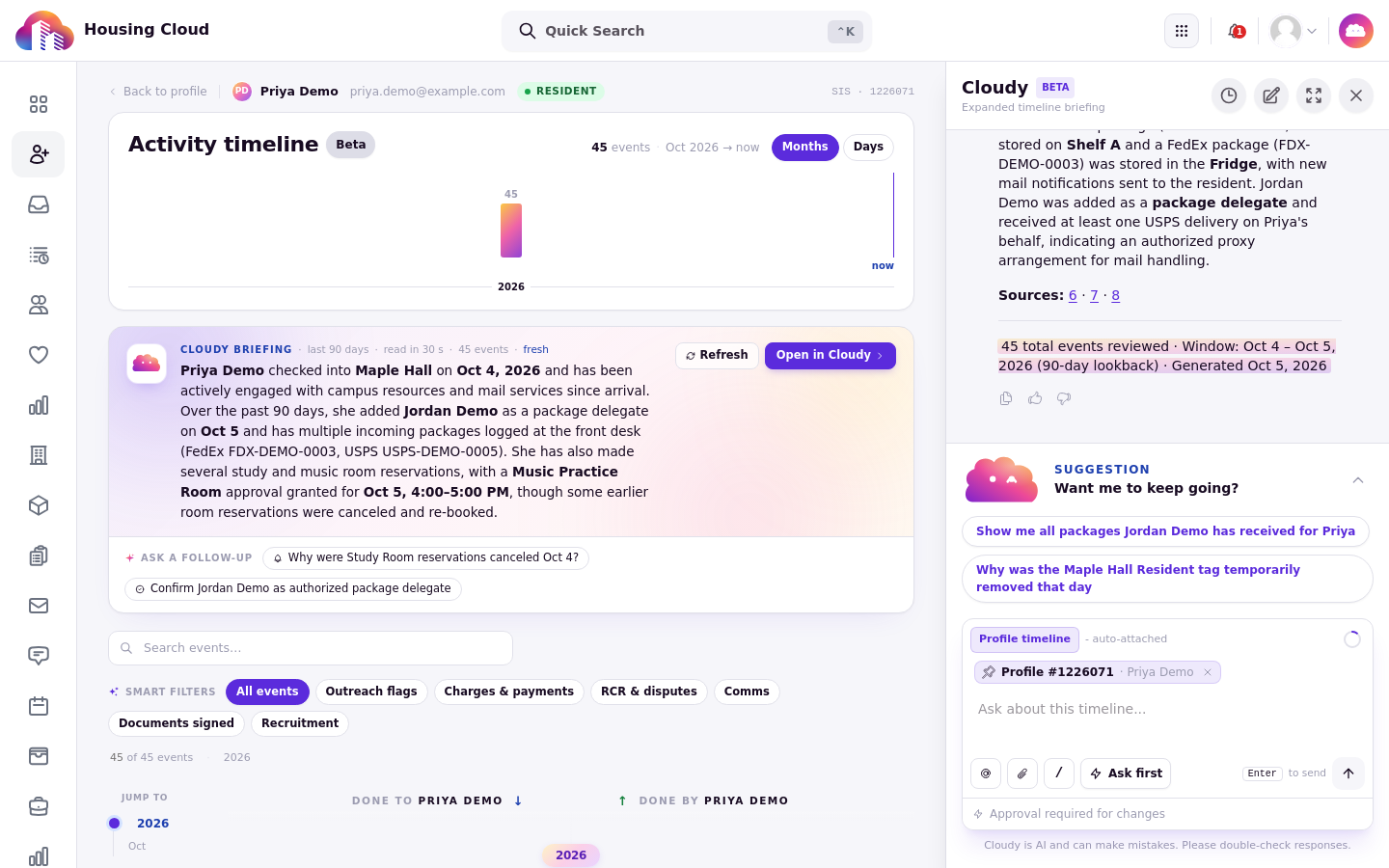
The expanded briefing in Cloudy: the full narrative, its sources, and follow-up suggestions.
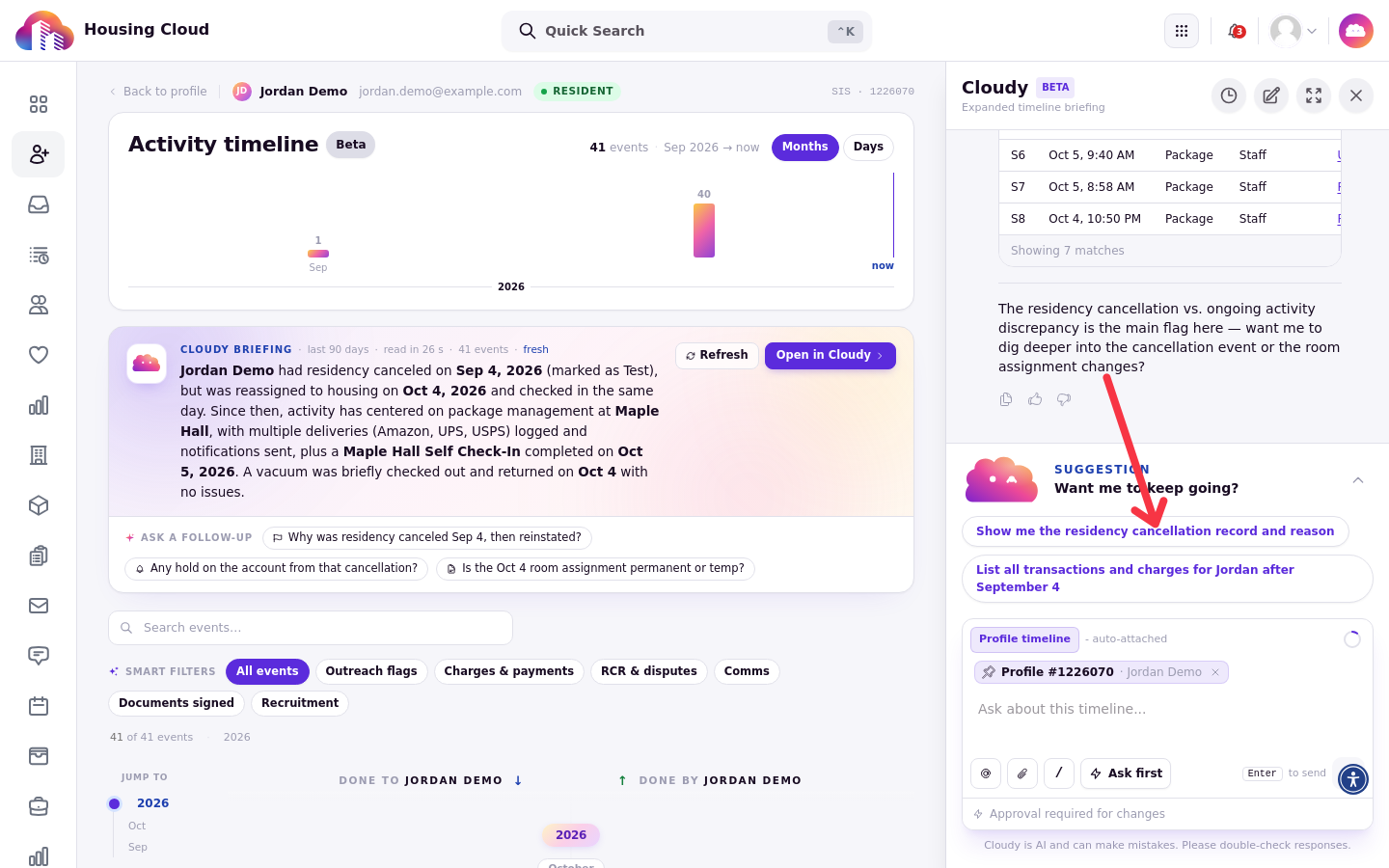
In the Cloudy panel, pick one of the suggested follow-up questions to ask about the timeline.