What Residents See in the Help Center
Last updated: October 8, 2026
The help center is the resident view of your Support setup: one Help page in the student portal with the resident's open requests, the request types they can file, the articles your school has published, and a helpful vote on every article. This article walks the page from top to bottom so you can check the resident view before you go live.
Before you start
The help center must be switched on for your school. Housing Cloud turns it on per school; ask your Housing Cloud contact if it is off.
Residents and student staff need no permission to use the help center.
The Help menu item
With the help center on, the portal menu reads Help where it used to read Requests. Old links to /contact still work and bring residents to the same place.
The greeting and search box
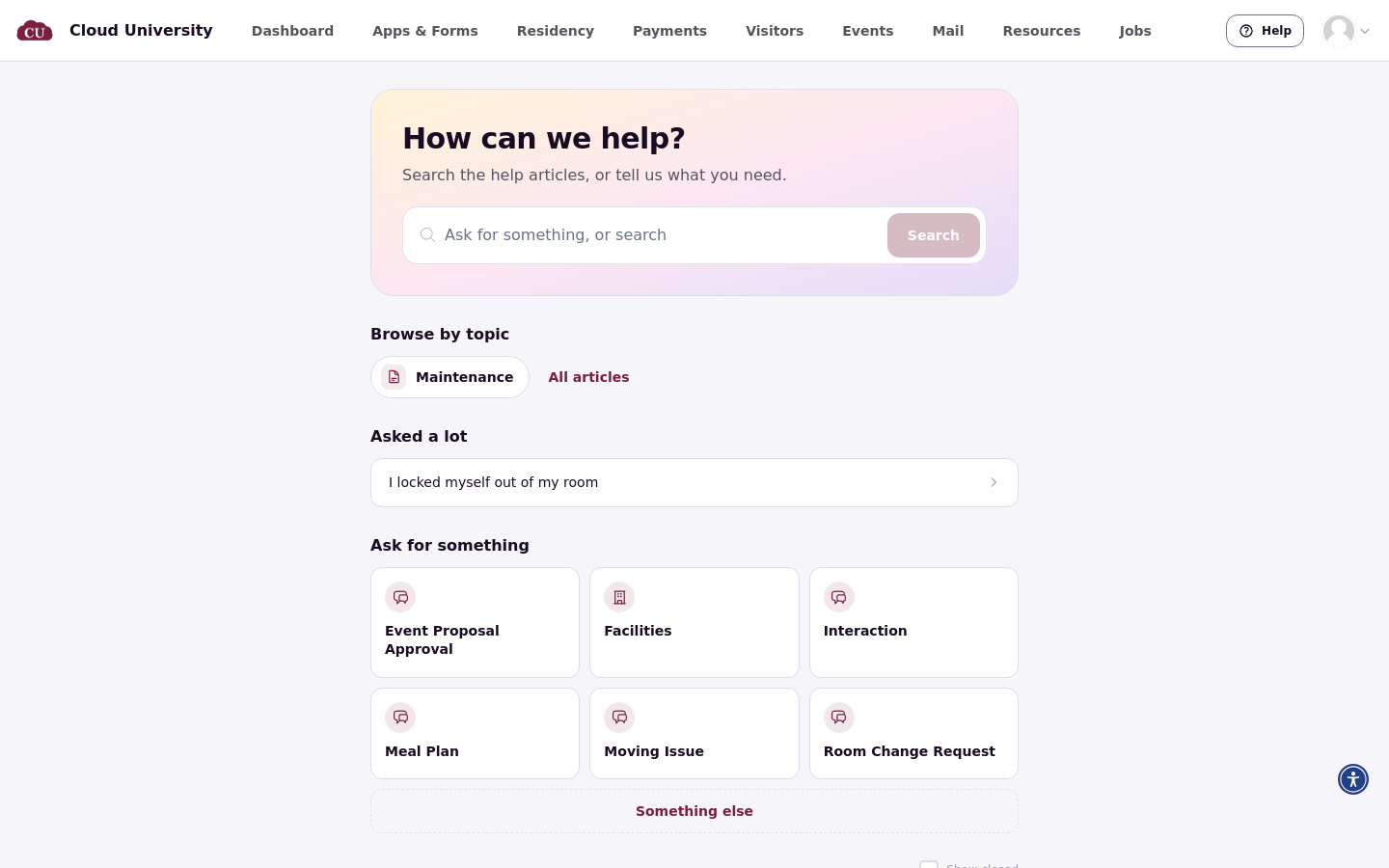
The page opens with "How can we help?" and supporting text, plus a search box. The search box reads Search the help center, or Ask for something, or search when AI answers are on.
Yours right now
Yours right now lists the resident's open requests. See all opens the full list.
Ask for something
Ask for something shows the request types the resident can file, plus Something else.
Asked a lot and Browse by topic
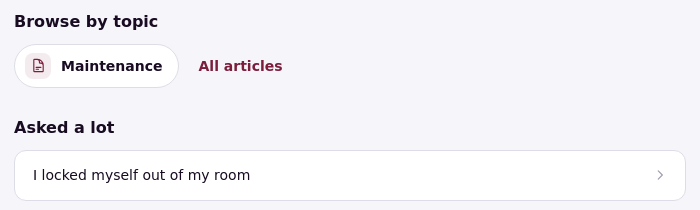
Below the request types, Asked a lot shows the articles pinned to the help center home. Browse by topic lists the categories that hold at least one article the resident can read.
Search
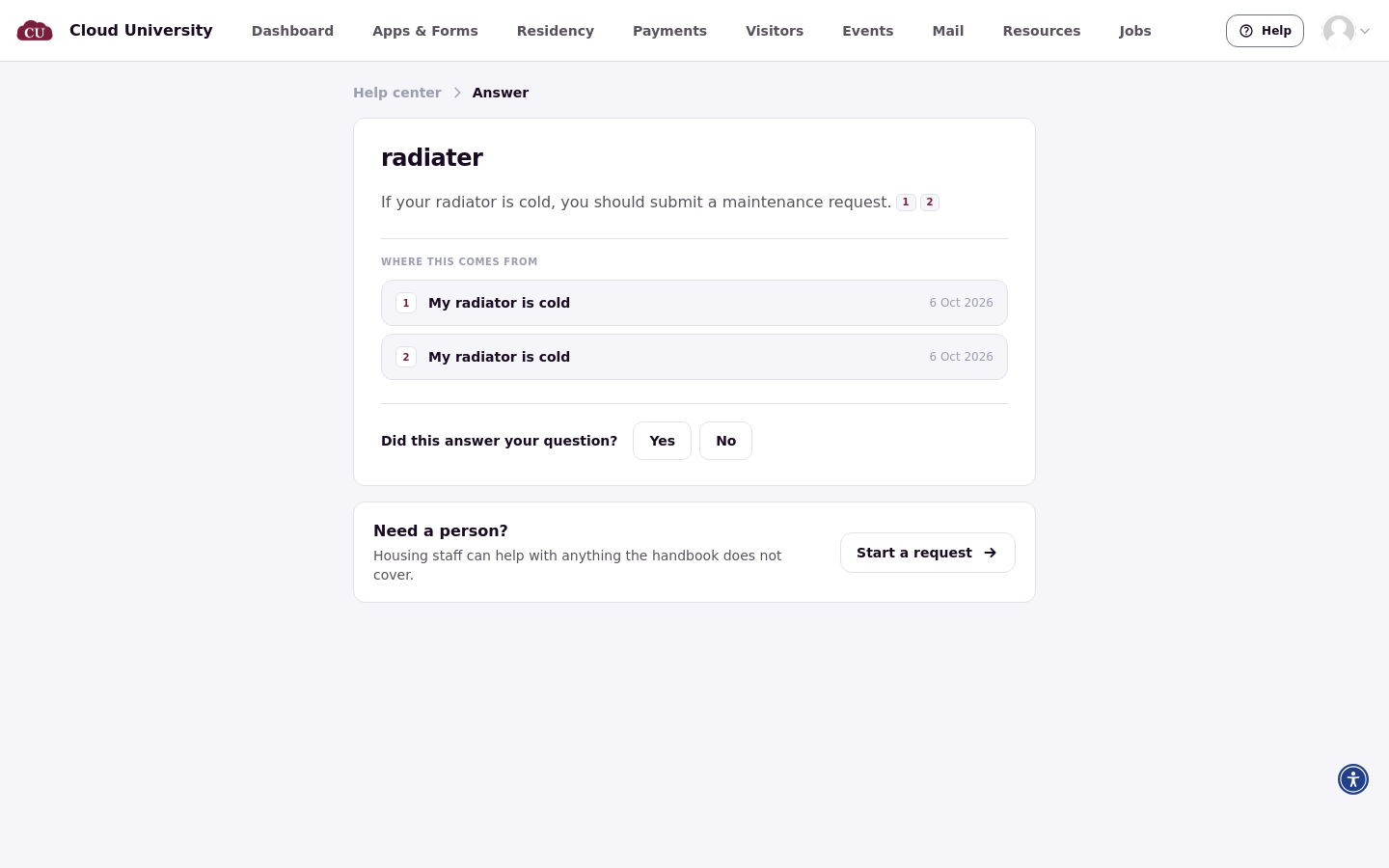
Search matches words in article titles and text, highlights the matches, and copes with small typos. It covers published articles only, in English, and returns at most 25 results.
The article page
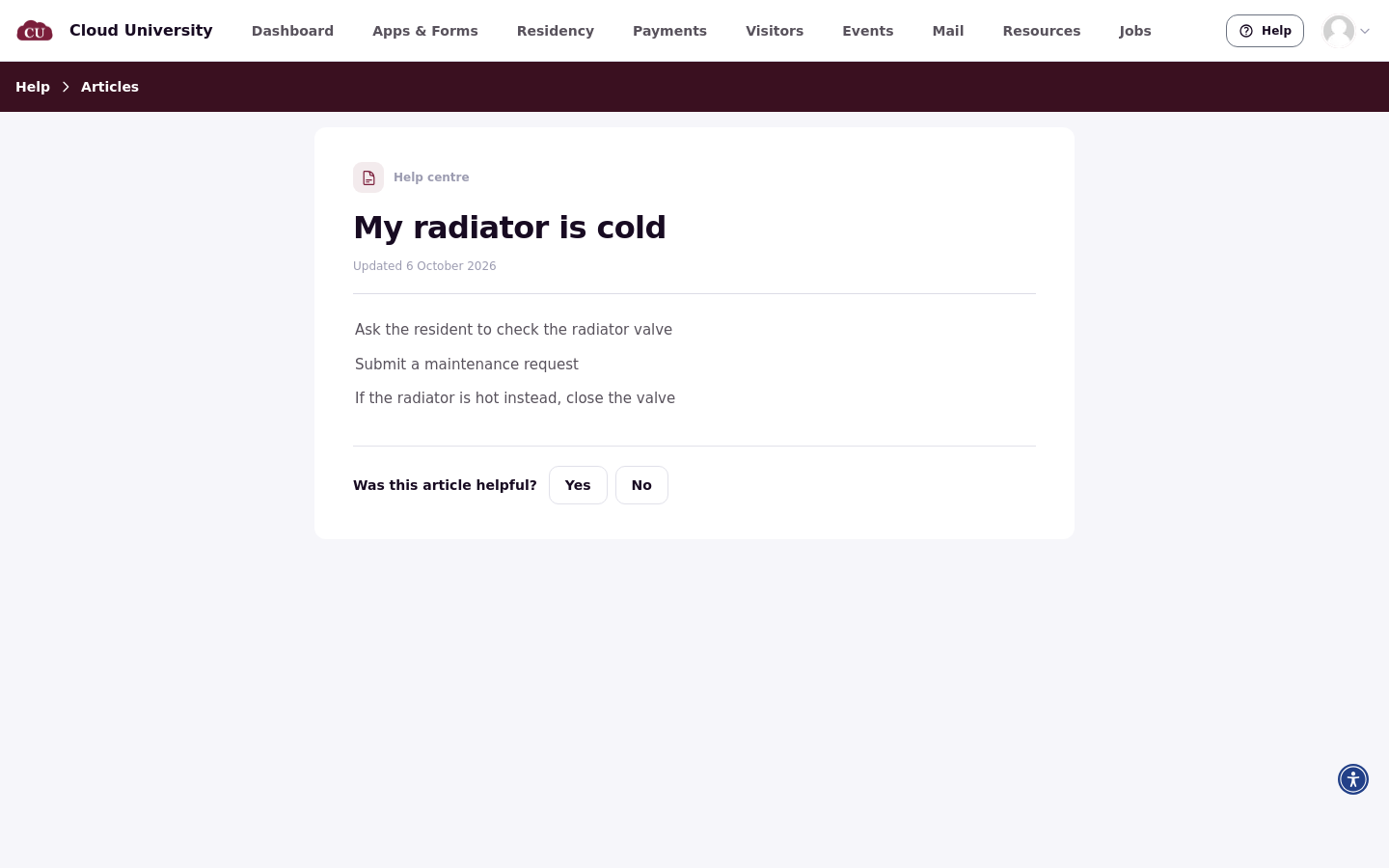
An article page shows a Published or Updated date, and the images and steps look exactly as written.
Was this article helpful?
Every article ends with Was this article helpful? The resident answers Yes or No, and can Undo the answer. Each person counts once.

Reader numbers show only to staff
Opening an article counts that resident as one reader. Reader numbers and helpful votes show only to staff, on the Help Articles list.
What student staff see
Student staff see the same Help page, plus articles whose audience is Student staff only. You choose that audience in Choose Who Sees an Article and Where It Appears.
Good to know
Search is simple: English only, published articles only, at most 25 results, and image descriptions aren't searched.
Without the help center, the resident menu says Requests and there are no articles or home suggestions. Create Request still opens the request-type picker and the submission form. A school can turn off only AI answers itself.