Locations, All Items and Export
Last updated: October 13, 2026
Two operations pages answer "what is on the shelves" and "where is that item": Locations shows every storage location with what is waiting there, and All items lists every mail item with search, filters and an export. The dashboard is covered in Read the Mailroom Dashboard, and custom reports in Build Mailroom Reports in the Report Builder.
Locations
The Locations page is headed "Where items live across every mailroom. Counts update as packages are scanned in and picked up." Three tiles at the top total the items, locations and mailrooms in view. Each mailroom is a card listing its storage locations with the number of items waiting in each, so a clerk can walk the shelves and read the counts off the page.
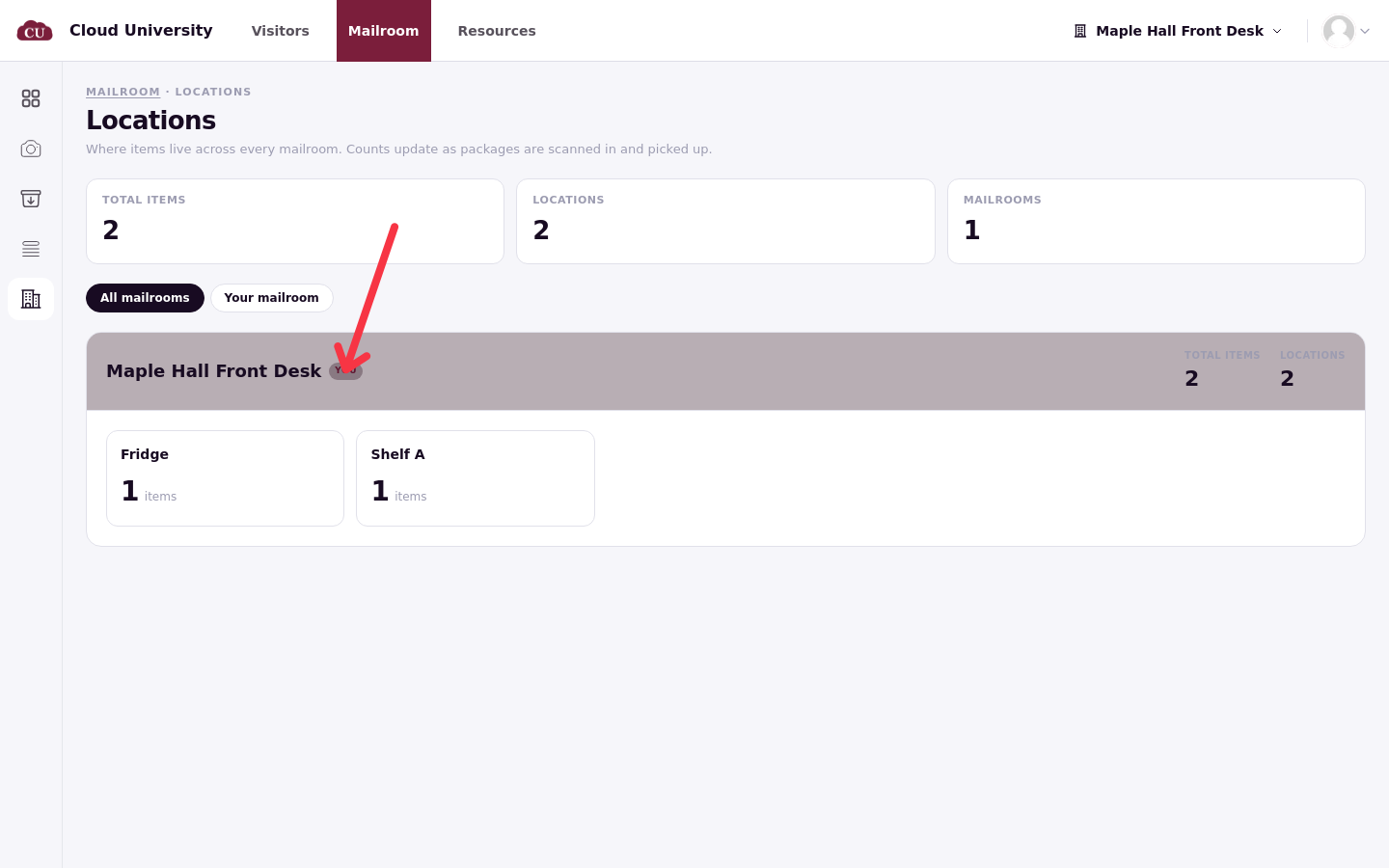
A filter above the cards switches between All mailrooms and Your mailroom, and the desk chosen in the mailroom picker carries a You tag on its card. Locations has desktop and mobile views, though it is not in the phone bottom tabs.
All items
All items ("Every mail item that has moved through this mailroom") is the full list. Status pills carry counts: All, Holding, An Ageing count, Collected and Lost. A toggle adds collected mail to the list; cancelled items never appear here.
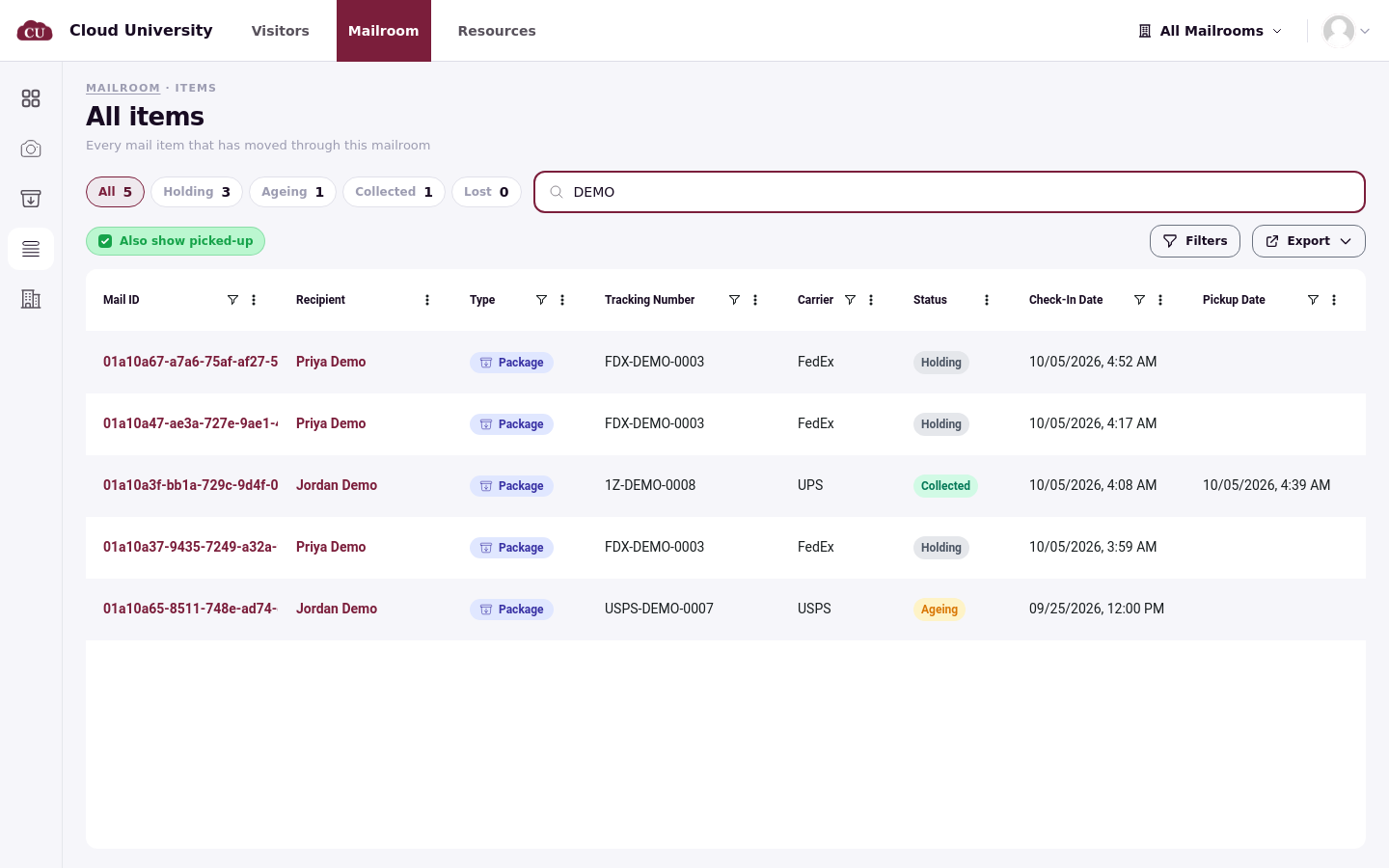
The search box ("Search by tracking, recipient, or carrier...") finds items by tracking number, recipient or carrier. Filters opens a panel with one group per column: Mail ID, Type, Tracking Number, Carrier, Check-In Date, Pickup Date, Picked Up By, Days Waiting, Mailroom, Storage Location and Notes. Each filter sets an operator such as Contains and a value, and several filters combine. Columns can also be sorted from each column header, and supported columns can be filtered there. Click the item's Mail ID to open its page.
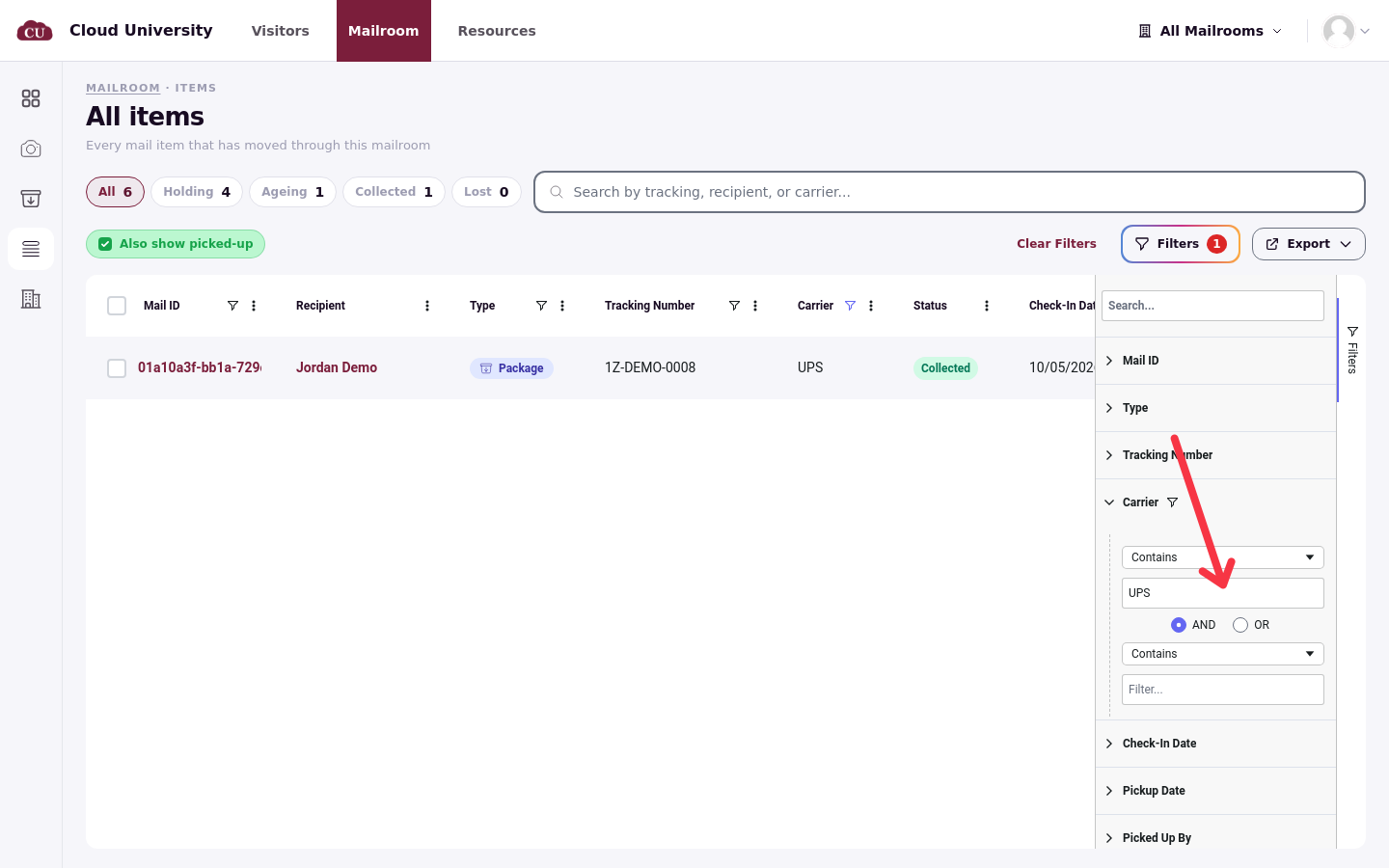
Carriers are free text, so a filter on "UPS" will not match items logged as "ups"; type them consistently if you filter or report by carrier.
Export
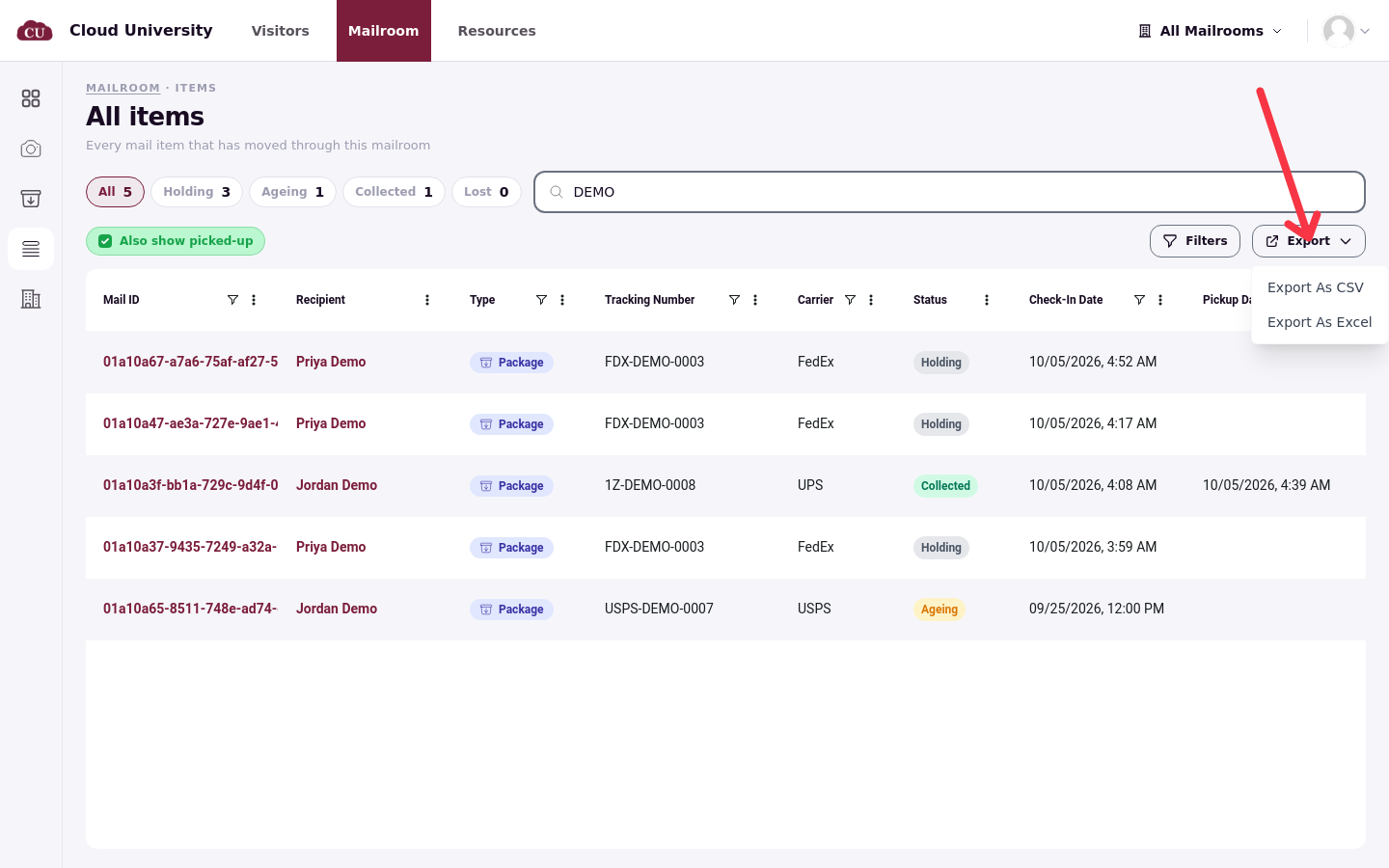
The Export menu offers Export As CSV and Export As Excel. The export is prepared in the background and arrives as a notification with a download link, so a large export does not block the page.
For recurring lists, build a saved report instead (see Build Mailroom Reports in the Report Builder).