Mailroom Overview
Last updated: October 8, 2026
The Mailroom lets a front desk log every package and envelope that arrives, tell the resident it is waiting, keep track of which shelf it sits on, and record who picked it up. Residents see their mail and a pickup QR code in the portal, and can name a friend who may collect for them. Housing Cloud switches the Mailroom on per school; schools cannot turn it on themselves.
The pieces
A school can run several mailrooms, one per desk, each with its own storage locations (shelves, bins, a fridge). Mail items are typed Package, Envelope or Large envelope. Carriers are free text, with no carrier list.
The life of an item
A logged item starts in Holding. Once it has waited longer than the mailroom's ageing setting it is labelled Ageing. When a resident collects it, it moves to Collected with a record of who collected and who released it. Items can also be marked Lost (and found again) or Cancelled. There is no forwarding or return-to-sender action.
Where each screen lives
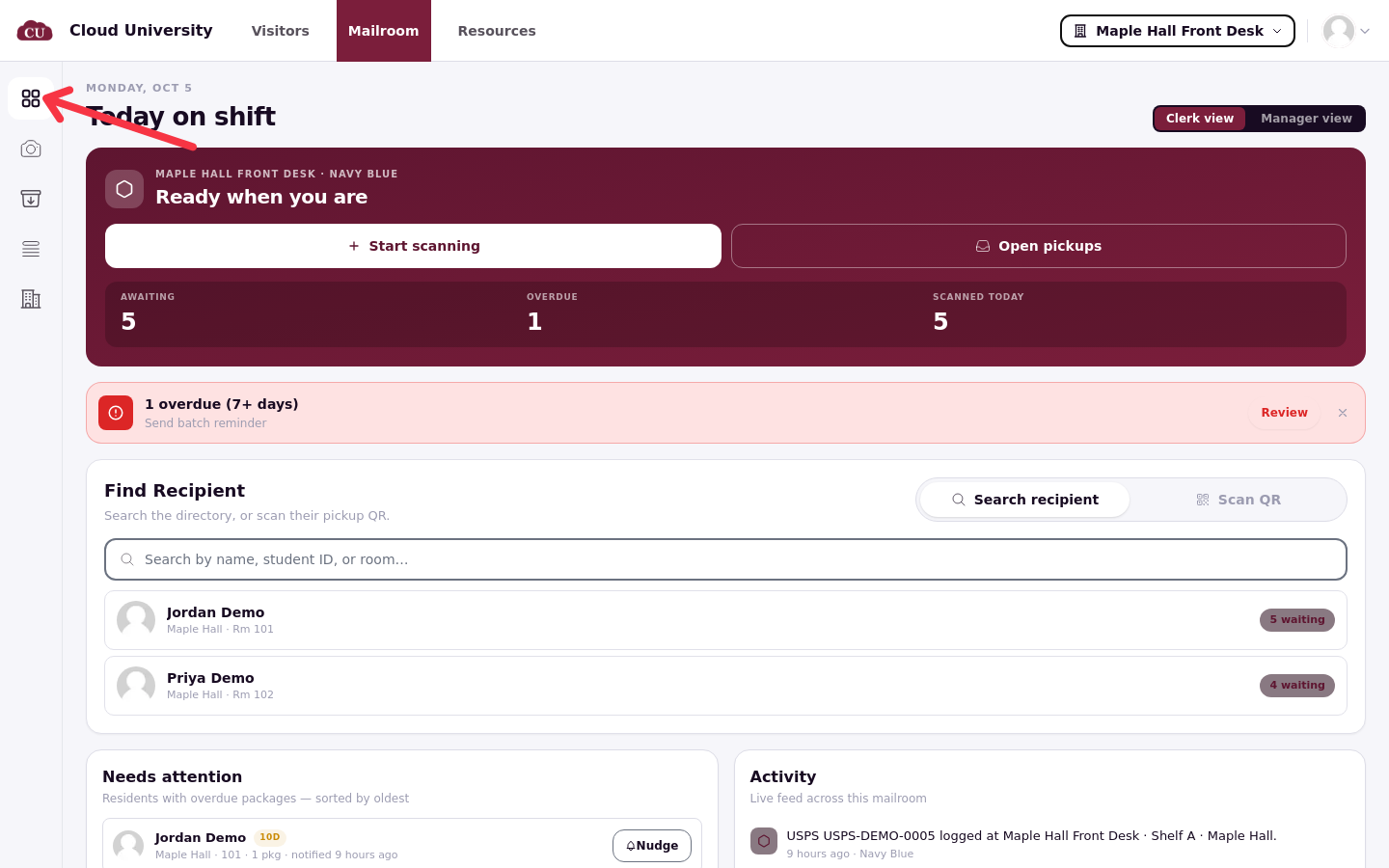
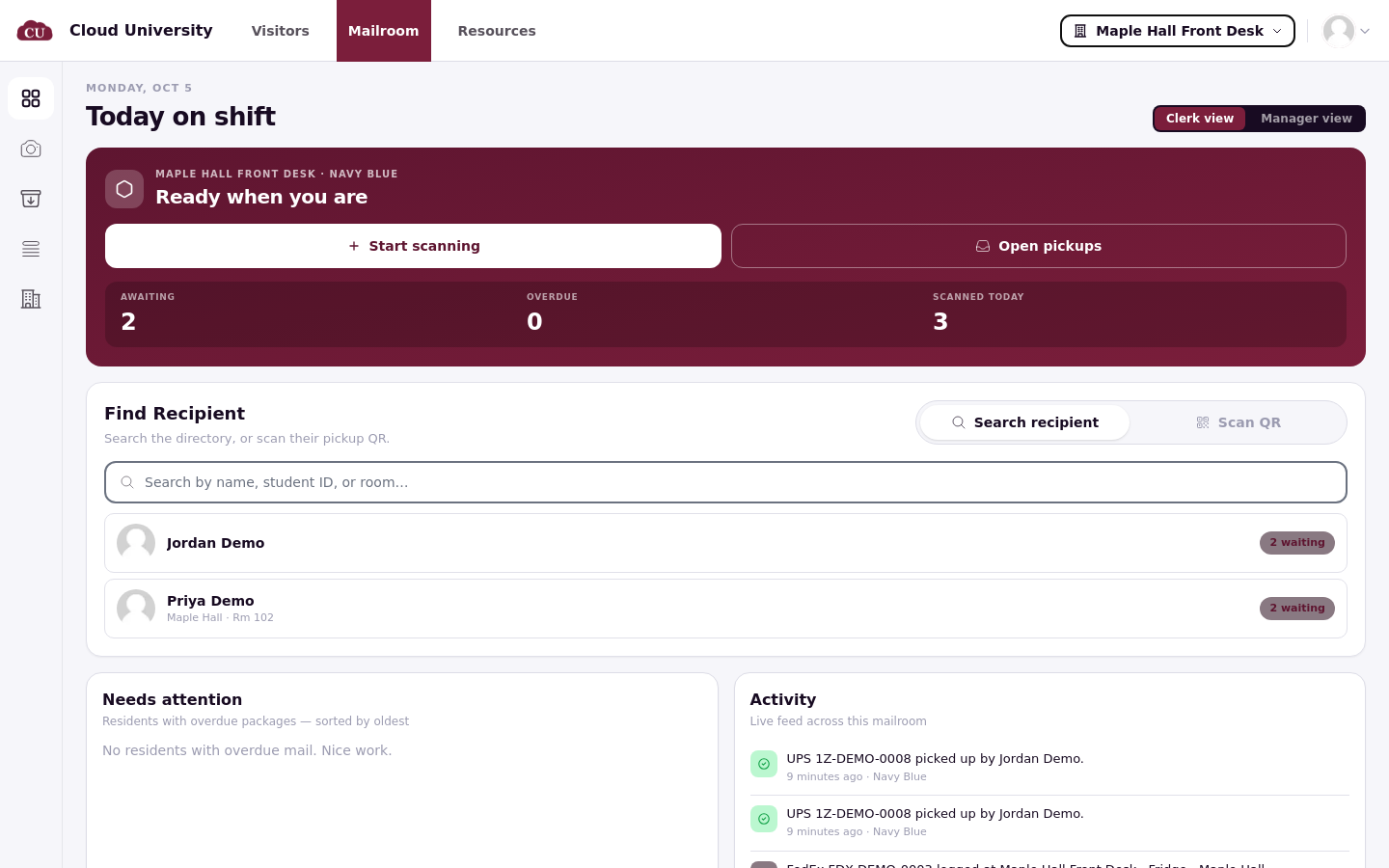
Day-to-day work happens in the operations portal at
/ops/mailroom: Dashboard, Scan, Pickups, All items and Locations in the left rail.Setup lives in the admin portal under Mailroom, on the Mailrooms and Configuration tabs.
What residents get
Residents see a Mail page in the portal with everything waiting for pickup, a QR pickup code to show at the desk, and, when the mailroom option is on, the ability to add pickup delegates. Residents never see storage locations or which desk holds their mail; the desk tells them where to go.
Notifications
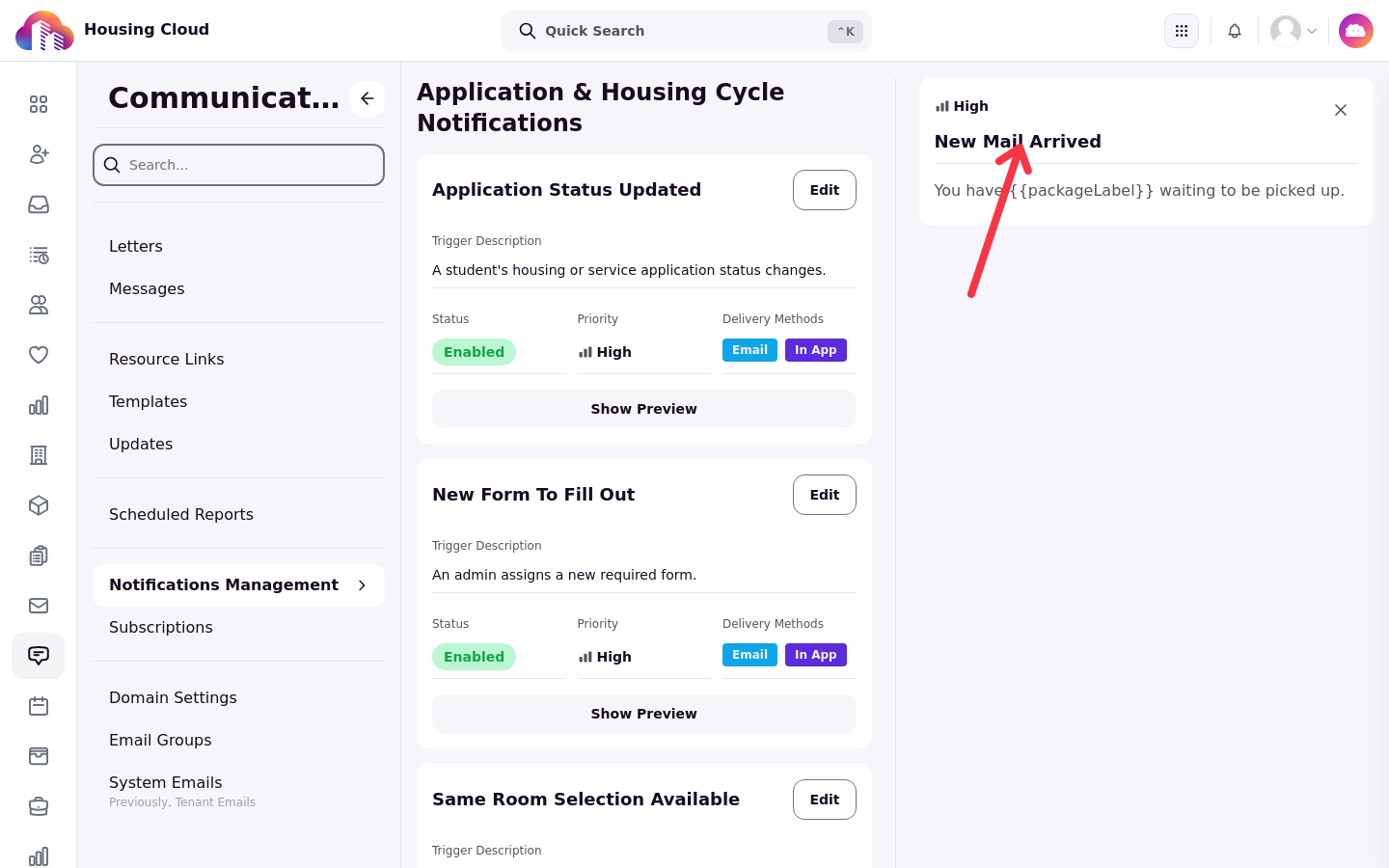
Residents receive three notices, by email and in-app: New Mail Arrived when mail is logged, Mail Pickup Reminder when staff send one, and Mail Picked Up By Delegate when a delegate collects. Their wording can be edited in the admin Communication area under Notifications Management. Reminders are never sent automatically; there are no text messages.
The item's record
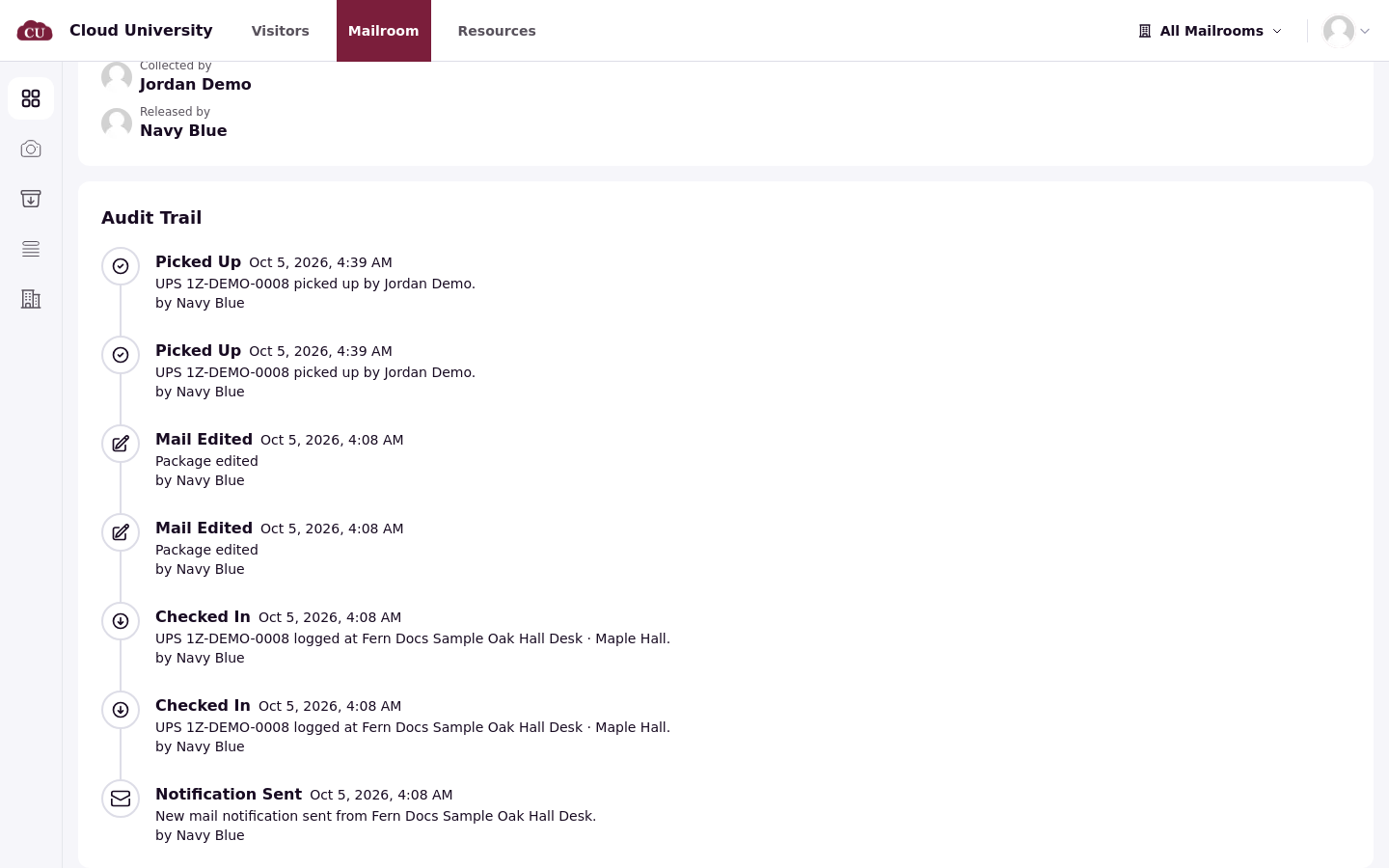
Every item keeps an Audit Trail. A typical history reads Checked In, Notification Sent, then Picked Up after a hand-off, with Mail Edited, Reminder Sent, Released to Delegate or a cancellation added as they happen.
Good to know
Only current residents and staff can receive mail, unless Allow non-residents to receive and view mail is on.
There is no forwarding or return to sender. The desk notes it and decides offline; cancelling removes a logged item from the lists.
There are no perishable, oversize or signature-required types. A storage location plus a note is the convention.
Reminders are manual and notices are email and in-app only.
Carriers are free text, so "UPS" and "ups" are different values in filters and reports.
Mailrooms are not tied to buildings.
Start with Set Up Mailrooms, Storage Locations and Mailroom Options, then Log Incoming Mail.