Task and Request Notifications: Who Gets What
Last updated: October 8, 2026
Every request sends notices as it moves through the kit: staff hear about assignments, comments, updates and deadlines, and residents hear about the requests they filed or that were filed for them. Most notices arrive by email, and some also appear in the app. This article lists every notice, who receives it, and what each person can change about the notices they get.
Before you start
Two things on this page depend on settings:
The More info needed notice to a resident is sent only when that switch is on for your school.
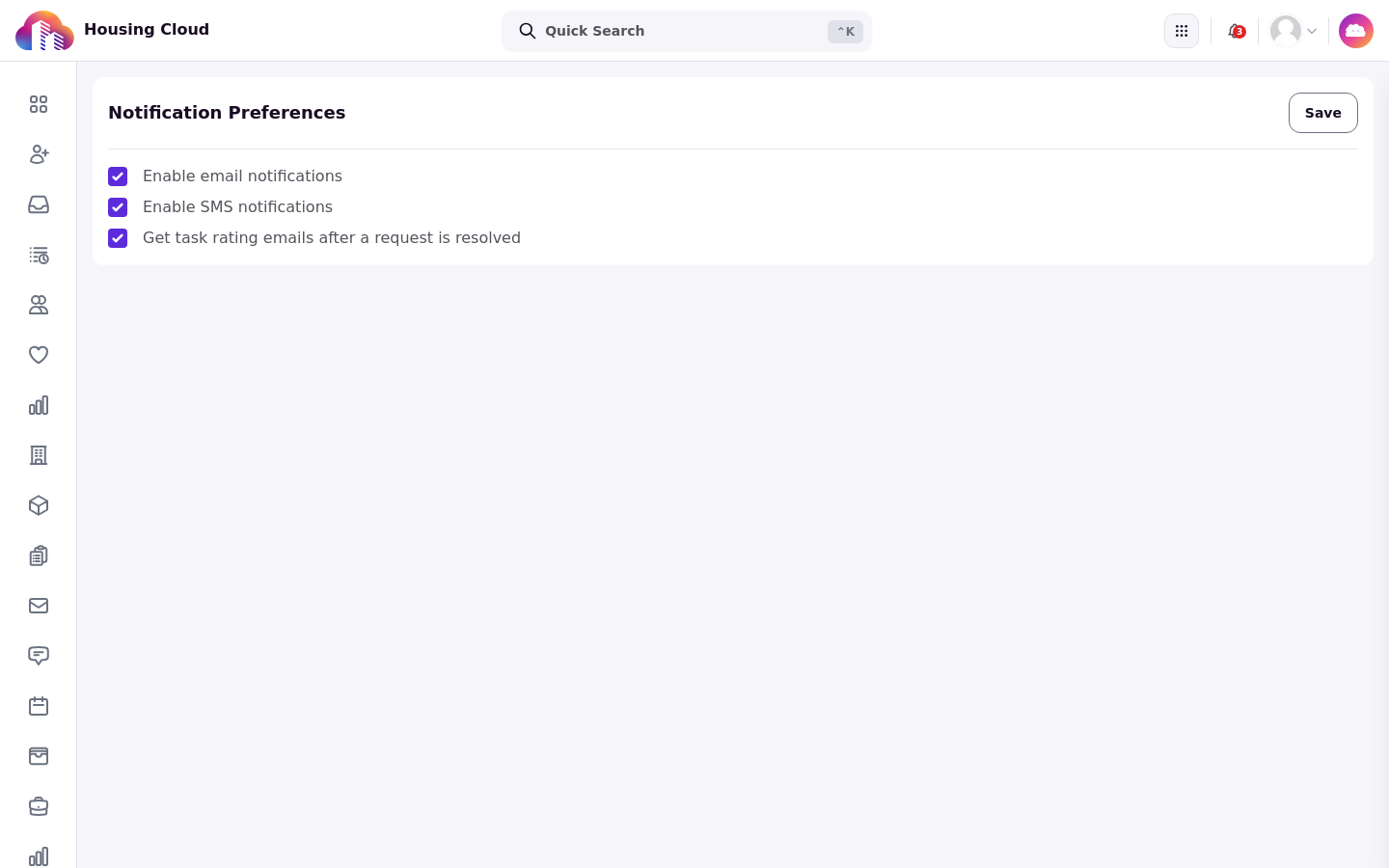
Staff set general email and SMS delivery preferences on the Notifications → Preferences page, described below; which task notices they receive is managed in the notification-management settings.
Notices to staff
Staff notices cover assignment, comments, updates and deadlines:
New Task Assigned, by email and in the app at urgent priority, when a task is assigned to you. Delivery depends on your school's notification settings and each recipient's notification preferences.
New Task Comment and New Internal Task Comment, for comments on tasks.
Following Task.
Task Updated.
Task Deadline Reminder, sent to the assignee as a due date approaches.
The request type's optional Email Template, sent to the task creator or submitting student when a task of that type is created. Each request type can carry one.
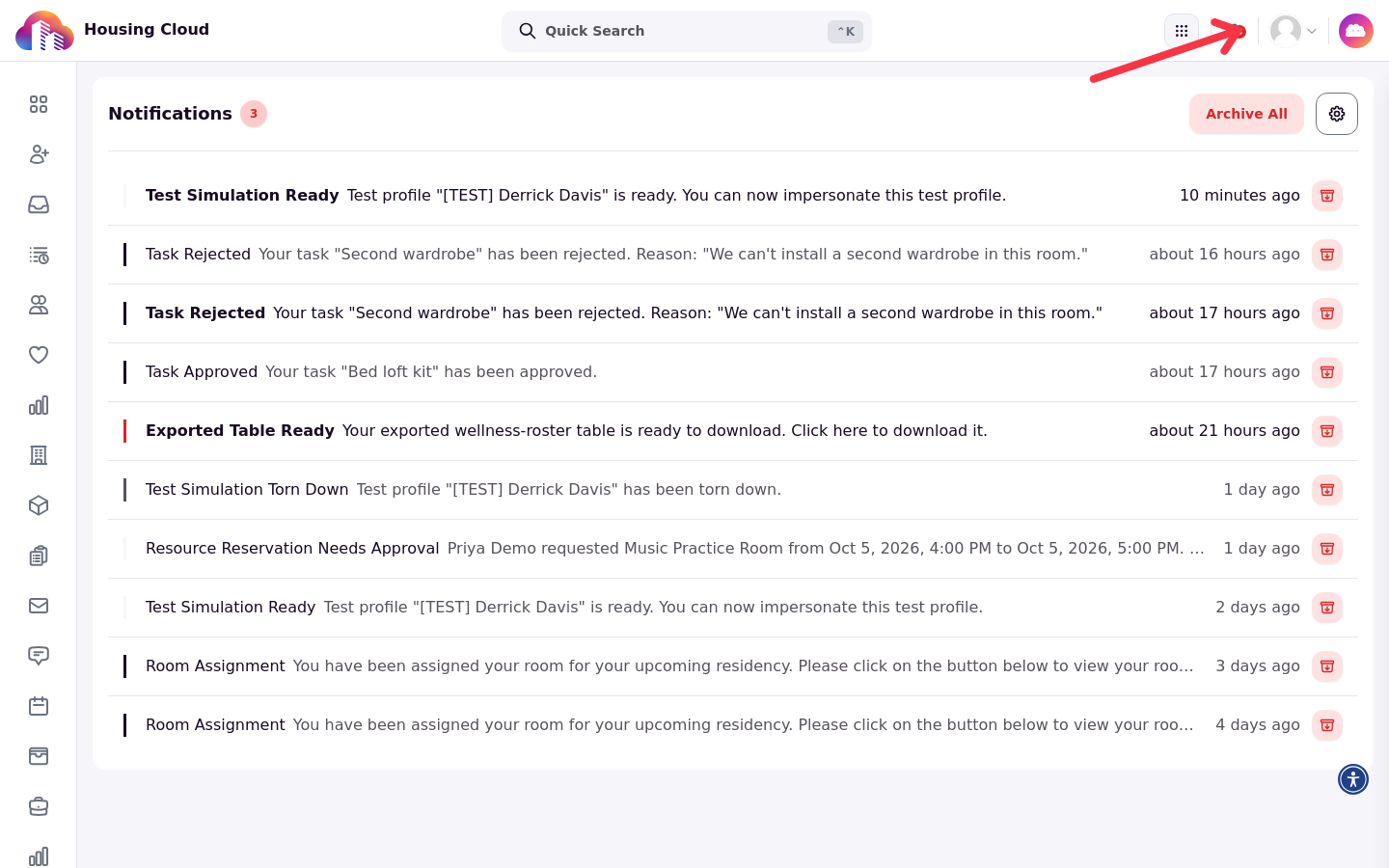
Notices about tasks also arrive in the app, in the notification list behind the bell in the top bar.
When a task is assigned to a role
A task can be assigned to a role instead of a person. Role members receive assignment notifications after the task is assigned. Delivery depends on the school's notification settings and each member's notification and email preferences, so email is not guaranteed for every member.
Notices to residents
Residents hear about their requests by email:
New Task Created For You, when staff file a request on a resident's behalf.
Public replies from staff on the resident's request.
More info needed, when staff set a request to Need More Info; sent only when that switch is on.
Task Approved and Task Rejected.
The rating email, three days after a request is closed.
What never reaches residents
Internal notes and sensitive comments never reach residents, by email or on their request page. An internal note also can't tag a resident.
Choose what you get
Staff set general email and SMS delivery preferences under Notifications → Preferences; the page address is /admin/notifications/preferences. Individual task notices are managed in the notification-management settings.
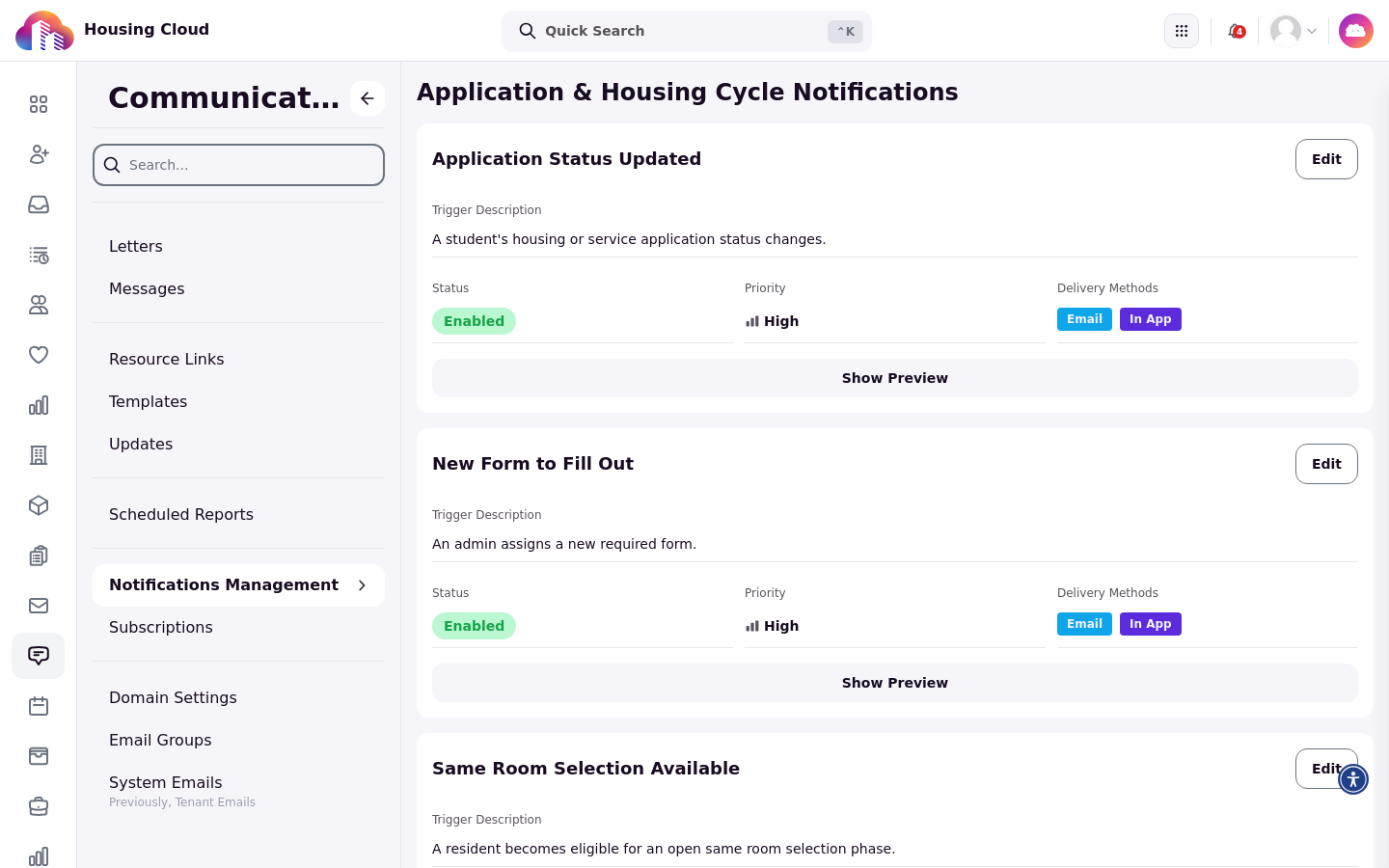
Tenant administrators choose which notices are active and which delivery methods they use in Communications → Notifications Management.
Residents unsubscribe from rating emails from the link in the rating email itself.
Check what went out
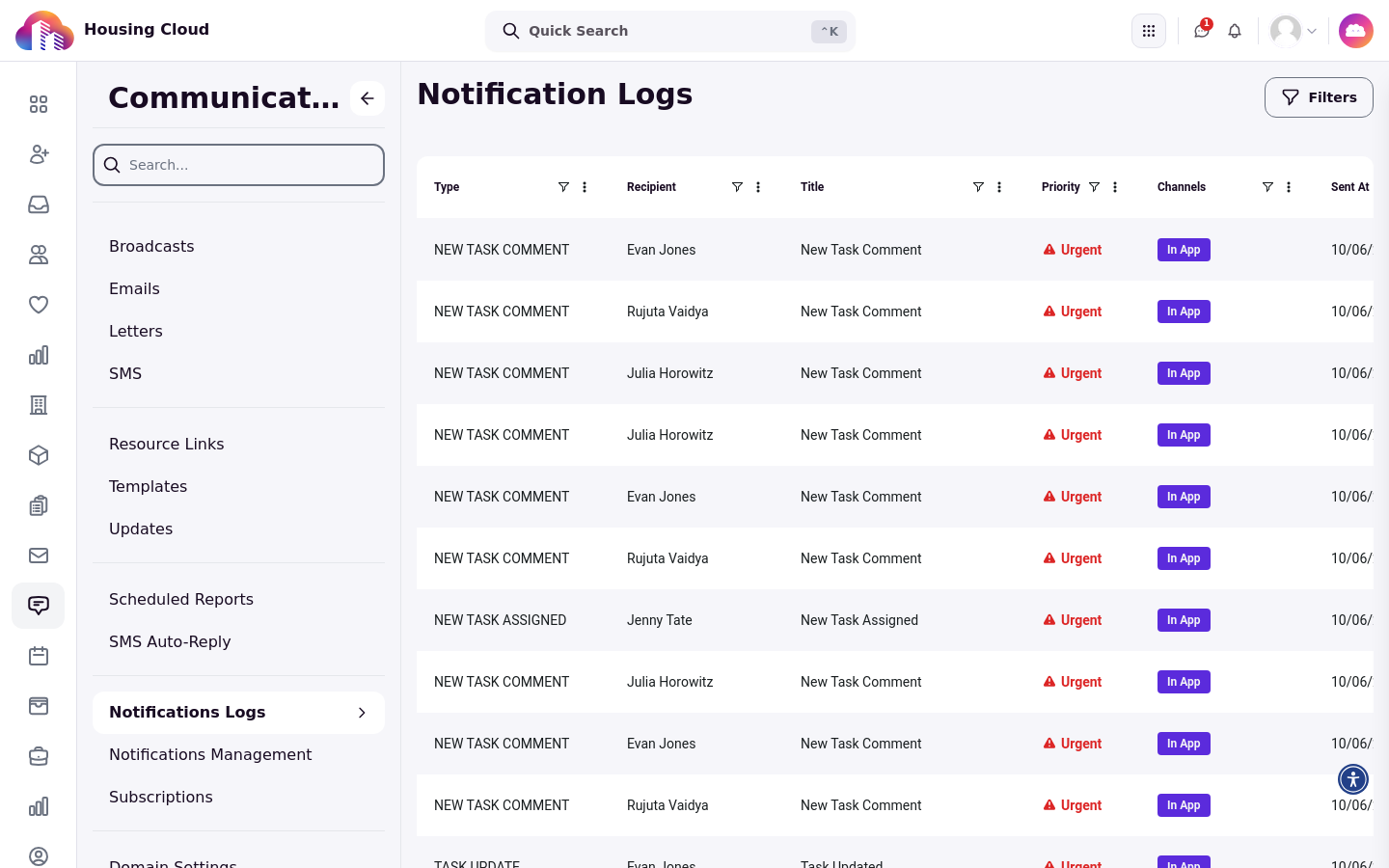
Communications → Notifications Logs lists the notices that were sent.
Where notice emails lead
Notice emails link to the resident's request page at /contact/tickets/… for residents, and to the task page for staff.
Good to know
A task given to a role has no owner: every member can receive the assignment notification, and the task can still show under Show Only My Tasks and on an RA's Requests page.