Route Requests Automatically to a Person or Role
Last updated: October 8, 2026
The "Auto Assignment Policy" on a request type gives every new request of that type the same assignee automatically, either a person or a role. You set it once on the request type, and requests route themselves the moment they arrive.
Open the request type's card
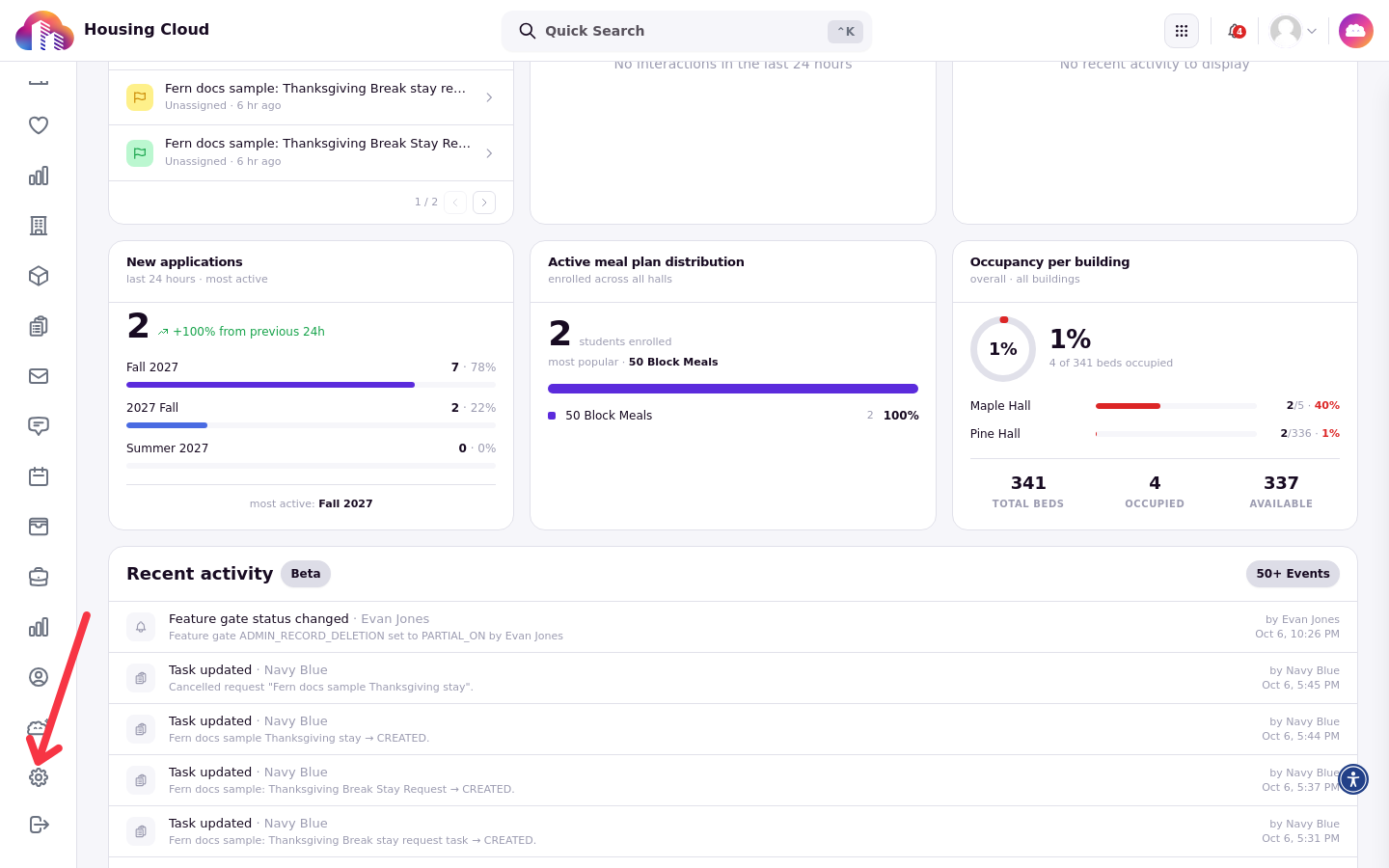
You set the policy on the request type's card in Setup → Task Management, on the "Task Category Management" page. From the admin dashboard, open Setup with the gear icon in the left navigation rail.
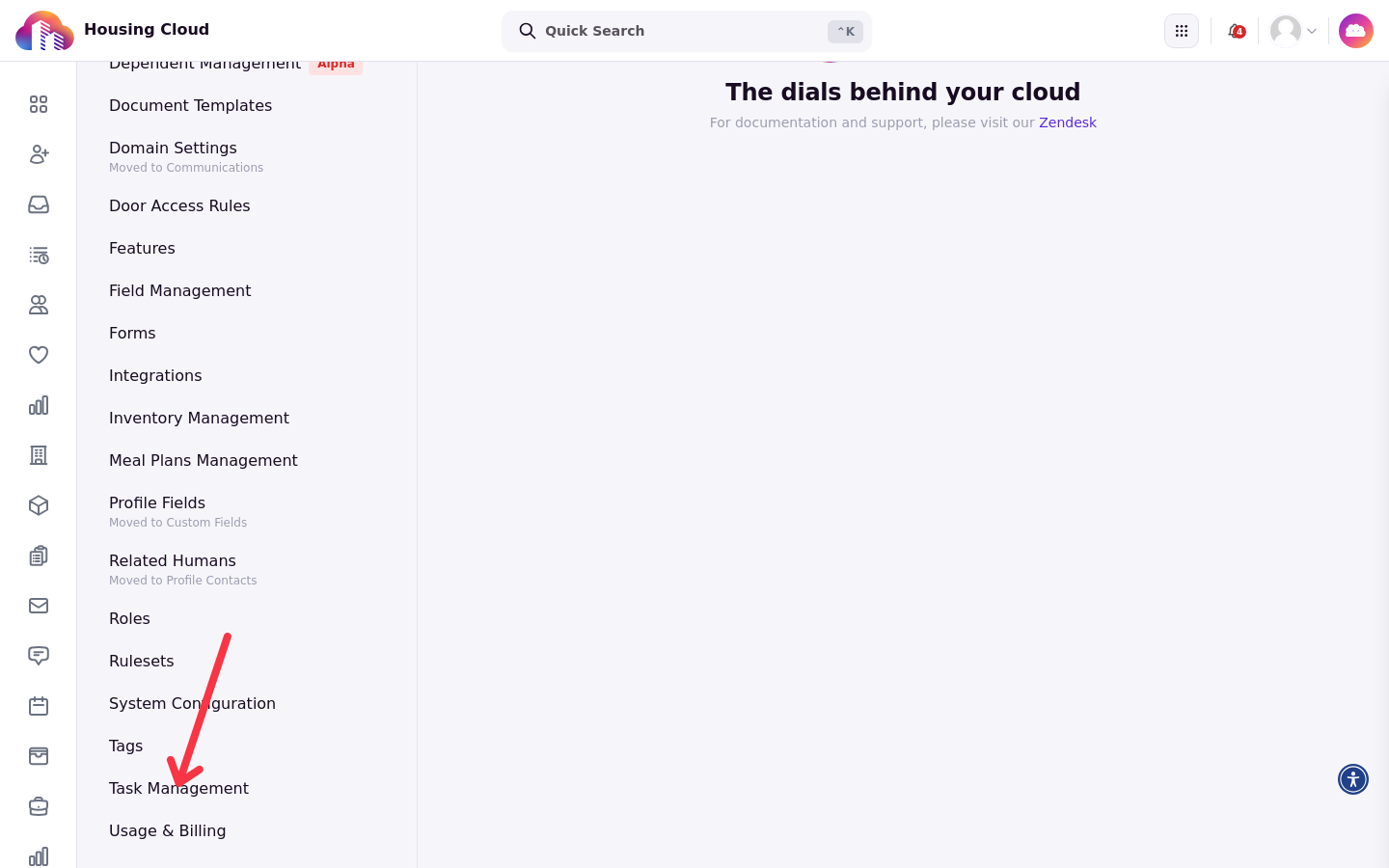
In the Setup sidebar, choose Task Management.
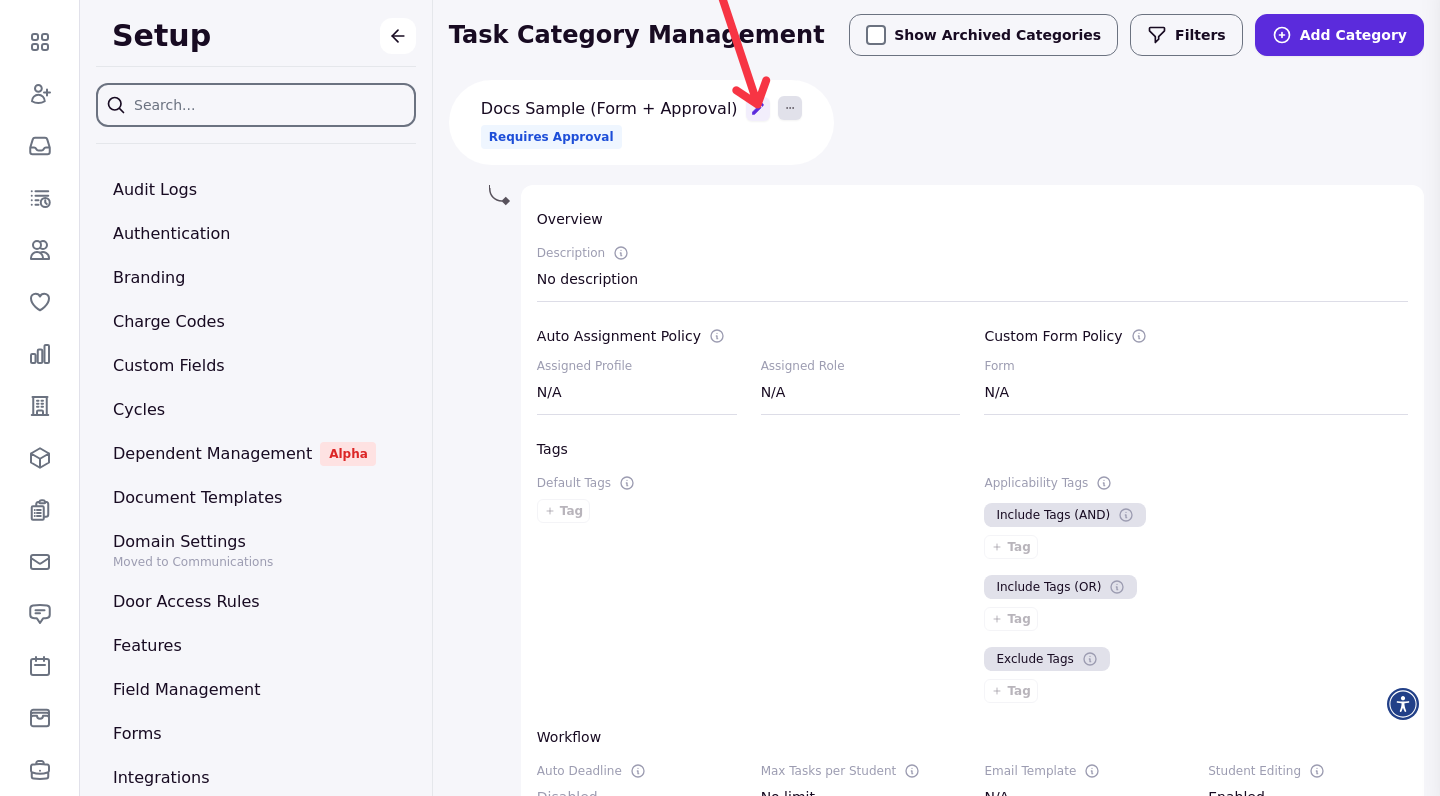
Every request type appears as a card on the "Task Category Management" page. Each card has a pencil (edit) button.
Find the "Auto Assignment Policy" section
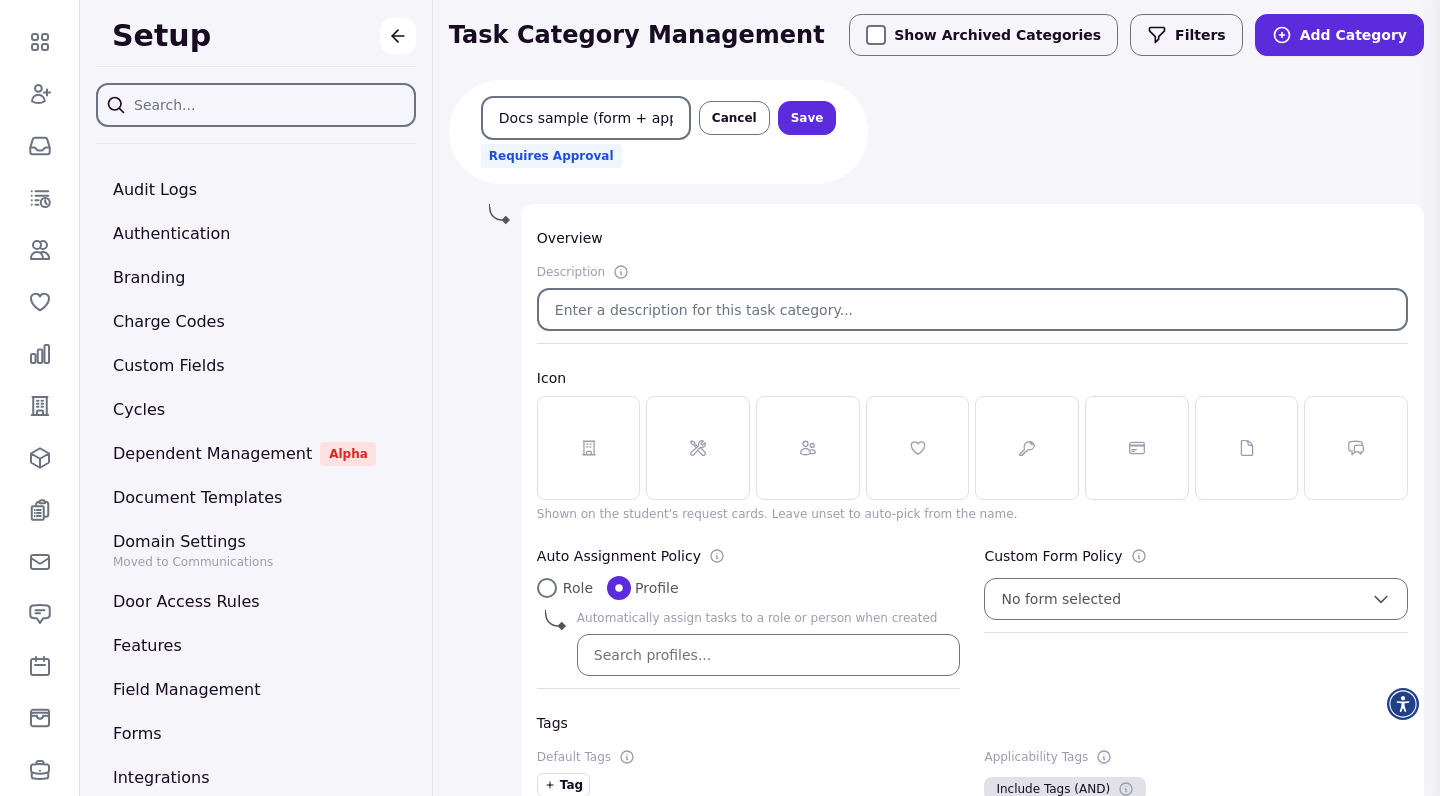
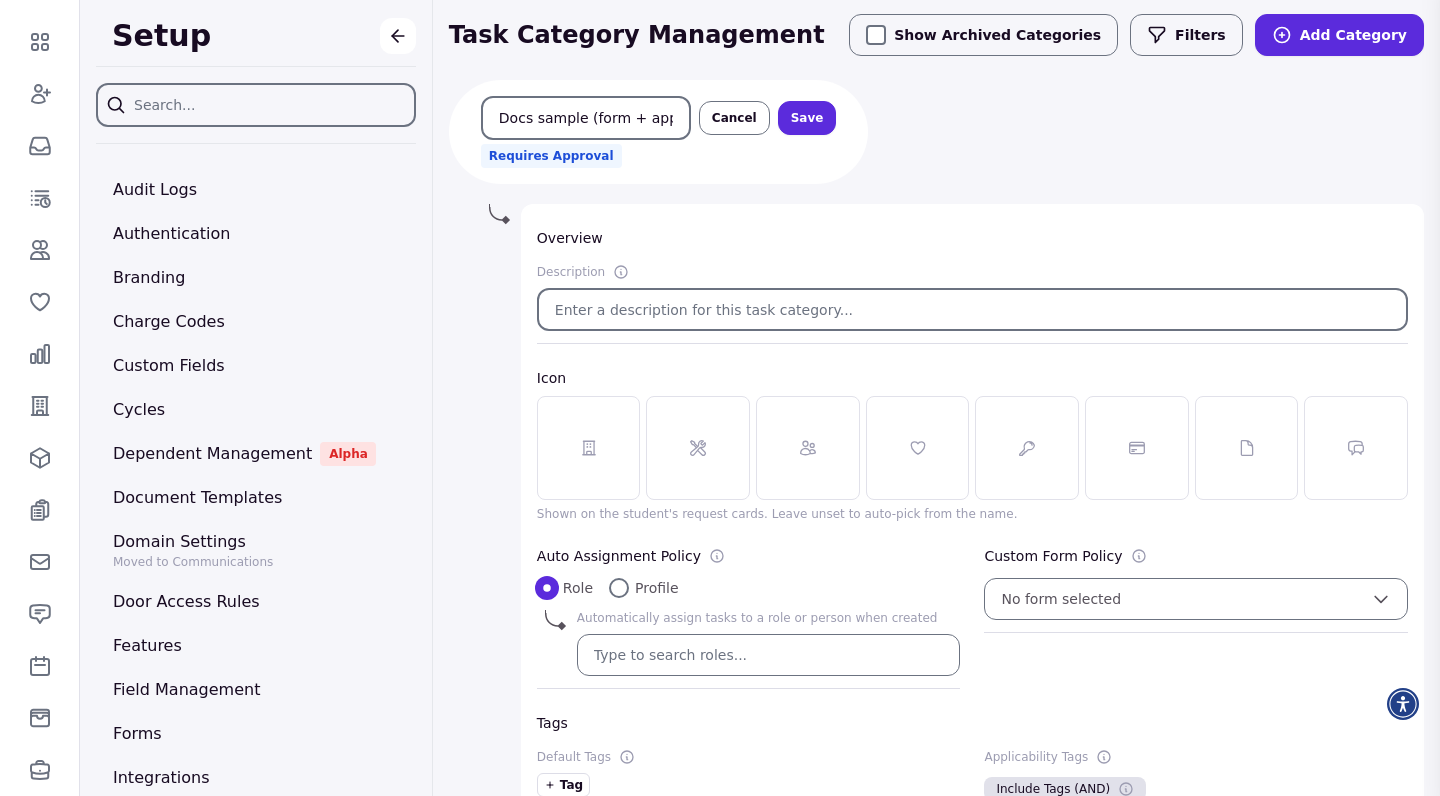
Click the card's pencil (edit) button to open the card for editing. The "Auto Assignment Policy" section offers two options, Role and Profile, with the helper text "Automatically assign tasks to a role or person when created". Role is selected by default.
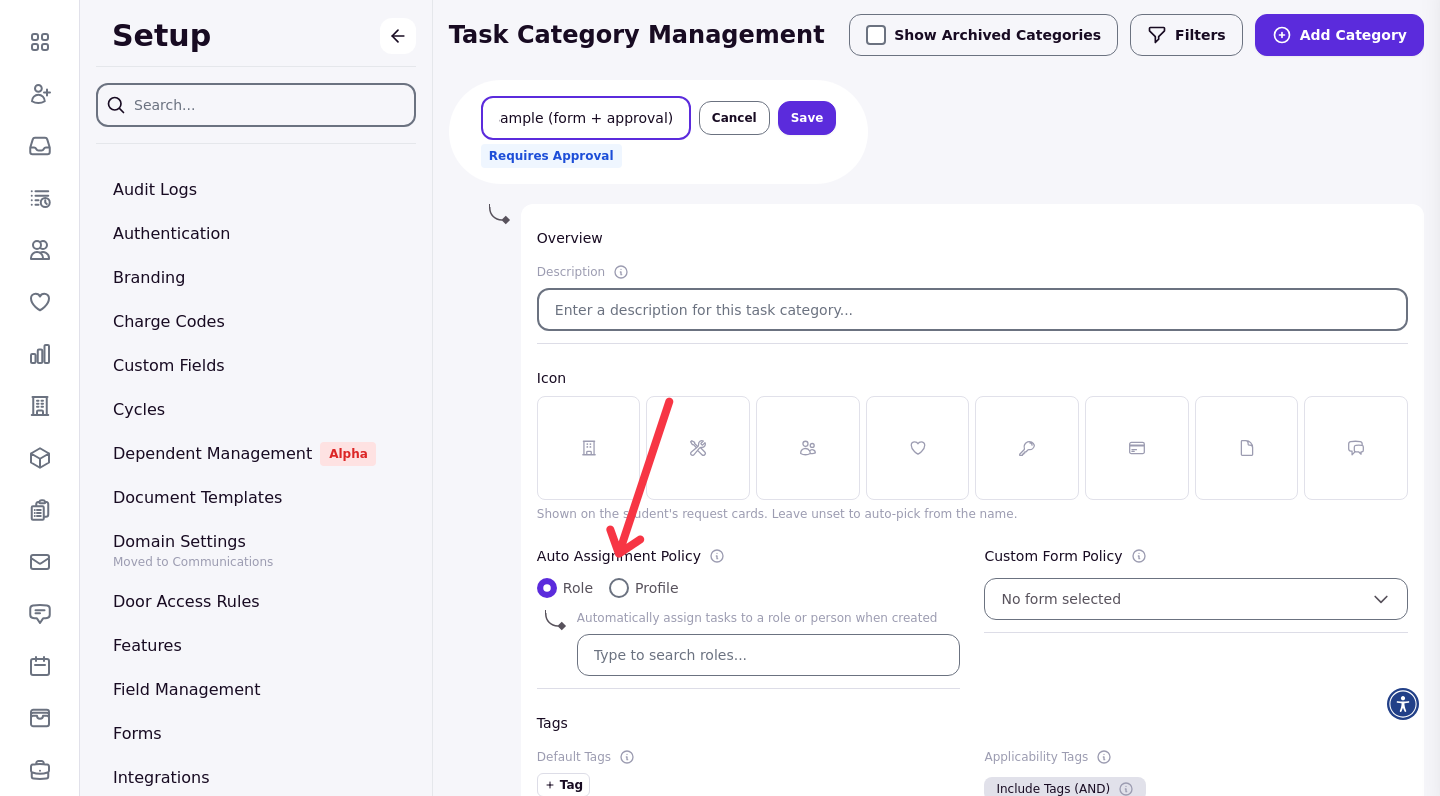
Assign to a person
Choose Profile and pick a staff member from the profile search. They own the task: it shows under their "Show Only My Tasks" filter on the queue, and they get a "New Task Assigned" email as soon as the request is created.
Assign to a role
Choose Role and pick a role from the role search. Nobody owns the task: every member of the role is added as a follower and emailed at high priority, but the task never shows under "Show Only My Tasks" for any of them, and there is no claim button. The task only gets an owner when someone reassigns it to a person.
When the policy applies
The policy runs when a request is created, and again when someone moves the task to another request type. Picking an assignee by hand always wins: a manual choice on the task isn't overwritten by the policy.
Requests an RA files start unassigned
When a resident assistant files a request on a resident's behalf from the staff portal, the request starts with no assignee, even when the request type has an automatic assignee. The policy isn't applied unless the RA changes the request type while filing.
Routing limits
Routing works by request type only. There are no rules by building, floor or community, and one request type can have only one automatic assignee. Housing that needs different staff per building creates one request type per building.
Changing the policy doesn't move requests that are already filed. It applies to requests created from then on, and to tasks moved into the type.
After you save
Click Save. The saved card shows the assignee you set: "Assigned Profile" holds the person's name (with "Assigned Role: N/A") when a person is chosen, or the role's name under "Assigned Role" when a role is chosen.
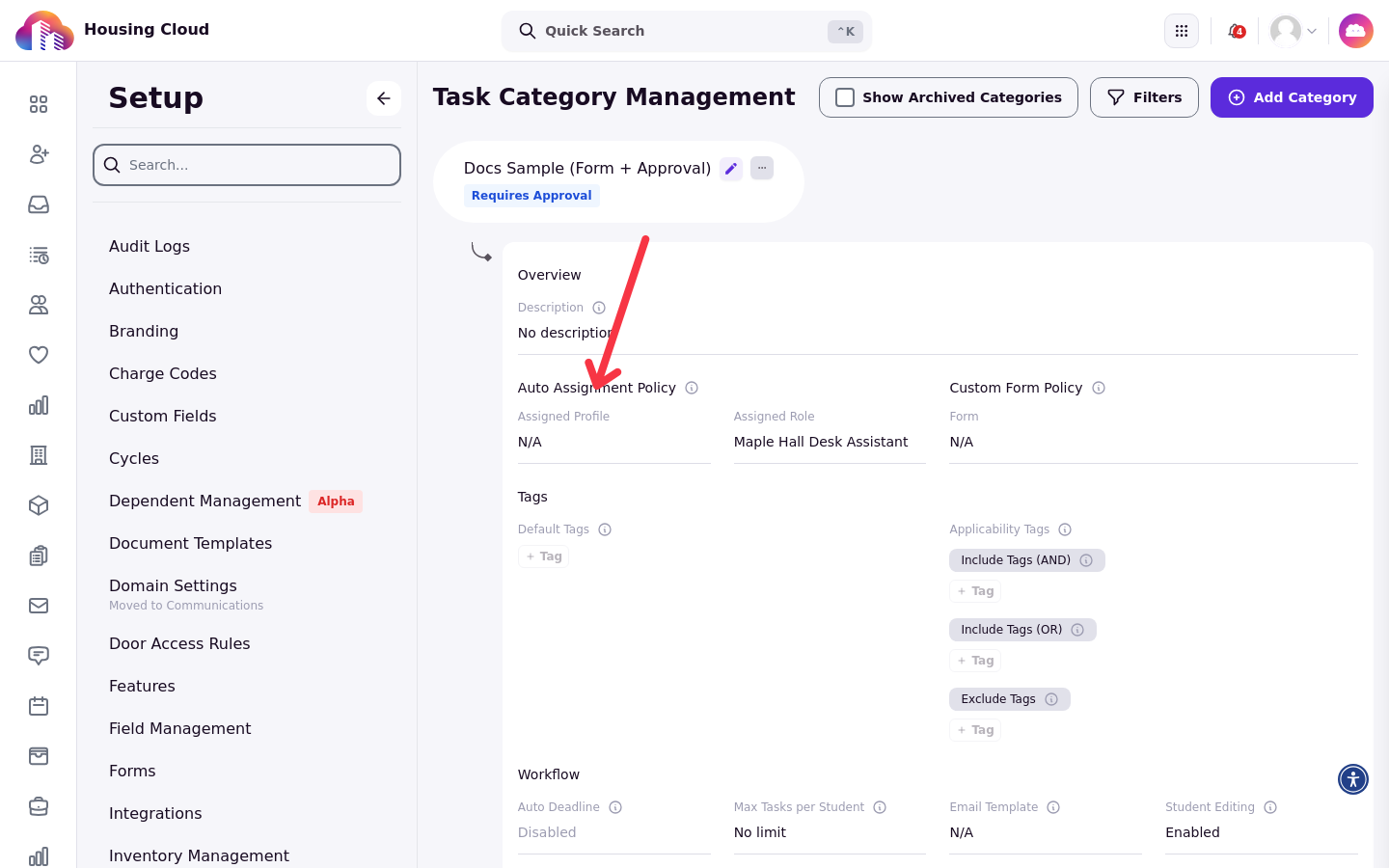
Every request created in that type from then on arrives in the Tasks queue with that assignee already filled in.
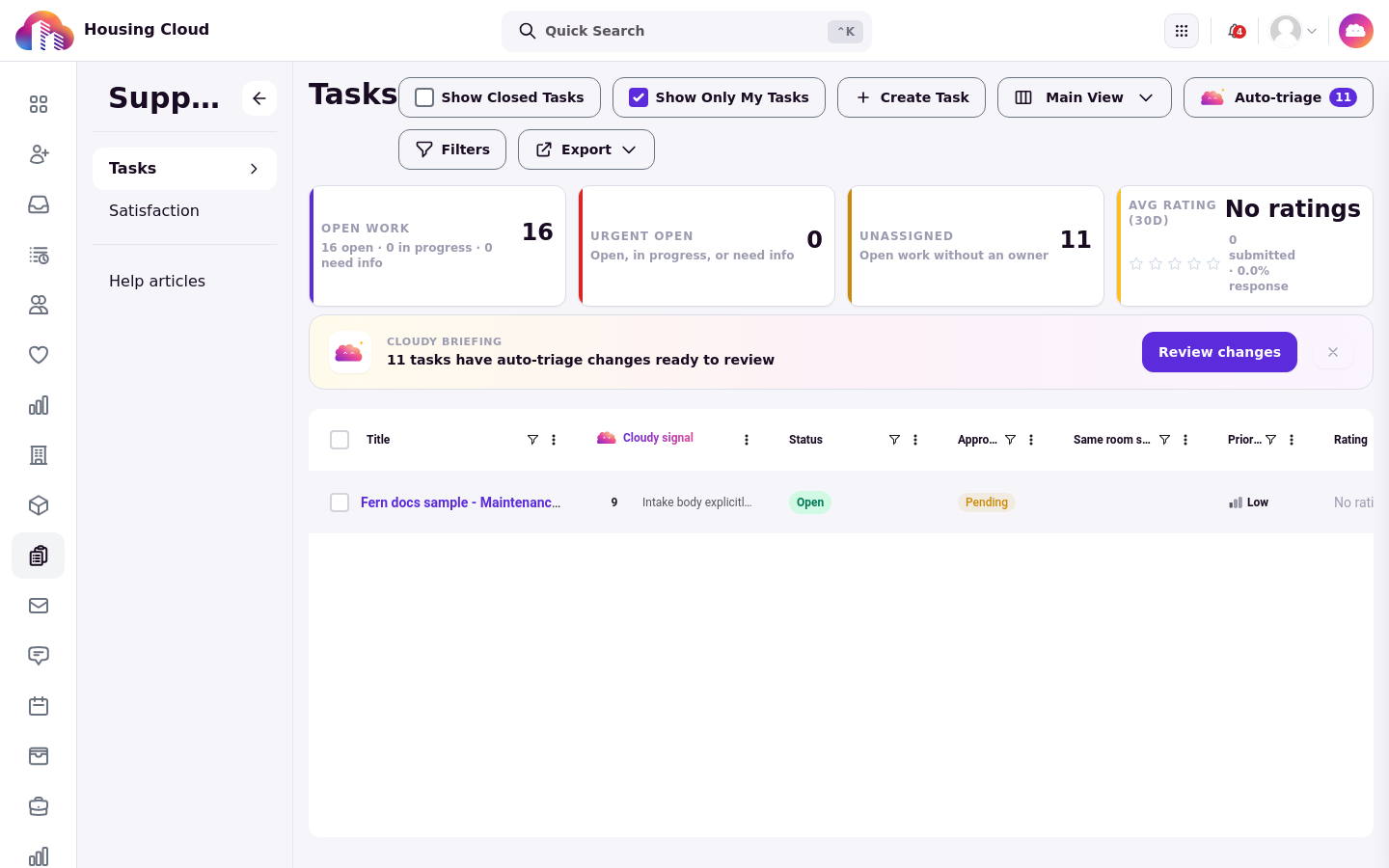
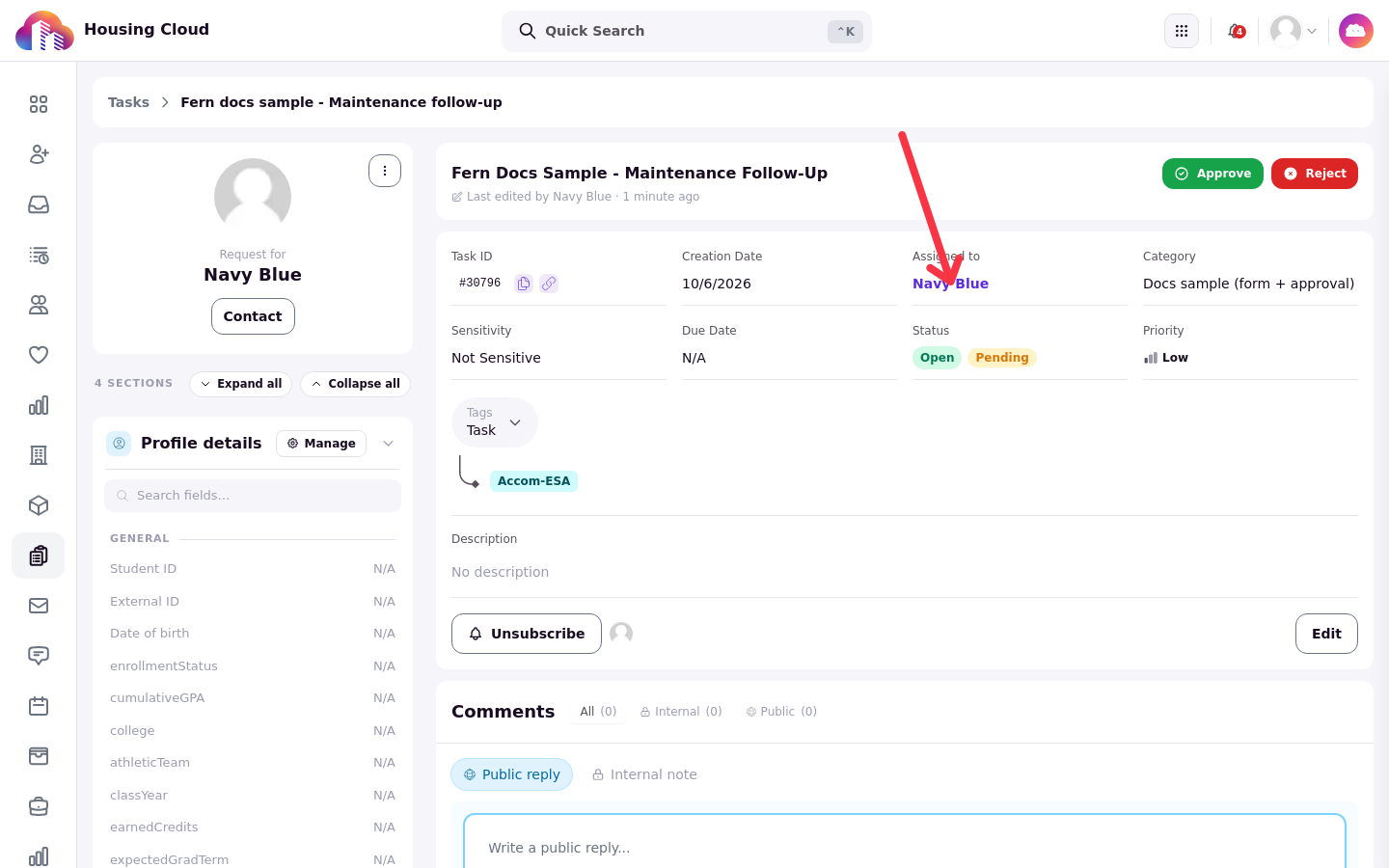
Open any task from the queue to confirm where it routed: the task detail shows the assignee under "Assigned to".