Mailroom Permissions for Desk Staff and Managers
Last updated: October 8, 2026
Four permissions control the Mailroom, all in the Mailroom group (described as package check-in, pickup, and mailroom configuration) on the roles page under Setup. A desk assistant needs the two operations permissions; a manager who sets up mailrooms needs all four.
Permission |
What it allows |
Who needs it |
|---|---|---|
View mailroom operations |
See the package roster, pickup queue, dashboard, and audit trail |
Every desk assistant |
Manage mailroom operations |
Scan and check in packages, hand them out, mark lost/found, link to residents |
Every desk assistant |
View mailroom manager |
See mailroom locations list and the package + mailroom configuration |
Managers who review the setup |
Manage mailroom manager |
Create/edit/delete mailrooms and change package + mailroom configuration |
Managers who set up the Mailroom |
Build a desk assistant role
Create the role under Setup → roles. Click New role, name it, and use the permission search to turn on exactly View mailroom operations and Manage mailroom operations, leaving the two manager permissions off so assistants cannot change the mailroom setup. Saving opens a confirmation that lists the role name and the permissions to enable; the changes take effect immediately after Save changes.
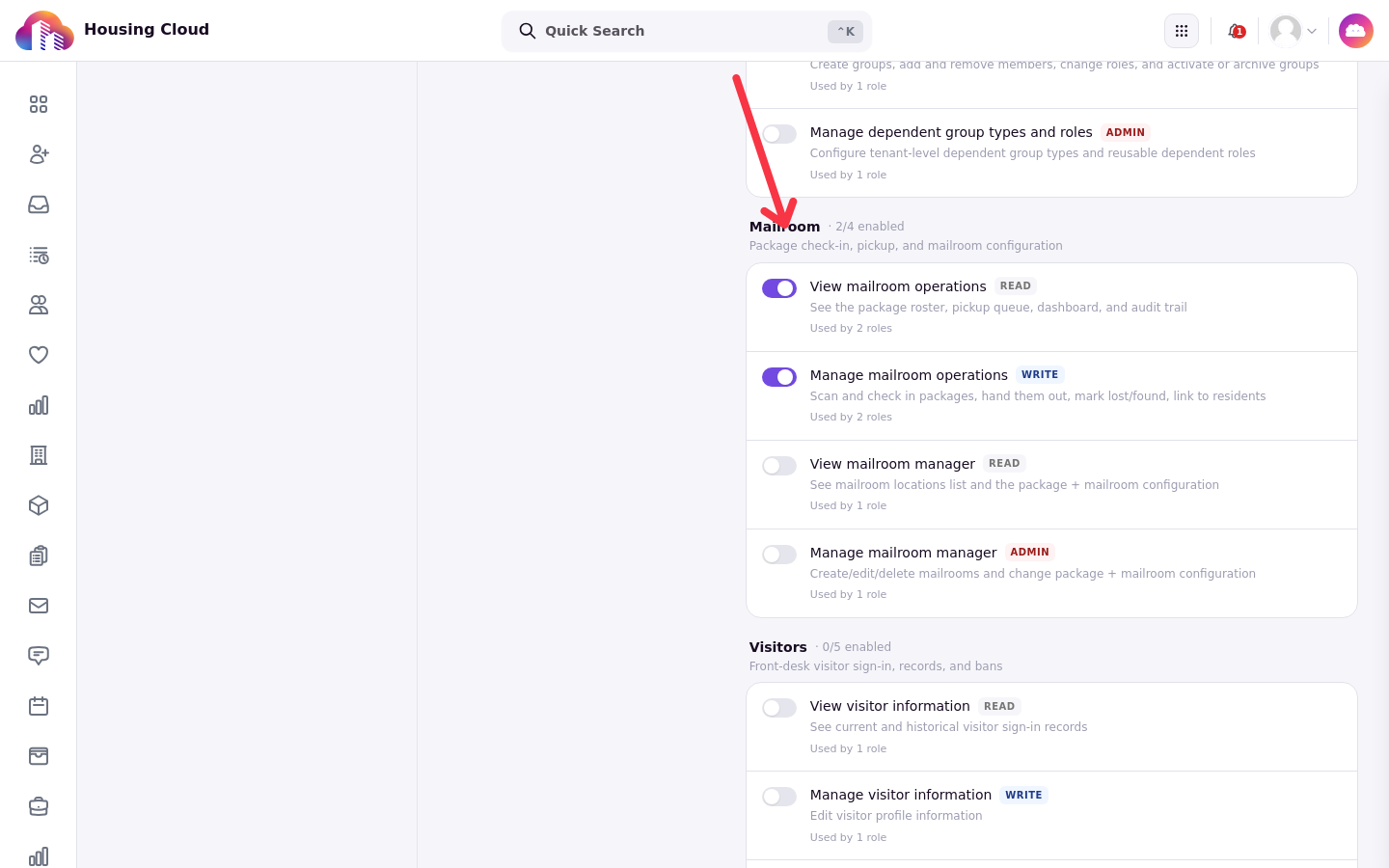
A manager role turns on all four. With only the two operations permissions, a staff member works the desk at /ops/mailroom but cannot open the admin Mailroom page or its Configuration tab.
What each permission opens
The split follows the two portals. The operations permissions open the desk screens: the dashboard, All items, Locations, an item's page and activity, and the work of logging, handing over, reminding and marking lost or found. The manager permissions open the admin side: the mailroom list and the Configuration tab with its release requirements and options, including deleting a mailroom.
Assign the role to staff from their profiles. When you are done, the role's permission list is the place to verify what a desk assistant can and cannot reach.