Resend Pending Communications
Last updated: August 28, 2026
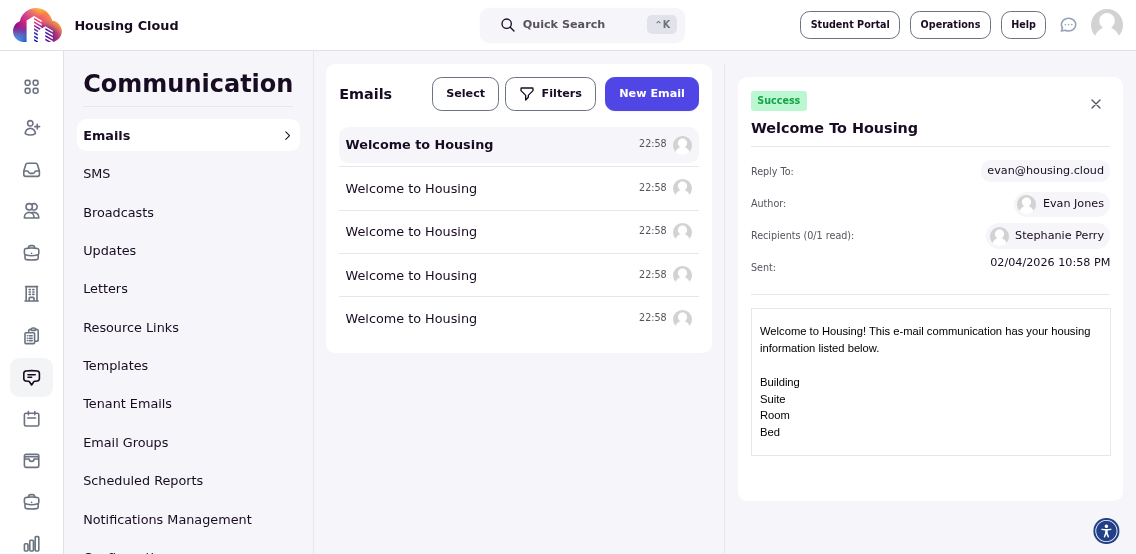
If a communication gets stuck or fails to send, you can retry it from the communications page. This is useful when emails are pending due to temporary delivery issues or system errors.
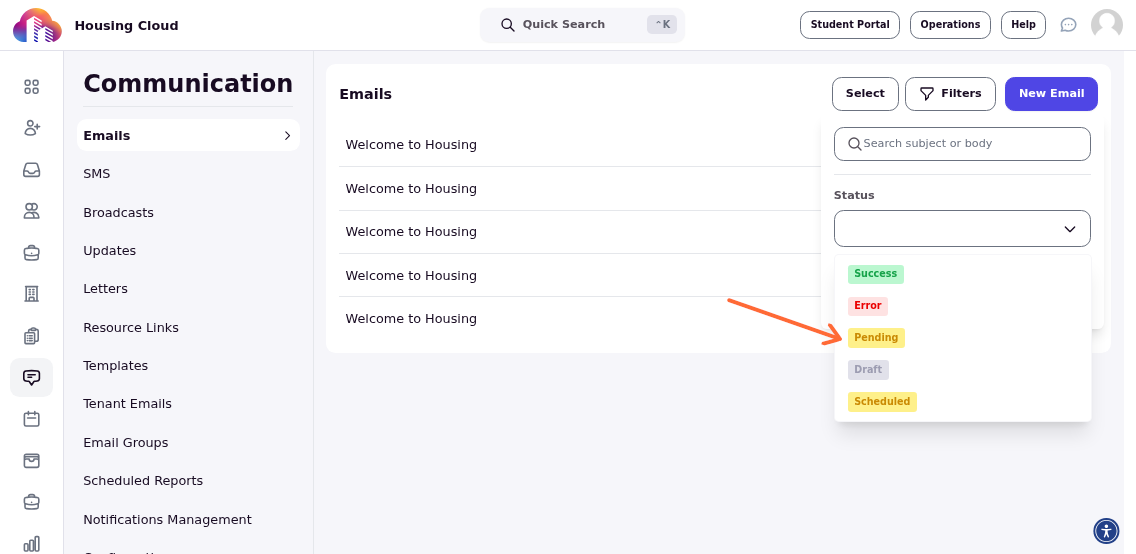
Filter for Pending Communications
Use the Status filter to show only pending communications. This helps you quickly identify which emails need to be resent.
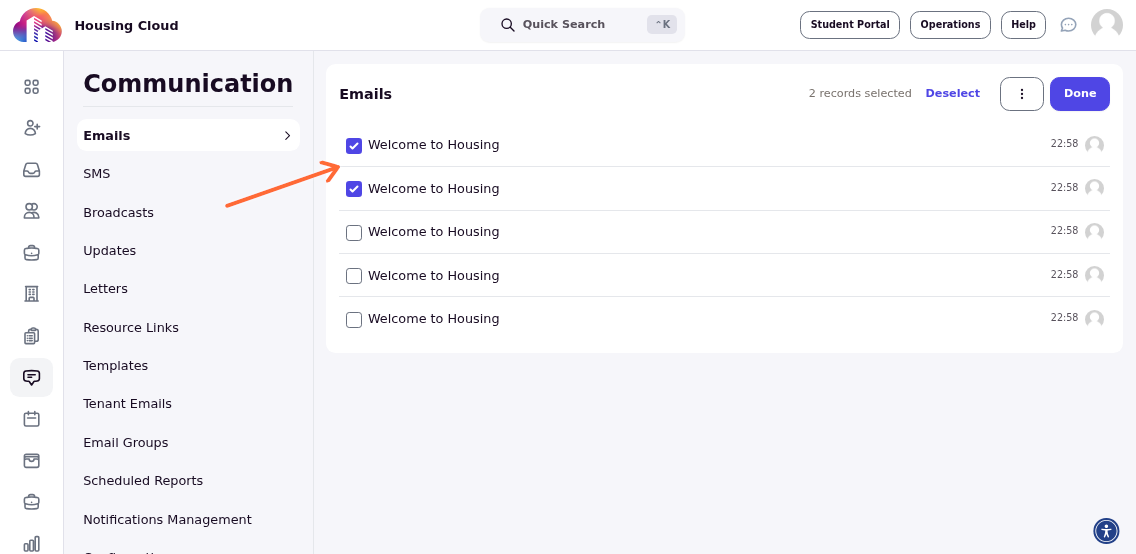
Select Communications to Retry
Click the Select button to activate selection mode. Use the checkboxes to select the specific communications you want to resend. You can select one, multiple, or all communications in the list.
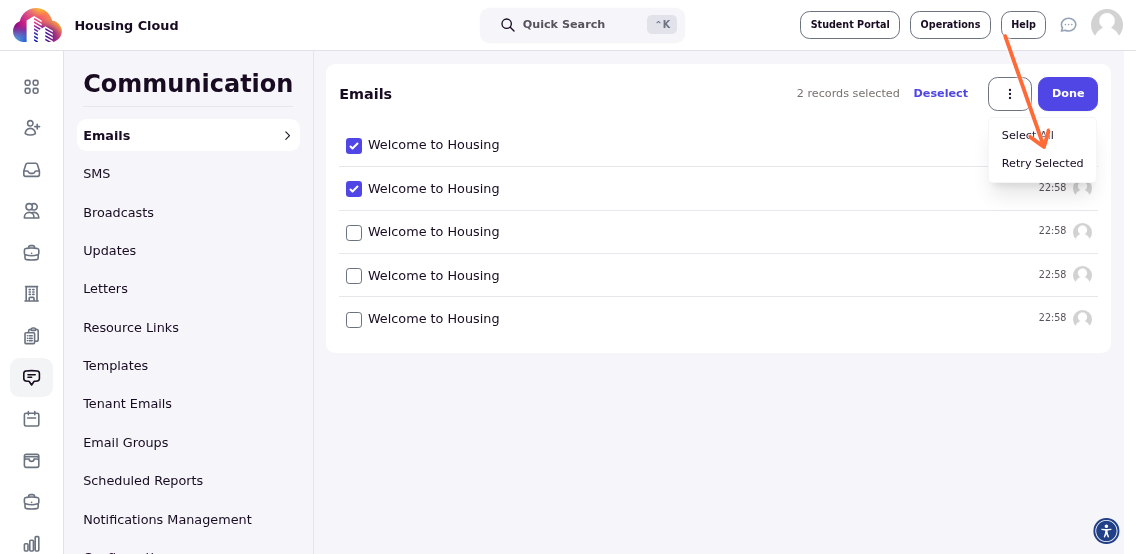
Retry Selected Communications
Click the three-dot menu in the toolbar and select Retry Selected. The system will attempt to resend each selected communication immediately.
Successfully resent communications will move from pending to sent status.