Find and Report on Dependents
Last updated: October 8, 2026
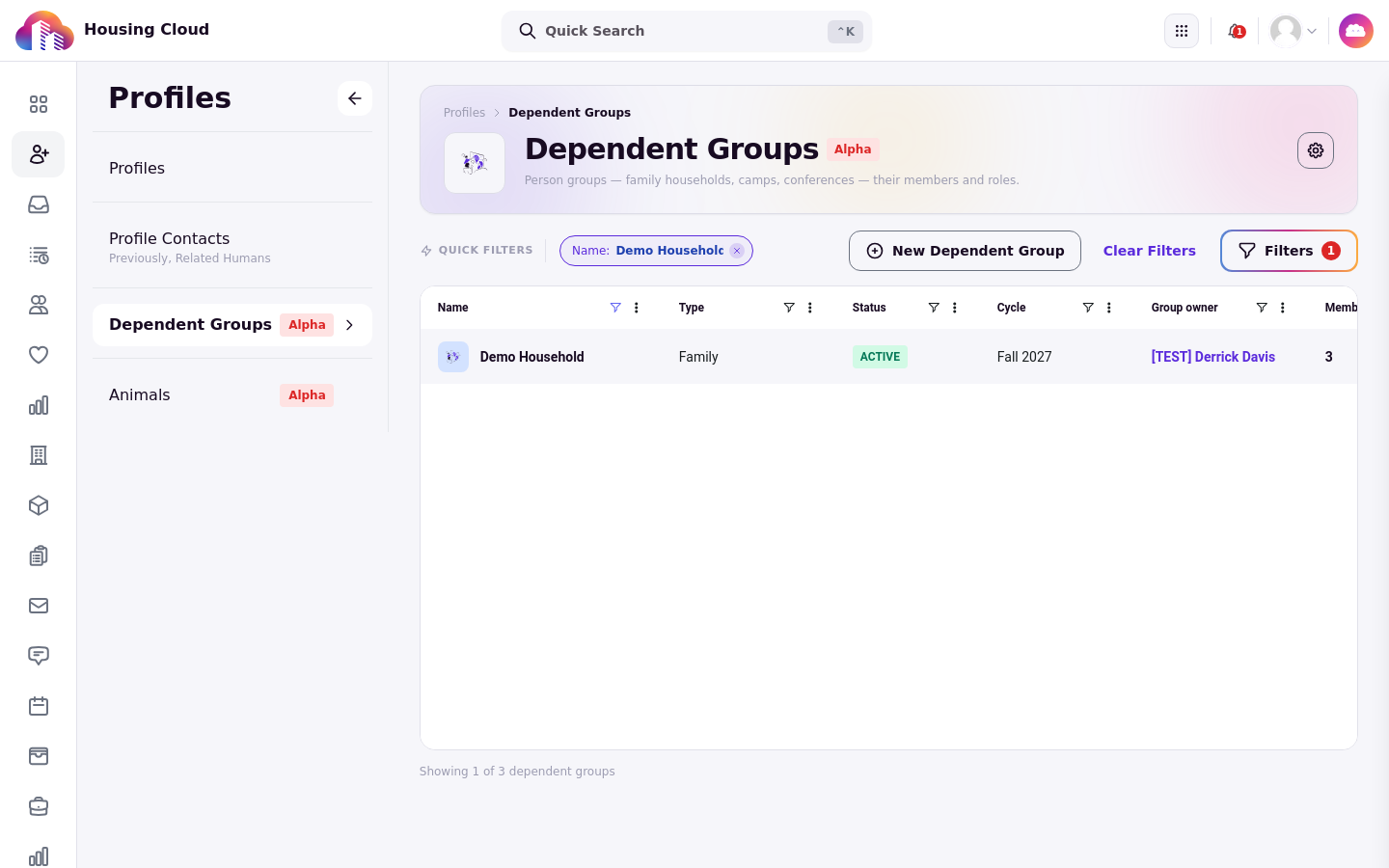
Dependents appear in four places on the admin side of Housing.Cloud: the Dependents tab on the Profiles list, grouping on the Residents grid, the Show past cycles toggle, and the Dependents category in the report builder. Dependents are organized into dependent groups, configurable person groups such as households, camps, and conferences. There is no prebuilt Dependents report, so reporting on dependents means building one from the Dependents entities in the report builder.
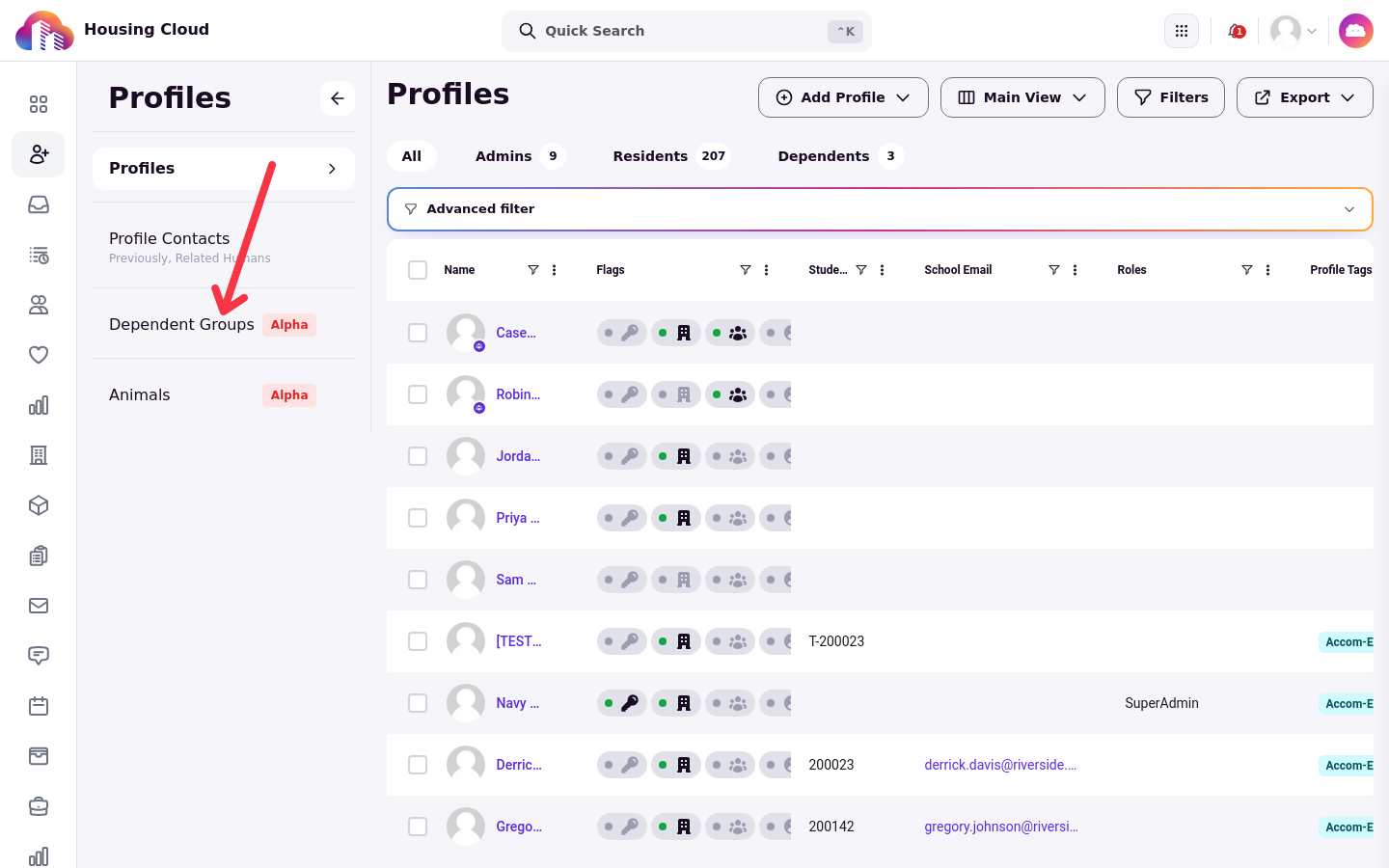
The Dependents tab on Profiles
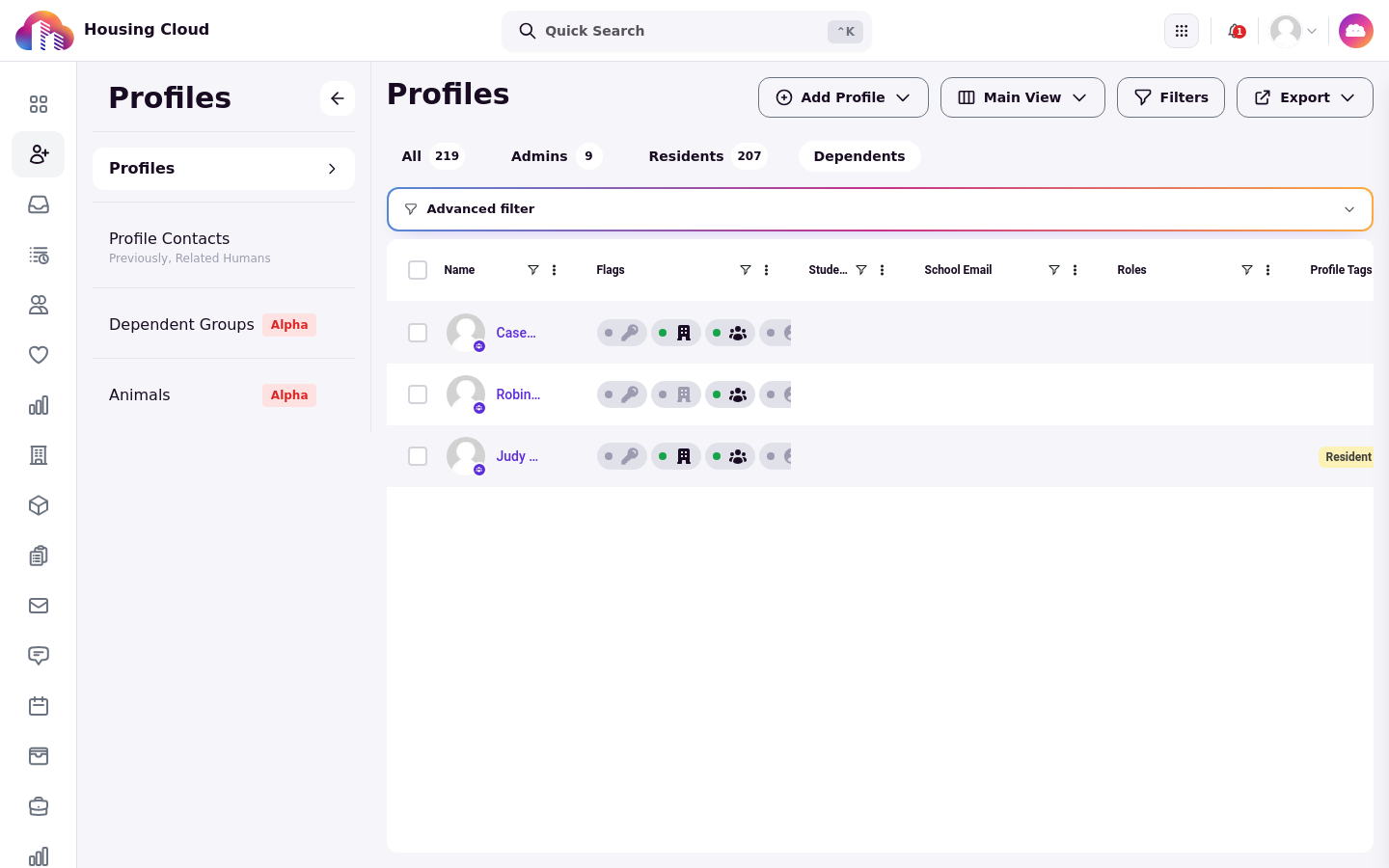
On the Profiles list, the Dependents tab filters the grid to dependent profiles. The tab appears only when the dependents feature is enabled for your instance, alongside All, Admins, and Residents in the row of tabs above the grid.
The Dependents tab uses the same grid columns as the other profile tabs. Default columns include Name, Flags, Student ID, and School Email, with many more columns hidden by default.
The grid's Export button offers Export as CSV and Export as Excel. Exporting requires the export tables permission.
The Dependent Groups table itself has no export control. To export dependent profiles, use the Dependents tab export. To export dependent-group records, use the report builder.
Group the residents grid by dependent group
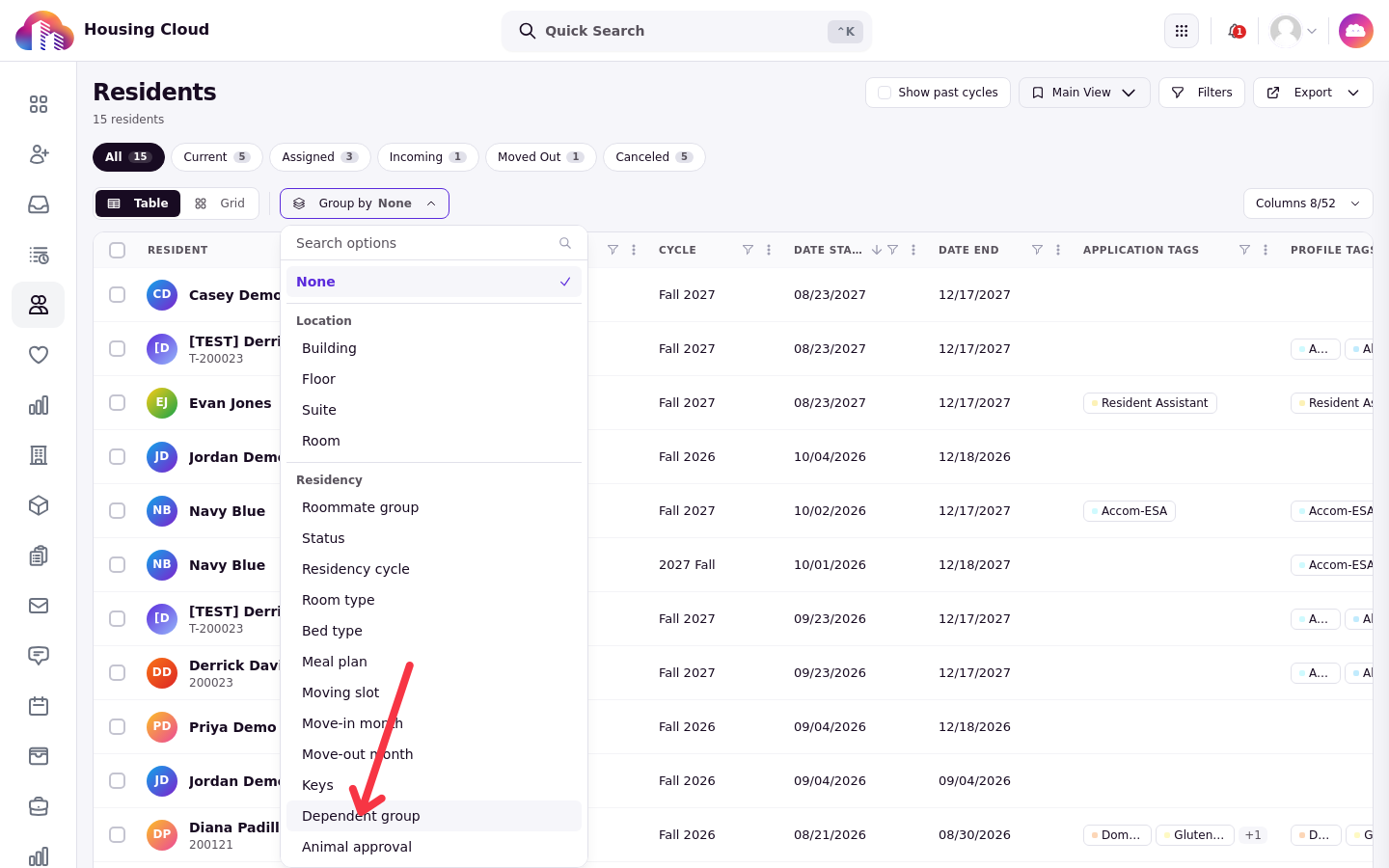
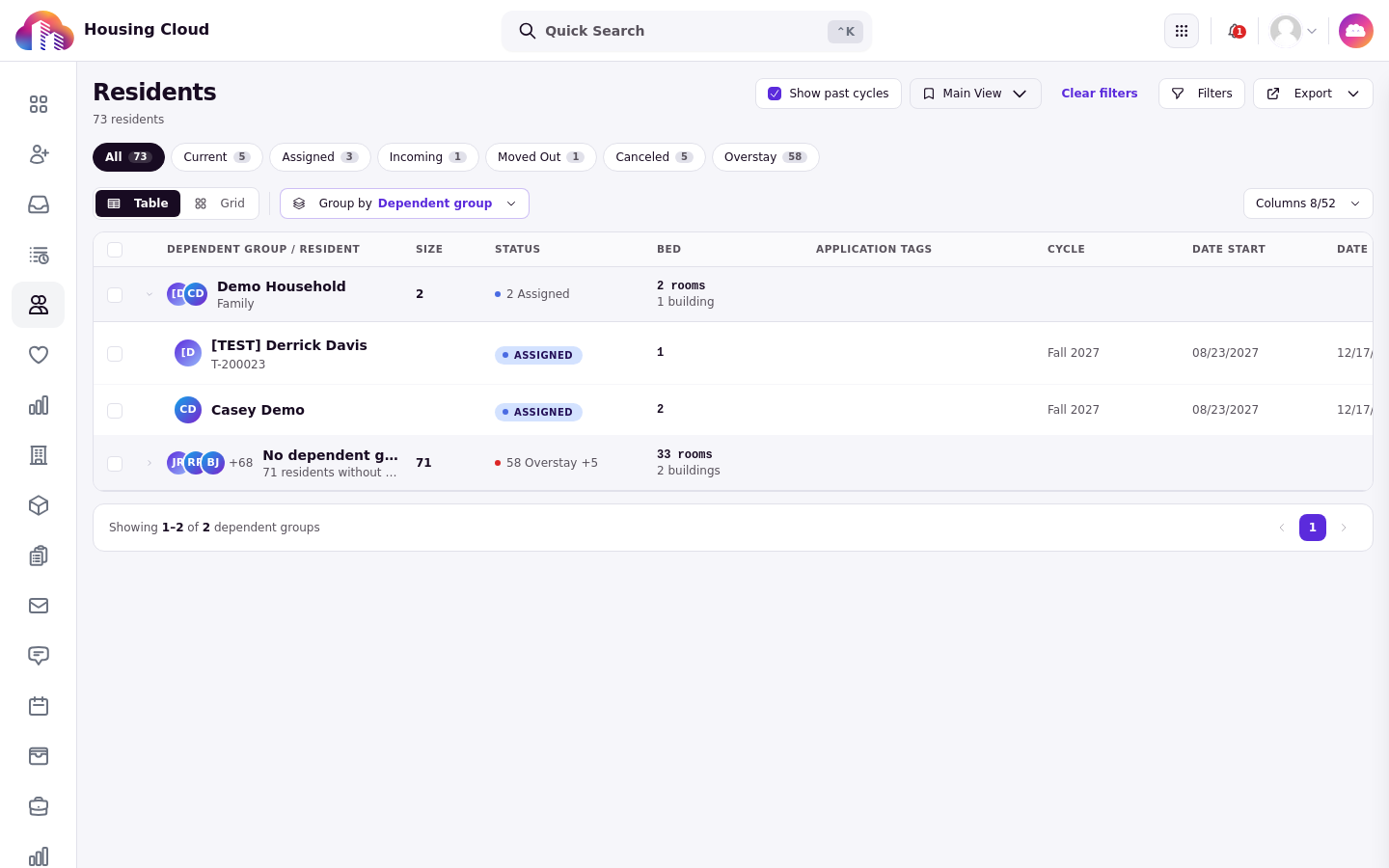
On the Residents grid, the Group by picker includes a Dependent group option that groups resident rows by their dependent group. The link between a resident and their group is at the residency level, so the grouping follows each resident's residency. Grouping supports Order within groups.
Show past cycles
The residents grid has a Show past cycles toggle, and it is off by default. With the toggle off, the grid is scoped to current cycles, including rows grouped by dependent group. Dependents tied to groups in past cycles do not appear until you turn the toggle on.
Build a report in the report builder
The report library has no dedicated Dependents folder and no prebuilt Dependents report. Its built-in folders are Inventory, Occupancy, Residency lifecycle, Applications, Demographics, Outreach, and Billing. To report on dependents, click New report in the report library and build the report from the Dependents entities.
The report builder's data schema includes a Dependents category with four entities:
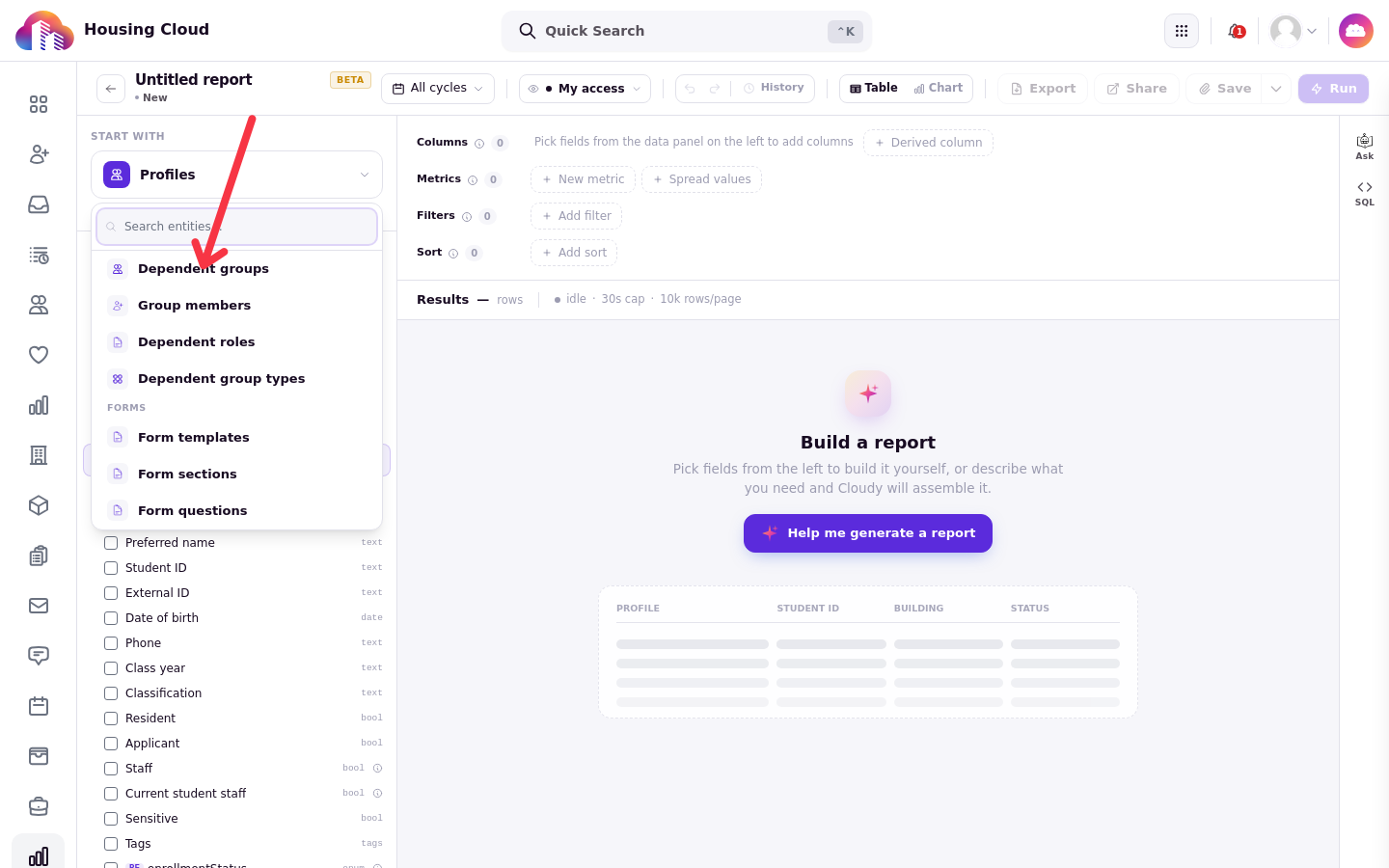
Dependent groups, the configurable person groups themselves, such as households, camps, and conferences
Group members, the role-scoped assignments of profiles to dependent groups
Dependent roles
Dependent group types
The Dependent groups entity provides these fields:
Group ID
Dependent group name
Display name
Dependent group status
Created at
Tags
Dependent-group data is also reachable from other entities, so residency, billing, and member reports can all carry dependent-group fields:
From Residencies, follow the for dependent group relationship to Dependent groups.
From Transactions, follow the for dependent group relationship to Dependent groups.
Profiles expose dependent group memberships.
To create or edit the groups themselves, see Create and Manage a Dependent Group.