What a Dependent Sees in the Resident Portal
Last updated: October 8, 2026
A dependent account signs in to the same Resident Portal students use. What a dependent sees depends on their assignment: they need login access granted on the assignment, they get the same portal layout and navigation as students, and the My Household page is available only to primary members. For the full student walkthrough of each page, see Navigating the Resident Portal, for Students.
Signing in
A dependent can sign in only when an active dependent assignment grants login access. Login access comes from one of two places: the Can log in default on the dependent's role, or the Grant login access option on the individual assignment. The assignment-level switch is what takes effect; the role default applies only when the assignment does not specify. Changing the role's Can log in later doesn't change people already in households; it applies to people added or re-added afterwards. A dependent added without an email, or whose assignment has login off, can't sign in at all.
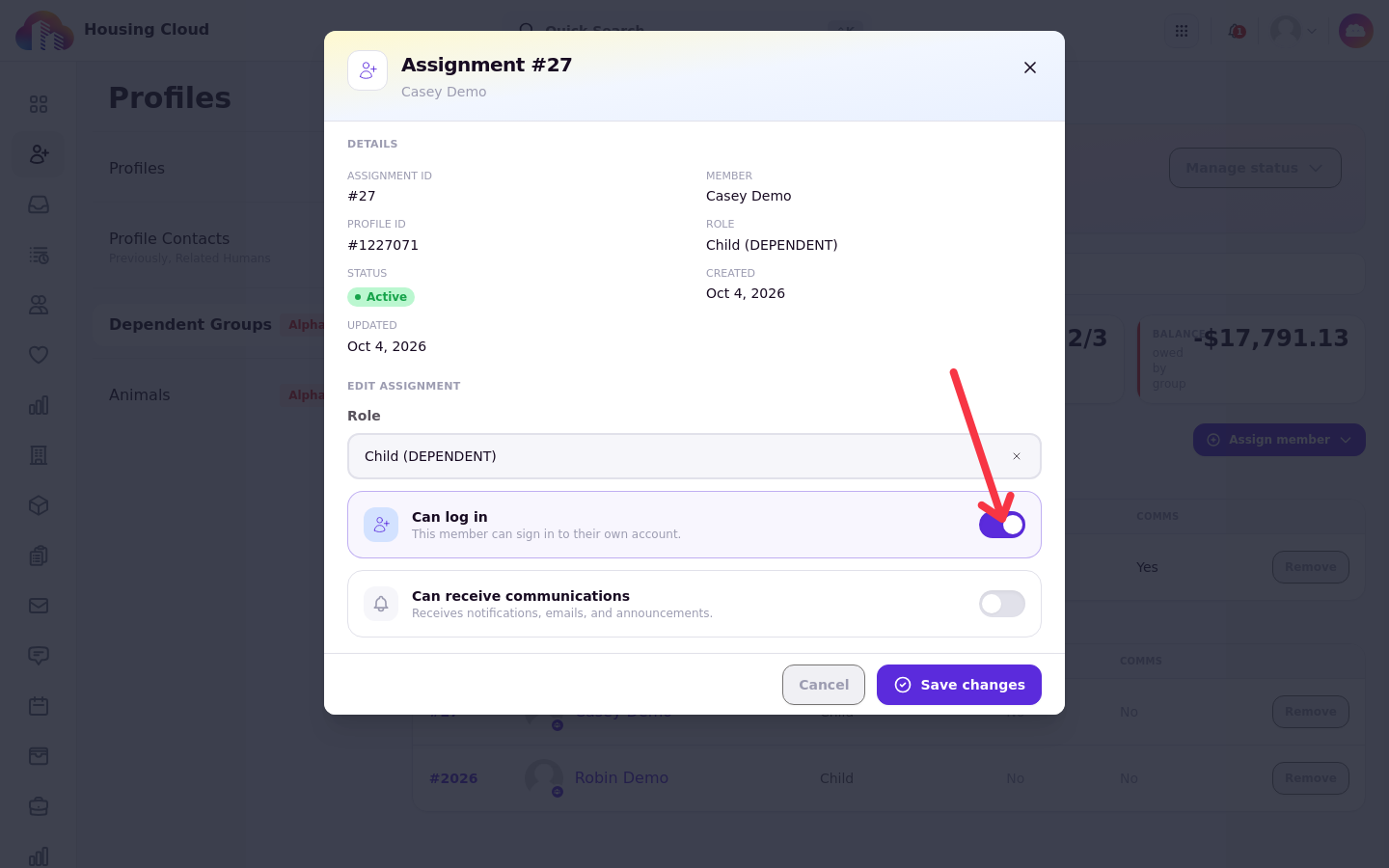
The household's Dependents table shows the effective result for each member in its Login column.
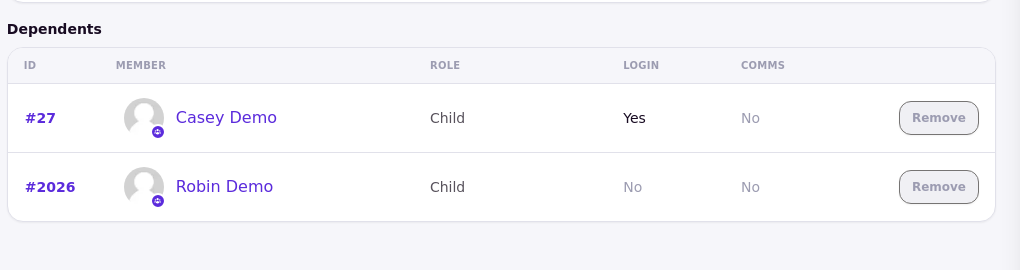
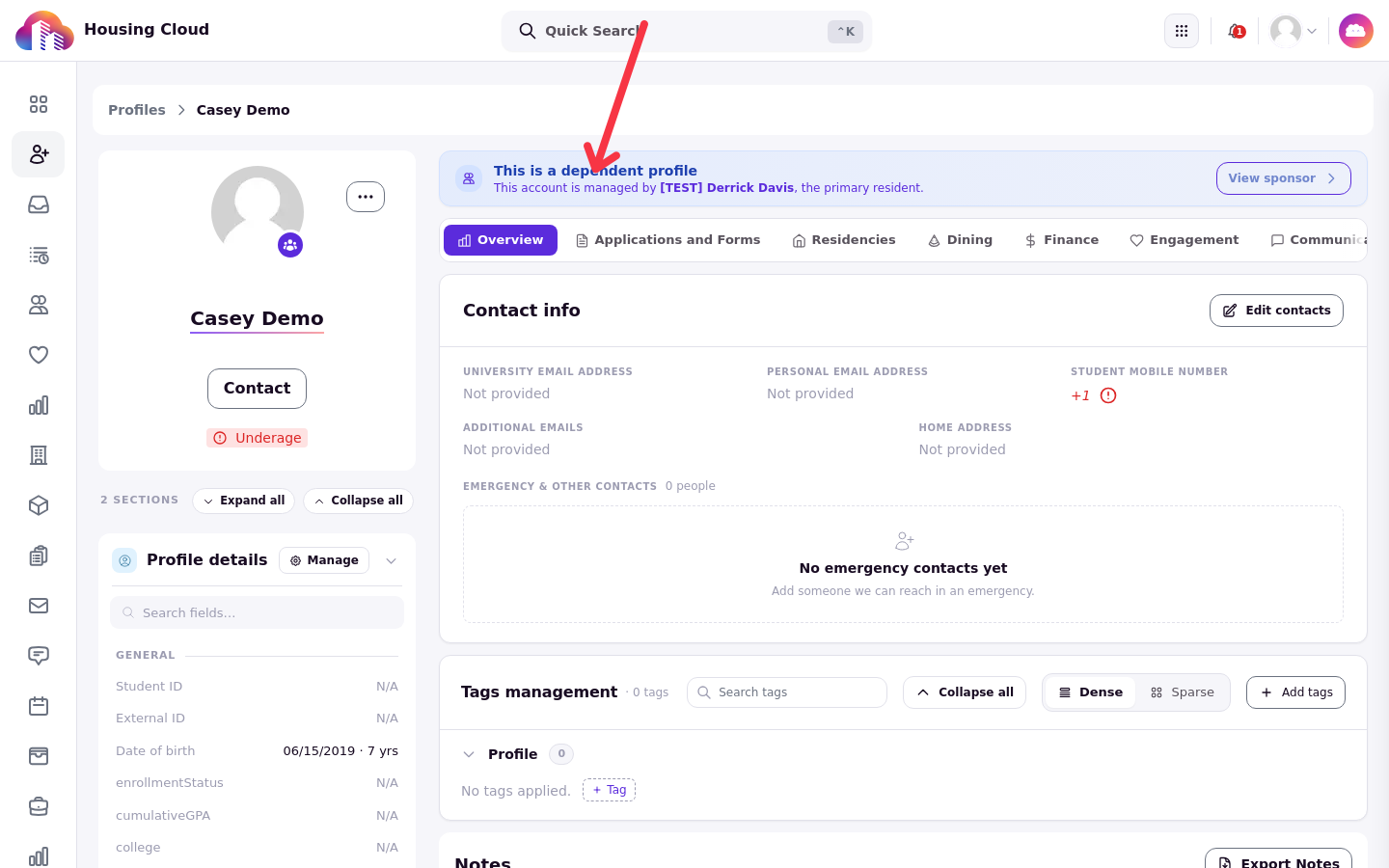
Without login access, sign-in shows this message: "This account does not have login access. Contact your housing administrator." A housing administrator can add login access by editing the assignment or the role in the admin side of Housing.Cloud. On a dependent profile, admins also see a banner identifying the account and the primary resident who manages it.
The portal layout
Once signed in, a dependent sees the same portal shell as students. This includes the school name in the top bar, their profile, notifications, and a Help control.
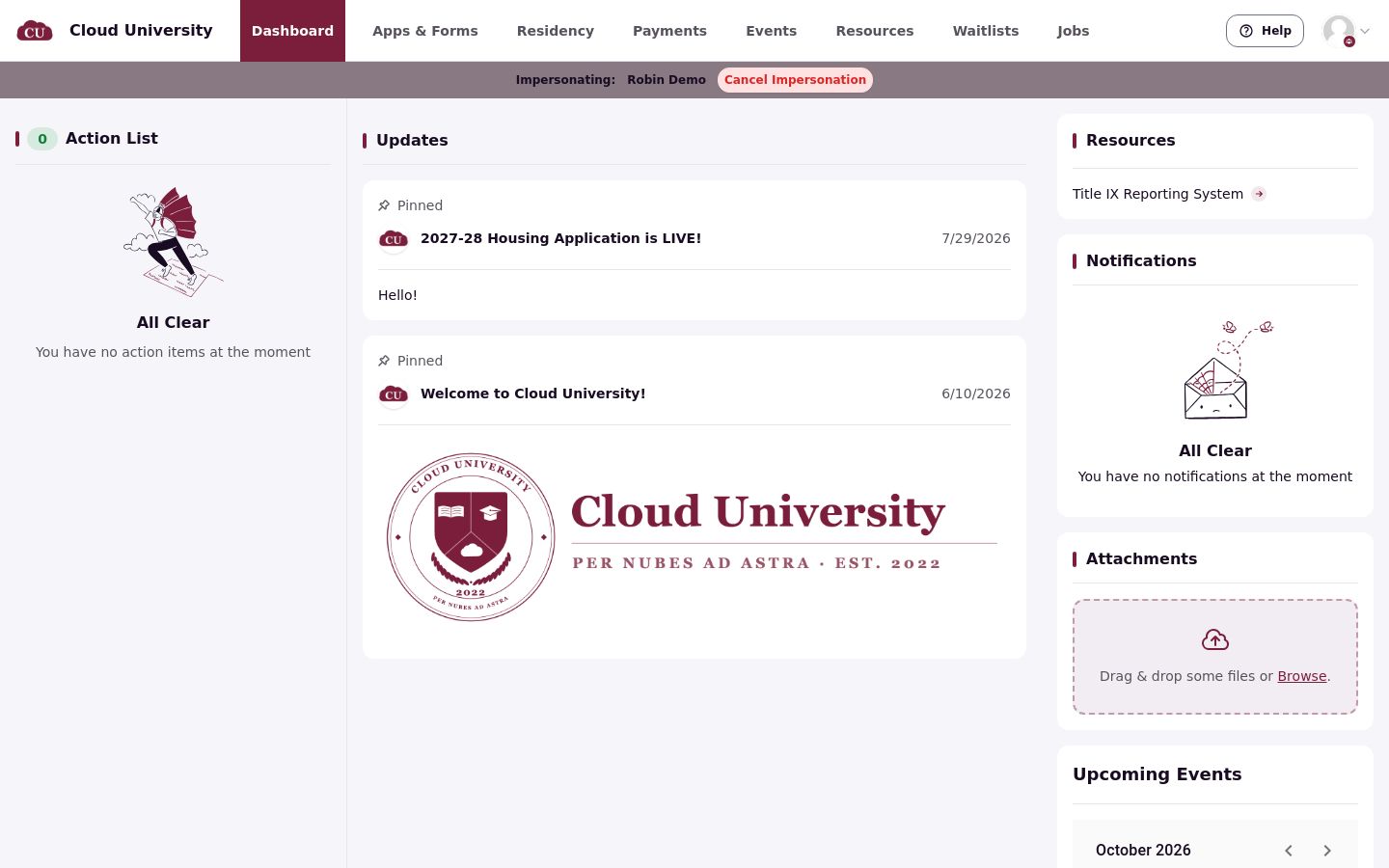
The navigation includes Home, Apps & forms, My room, and Requests. Payments and Visitors appear under My room. Additional navigation items appear only when their feature is enabled.
There is no separate dependent-only view of the portal. Dependents see the standard layout, and each page still follows its own feature gates, so access to a specific page is not guaranteed to match another user's exactly.
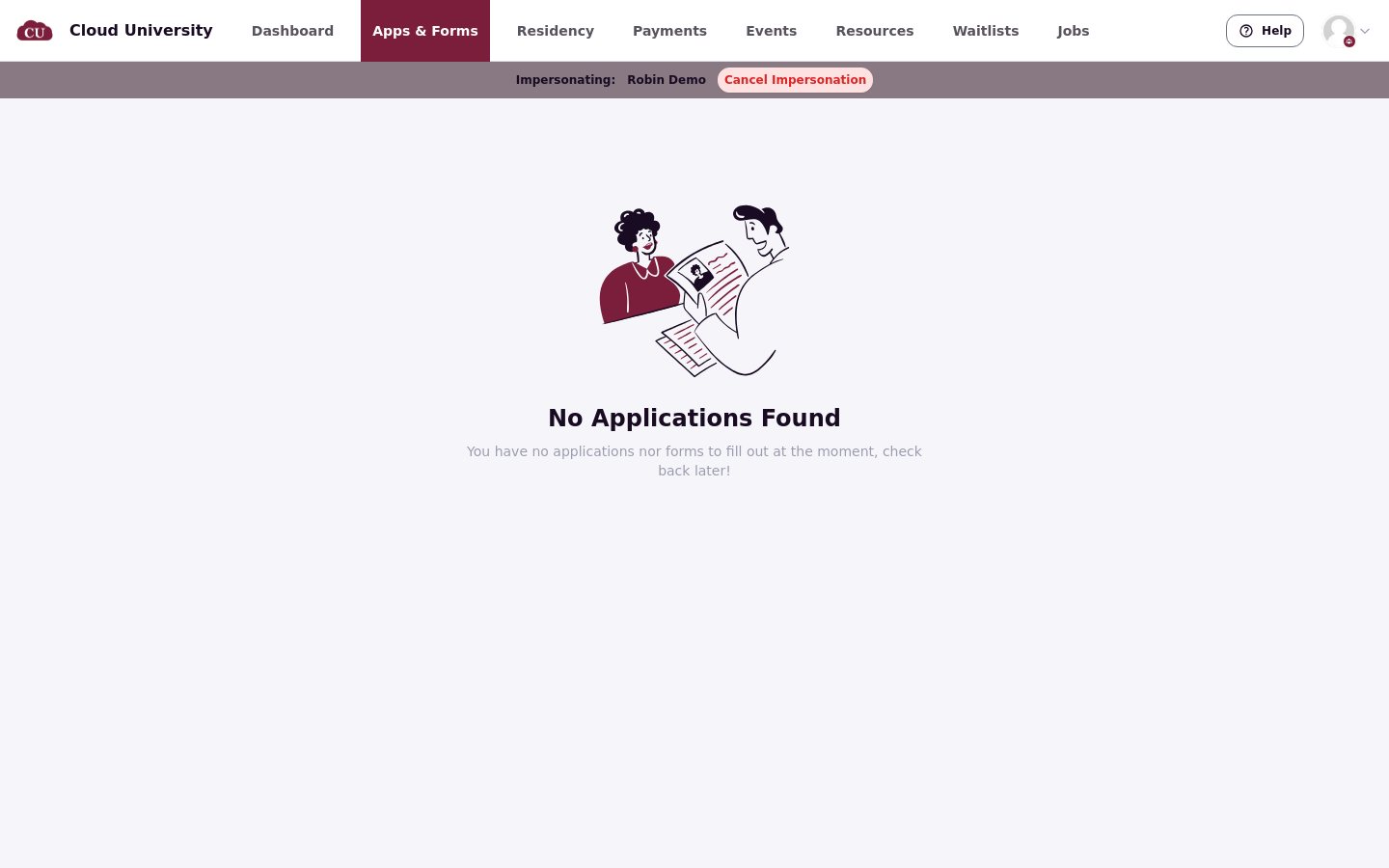
In Apps & forms, the cycles shown are not filtered by the dependent's assignments or login access, so cycles where the dependent holds no active assignment with login access can appear. Opening an application in a cycle they don't hold login for shows "You do not have access to this application. If you think this is a mistake, contact your housing administrator." An admin-forced invite still gets the dependent into a cycle.
My Household
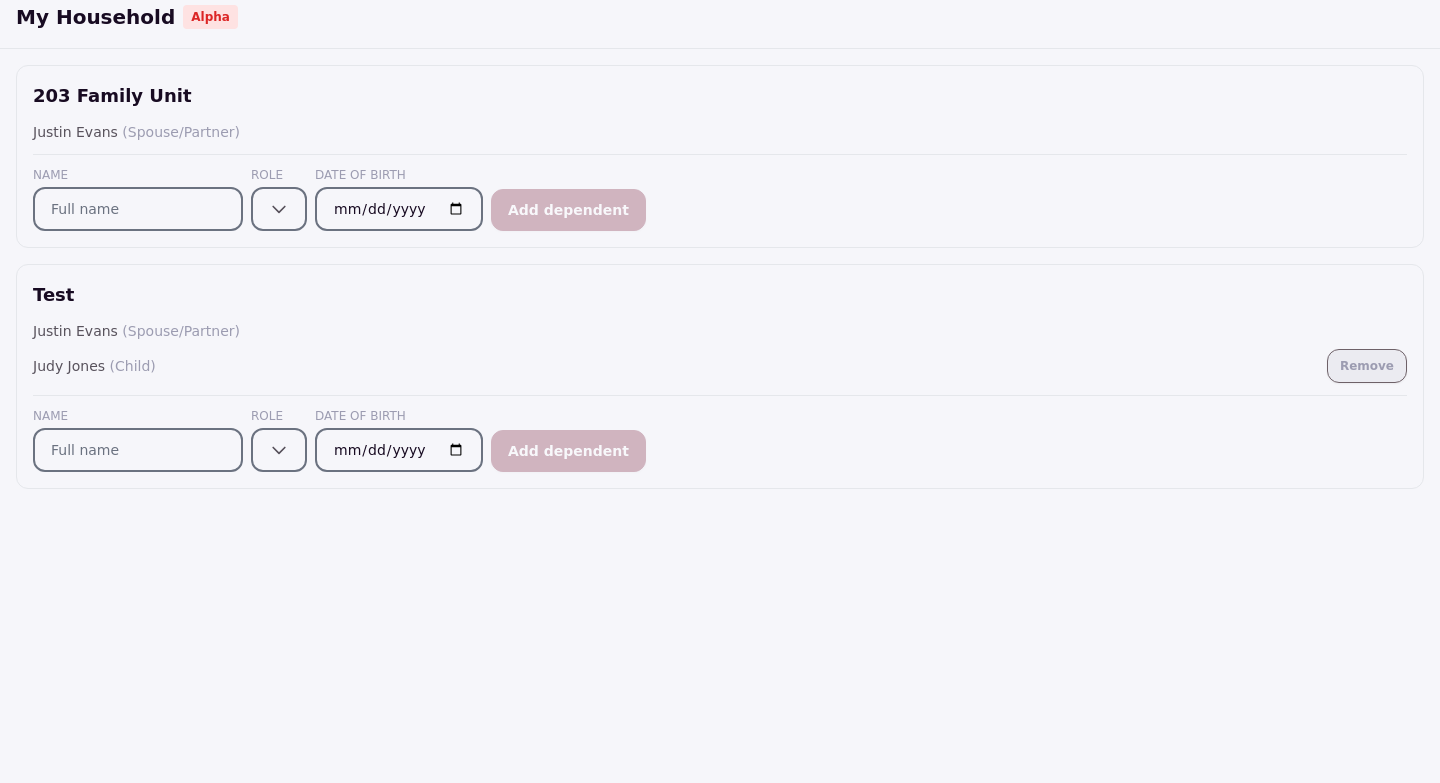
The My Household page is available only to primary members of a dependent group. It lists the groups where the signed-in person is an active primary member, which is where household management happens.
A dependent who is not a primary member of any group sees this message on the page: "You don't manage any dependent groups." Being a dependent in someone's household does not grant access to manage that household.