Add Resources to the Resident Portal
Last updated: October 2, 2026
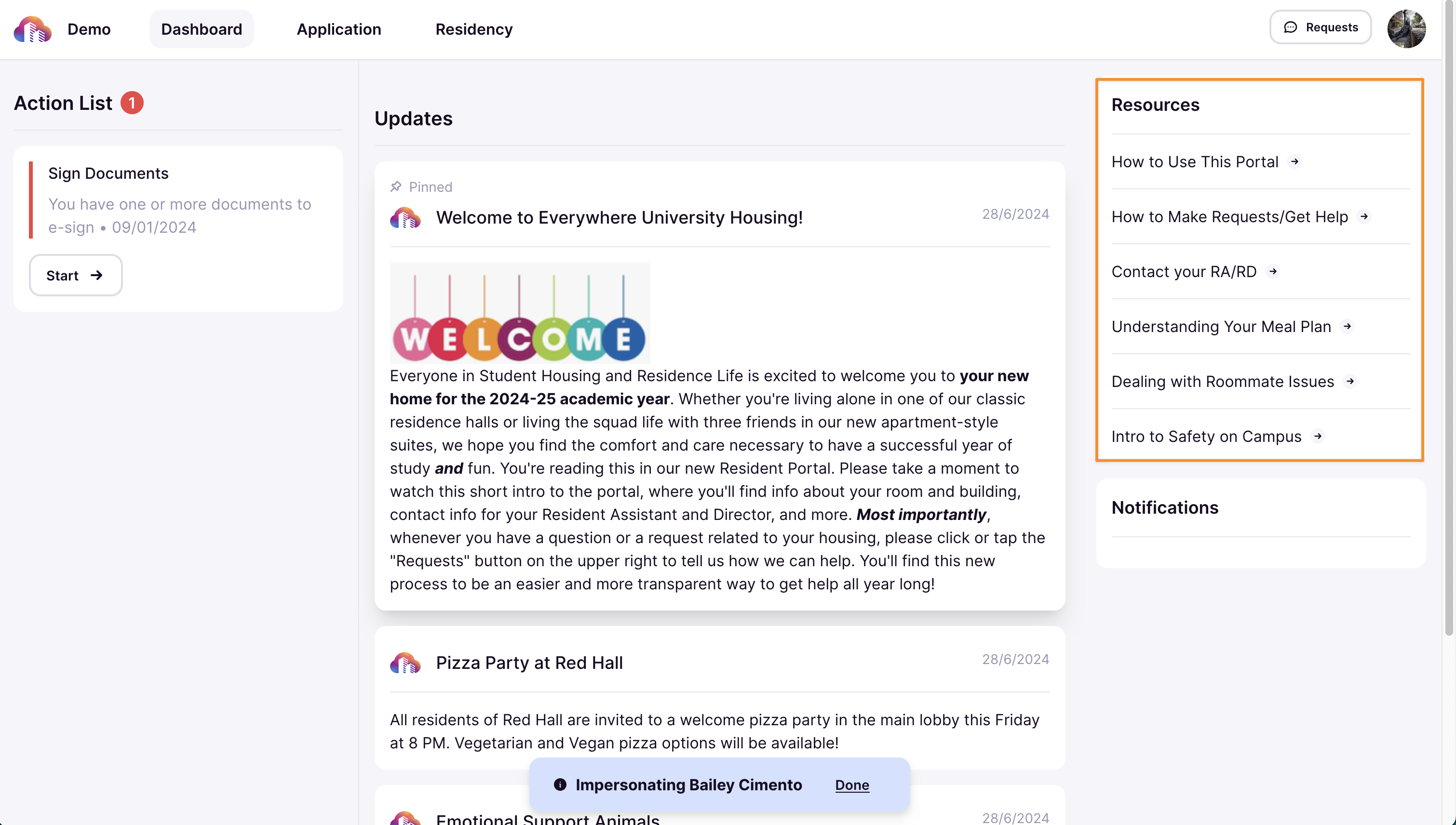
Resources provide students with easy access to important information directly from the Resident Portal. These can include guidelines, news, bulletins, help documents, or any other useful materials. Adding resources ensures students have the information they need readily available.
Add Resources
Navigate to the Communications section of the admin portal.

Click Resource Links.

Any previously added resources will be listed on this page.

Click New Resource to create a new link.

In the Label field, enter a name for the resource (e.g., "Housing Guidelines" or "Event Registration").

Provide the URL to the resource, which could be a document, webpage, system form, or any relevant student material.

Click Save to finalize and add the resource.

Once saved, students can view the resource directly in the Resident Portal under the Resources section.
